What is ChatGPT for Siri?
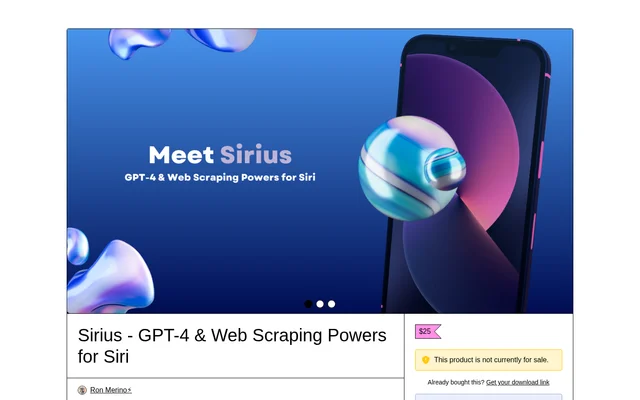
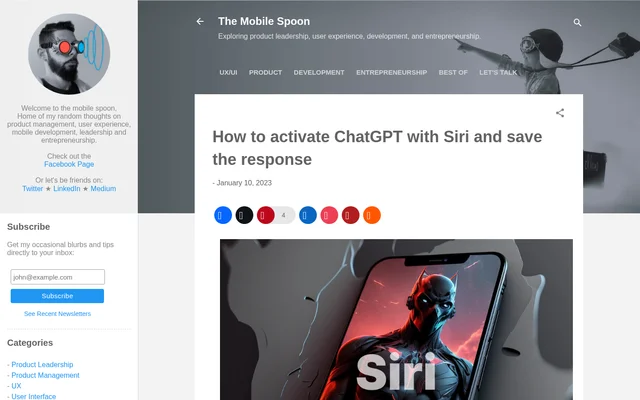
ChatGPT for Siri is a shortcut for asking ChatGPT questions through Siri and hearing the answers spoken aloud. ChatGPT for Siri is intended for people who want to use ChatGPT while on the move. The source page presents the shortcut as Smart Siri and provides a download link alongside instructions for connecting the shortcut to the ChatGPT API.
ChatGPT for Siri combines voice input, an API request, spoken output, and optional note creation in a single workflow. The source describes a shortcut configured inside the Shortcuts app, rather than a separate chat application. Users supply their own API key, and the page states that API access requires payment.
What ChatGPT for Siri can do
ChatGPT for Siri follows a question-and-answer workflow that begins with dictation and ends with an optional saved note. The shortcut sends the dictated question to ChatGPT, receives the response, and passes the answer to Siri for reading aloud. The saving step preserves the complete answer rather than a separately generated summary.
- ChatGPT for Siri can be activated through a Siri voice command.
- ChatGPT for Siri prompts the user to dictate a question.
- ChatGPT for Siri sends dictated text to the ChatGPT API.
- ChatGPT for Siri reads the returned answer aloud through Siri.
- ChatGPT for Siri optionally adds the complete response to a new Apple Note.
How ChatGPT for Siri works
ChatGPT for Siri requires users to copy an API key, download the shortcut, and add the shortcut to the Shortcuts app. Configuration involves replacing the designated text placeholder with the API key. The instructions specifically say to remove the placeholder brackets rather than leaving them around the key.
ChatGPT for Siri starts text dictation when invoked, sends the resulting text to the API, and receives an answer. Siri then reads the response and asks whether to save the answer. Choosing to save adds the whole response to a new note. The author's troubleshooting guidance also says speech recognition should be enabled.
Who ChatGPT for Siri is for
ChatGPT for Siri is aimed at Siri users who want to ask ChatGPT questions while on the move. The workflow suits people who prefer speaking their questions and listening to replies, with the option to retain an answer in Apple Notes. The source's setup guidance and comments discuss use on iPhone and Mac.
- ChatGPT for Siri supports asking questions by voice while on the move.
- ChatGPT for Siri supports listening to answers instead of reading them.
- ChatGPT for Siri supports retaining responses in Apple Notes for later reference.
ChatGPT for Siri pricing and access
ChatGPT for Siri depends on paid API access according to the page's update. The source directs users to enter payment details for API access and warns that users without paid access will probably encounter a quota error. The page provides no subscription amount or separate price for the shortcut, so the stated cost requirement concerns API usage.
ChatGPT for Siri strengths and limitations
ChatGPT for Siri brings dictated questions, spoken responses, and optional Apple Notes storage into one shortcut. The source provides a download path and configuration instructions, including clarification about removing API-key placeholder brackets. Those conveniences depend on completing the setup and maintaining working API access; the workflow also reads the answer before presenting the save question.
- ChatGPT for Siri requires paid API access to avoid the quota issue described on the page.
- ChatGPT for Siri requires users to insert an API key manually.
- ChatGPT for Siri requires speech recognition to be enabled.
ChatGPT for Siri FAQ
What is ChatGPT for Siri?
ChatGPT for Siri is a shortcut that connects Siri to ChatGPT for dictated questions and spoken answers. The source offers the shortcut as Smart Siri and includes an option to save each response to a new Apple Note.
Is ChatGPT for Siri free?
ChatGPT for Siri requires paid API access according to the source page. The page does not give a separate price for the shortcut or an API subscription amount, but warns that unpaid API access will probably produce a quota error.
How do you set up ChatGPT for Siri?
ChatGPT for Siri is set up by downloading the shortcut, adding the shortcut to the Shortcuts app, and inserting an API key into the designated placeholder. The instructions say to remove the placeholder brackets, and the author notes that speech recognition must be enabled.
Can ChatGPT for Siri save answers to Apple Notes?
ChatGPT for Siri can save the complete answer to a new Apple Note. After Siri reads the response aloud, the shortcut asks whether to save the answer; accepting that prompt adds the whole text block to a new note.
Who is ChatGPT for Siri for?
ChatGPT for Siri is for Siri users who want to ask ChatGPT questions by voice while on the move. The shortcut supports spoken replies and optional answer storage, combining voice interaction with saving responses in Apple Notes.
From the community
No reviews yet
Be the first to review this tool. What you write helps the next person choose.