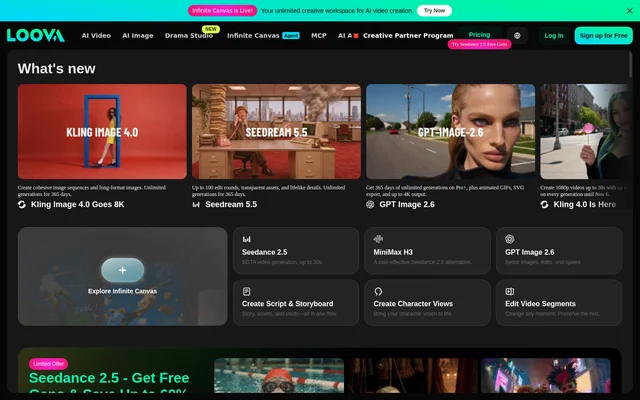
What is Loova AI?
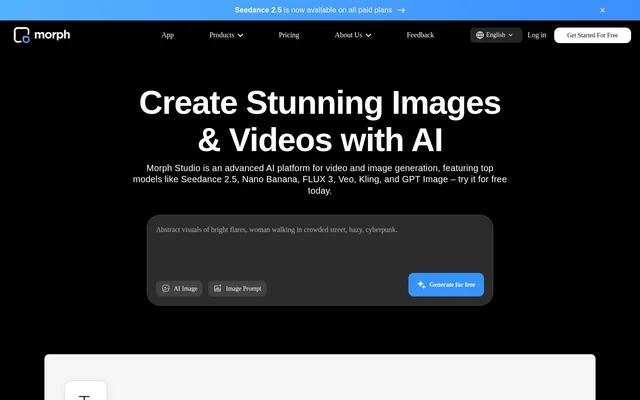
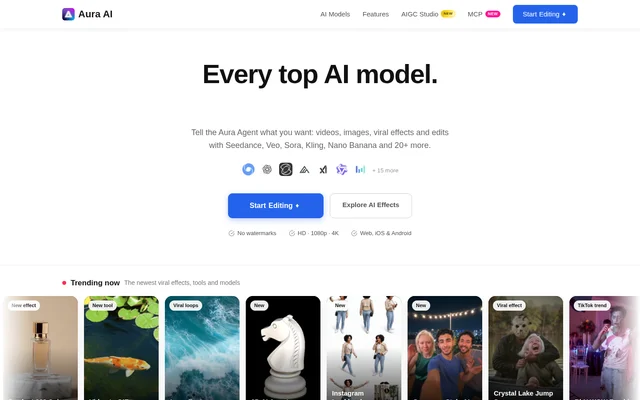
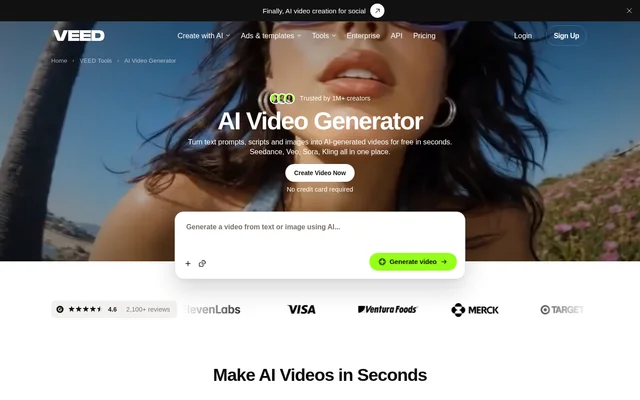
Loova AI is an AI image and video creation platform for people who make visual content and marketers who produce product ads. It offers image and video generation, prompt-based editing, and a workspace for planning scenes. Its model catalog includes options such as Kling, Seedance, and Google Veo for video, and GPT Image, Nano Banana, and Seedream for images.
What Loova AI can do
Loova AI supports both generating new media and editing existing assets. Its video editor accepts prompts and references, while its photo editor uses prompts for image changes. Separate tools handle specific tasks such as removing objects from footage, upscaling images, and changing backgrounds. The platform also offers tools for voice and motion.
- Generate videos from text, images, or other videos.
- Create images from text or existing images.
- Change video backgrounds or remove objects from footage.
- Upscale images or extend their borders.
- Animate a still image as a talking photo.
- Transfer motion and expressions from video to an image.
- Convert written text into speech.
How Loova AI works
Loova AI offers standalone generators and editors for individual tasks, along with Infinite Canvas for work that involves multiple scenes or assets. The canvas brings scripts, storyboards, assets, and shots into the same workflow. Users can organize scenes, explore different creative directions, and create different views of a character while developing a video.
Loova AI also offers segment editing for changes that affect only part of a video. The page describes this as a way to change a selected moment while preserving the rest. That differs from starting a new generation from a text prompt or reference, where the output is a new video rather than a revision of a selected segment.
Who Loova AI is for
Loova AI describes its tools as suitable for people of any skill level who want to make visual content. Creators can use the generators for individual images and clips or use the canvas for projects that need storyboards and character views. Marketers can use the ad tools to turn a product URL into a video ad or create ads with product avatars.
- Plan a video with scripts, storyboards, and shots.
- Generate product images for promotional content.
- Make a user-generated-content-style product video ad.
- Create a product ad from a URL.
- Use an existing viral video as a reference for an ad featuring a different product or character.
Loova AI pricing and plans
Loova AI offers free signup and lists paid plans, credit top-ups, and unlimited generation options for selected models. The pricing page shows monthly and annual billing options. The Lite plan is listed at $15 per month when billed annually and includes 300 credits per month. The page also indicates that users can upgrade for higher limits or buy extra credits.
Loova AI varies model access by plan. The Lite comparison shows access to Kling 4.0 but not Seedance 2.5 or Seedance 2.0. The Lite listing also shows separate limits for concurrent video and image jobs. Users comparing plans therefore need to consider model access and concurrency as well as the monthly credit allowance.
Strengths and limitations of Loova AI
Loova AI combines several parts of visual production in one place: image generation, video generation, editing, scene planning, and product ad creation. The editing tools accept existing media, while Infinite Canvas connects scripts, assets, and shots. The main trade-off is that having a model in the catalog does not mean every plan includes access to it.
- Lite has a fixed monthly credit allowance.
- Lite has separate concurrency limits for image and video jobs.
- Lite excludes Seedance 2.5 and Seedance 2.0.
- Unlimited generation options apply to selected models.
Loova AI FAQ
What is Loova AI?
Loova AI is a platform for generating and editing images and videos with AI. It accepts text and visual inputs, offers multiple models, and includes Infinite Canvas for organizing scripts, storyboards, assets, and shots.
Is Loova AI free to use?
Loova AI offers free signup alongside paid subscriptions and credit top-ups. The Lite plan is listed at $15 per month when billed annually, with 300 monthly credits. Unlimited generation options are listed for selected models.
Can Loova AI edit an existing video?
Loova AI can edit existing videos using prompts and references. It offers segment editing to change a selected moment while preserving the rest, as well as dedicated tools for changing video backgrounds and adding or removing objects.
What is Loova AI Infinite Canvas?
Loova AI Infinite Canvas is a workspace for developing video ideas and organizing scenes. It brings scripts, storyboards, assets, and shots into one workflow and supports creating character views and editing selected video segments.
Can Loova AI make product video ads?
Loova AI can generate product video ads, including user-generated-content-style videos and videos with product avatars. Its ad tools also include a URL-to-video option and a workflow for adapting existing viral videos with different products and characters.
From the community
No reviews yet
Be the first to review this tool. What you write helps the next person choose.