What is MakeBestMusic?
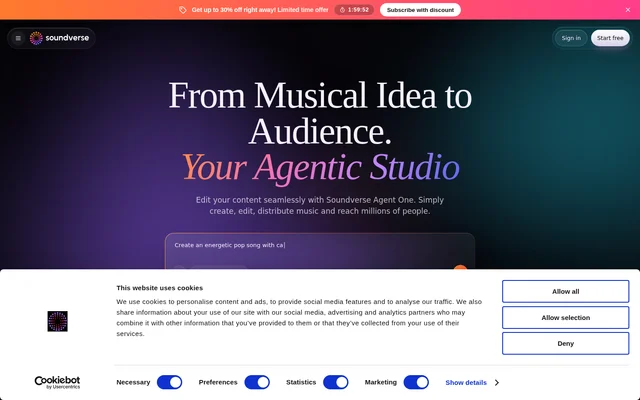
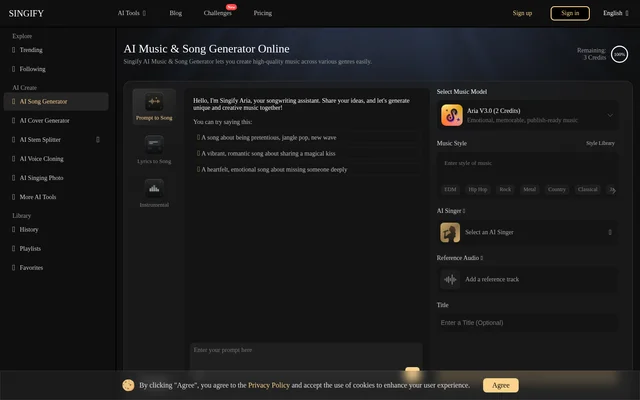
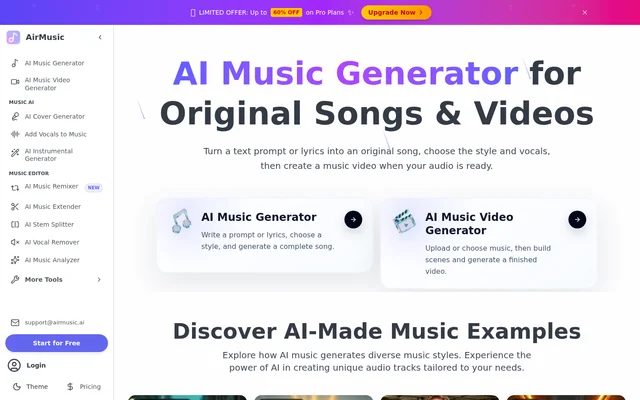
MakeBestMusic is an online AI music generator for creating songs with vocals or instrumental music from lyrics and creative descriptions. MakeBestMusic serves musicians, media creators, educators, businesses, and people developing initial song ideas. The service combines song generation with related tools for preparing lyrics, exploring voices, separating audio elements, creating MIDI, mastering music, and presenting songs through music videos.
MakeBestMusic accepts musical direction through prompts describing genres, moods, instruments, or song structures. Dedicated song and instrumental modes support different starting points, from an existing lyric to a background music concept. The website presents an online creation workflow that does not require users to install traditional music production software.
What MakeBestMusic can do
MakeBestMusic provides tools covering several stages of music creation, from writing ideas to preparing audio and visual presentations. Song generation includes composition, vocal, and style controls, while supporting tools address lyrics, voice experimentation, stems, MIDI, and mastering. Availability and supported inputs vary by tool, including supported audio for stem separation and supported music for video generation.
- MakeBestMusic turns lyrics and creative prompts into songs with vocals.
- MakeBestMusic generates instrumental music from genre, mood, and instrument descriptions.
- MakeBestMusic develops structured lyric ideas from topics or story directions.
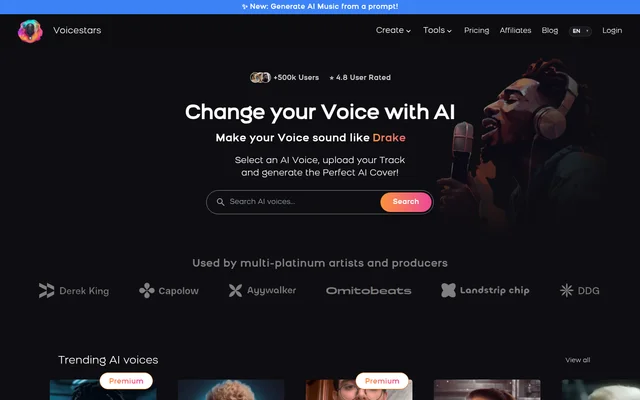
- MakeBestMusic offers voice covers for auditioning different voices on the same song.
- MakeBestMusic separates supported audio into available vocal and instrumental elements.
- MakeBestMusic includes a MIDI sequencer for melodies, chords, and rhythms with DAW integration.
- MakeBestMusic applies automated mastering to produce a more balanced mix.
- MakeBestMusic pairs supported music with visual content through music video generation.
How MakeBestMusic works
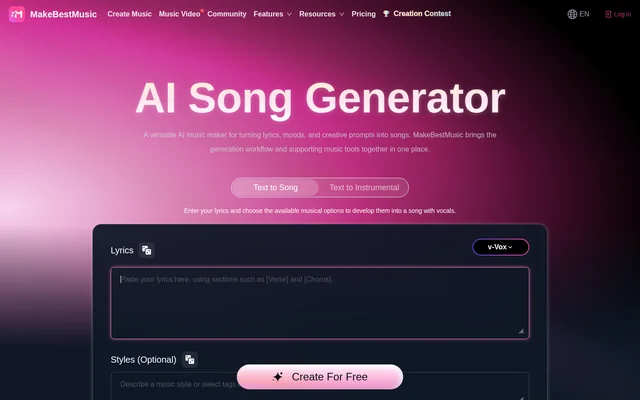
MakeBestMusic starts with a choice between Text to Song and Text to Instrumental. Users enter lyrics or a creative prompt, then describe the desired musical direction. The generator processes that input according to the selected mode and controls. Users can listen to the result and use whichever download options are available to their account.
MakeBestMusic provides a video tutorial, guides, and AI music prompts to explain the online workflow. Registered users can access the free credits currently available to their accounts. Processing time depends on the request and current service conditions, while vocal and language choices depend on the selected generation model. Publishing or commercial use requires reviewing the relevant terms.
Who MakeBestMusic is for
MakeBestMusic addresses both professional creative work and personal experimentation. Musicians can test lyrics and arrangements, while media creators can explore music for videos, podcasts, and livestreams. Educators can use music examples to discuss songwriting and structure. The website also identifies filmmakers, game developers, brands, marketers, and wellness creators as audiences for the music generation workflow.
- Content creators can explore songs and background music for short-form content and podcasts.
- Filmmakers and game developers can develop music ideas for scenes, characters, and environments.
- Educators can support lessons about genre, rhythm, songwriting, and song structure.
- Brands can develop music concepts for presentations, campaigns, and promotional videos.
- Personal creators can explore music for meditation, fitness, celebrations, and personal videos.
MakeBestMusic strengths and limitations
MakeBestMusic combines vocal and instrumental generation with tools that support related music tasks in the same online workspace. This gives creators options for moving from lyric ideas to generated tracks, voice experiments, stem separation, MIDI, and mastering. The main constraints concern account allowances, supported inputs, model-dependent options, and licensing conditions rather than a requirement to install traditional production software.
- MakeBestMusic limits credits, downloads, and storage according to the selected plan.
- MakeBestMusic generation times vary with request details and service conditions.
- MakeBestMusic language and vocal options depend on the generation model.
- MakeBestMusic commercial use remains subject to applicable licensing and account terms.
MakeBestMusic FAQ
What is MakeBestMusic?
MakeBestMusic is an online AI music generator that turns lyrics and creative prompts into songs with vocals or instrumental tracks. MakeBestMusic also offers tools for lyrics, voice covers, stem separation, MIDI generation, mastering, and music videos.
Is MakeBestMusic free?
MakeBestMusic offers a Free plan at $0 per month with 3 AI music credits, 2 free AI lyric generations per day, and 7 days of music cloud storage. MakeBestMusic also offers paid monthly and yearly subscriptions with different allowances.
Can MakeBestMusic turn my own lyrics into a song?
MakeBestMusic accepts user-provided lyrics in Text to Song mode and develops them into a song with vocals using the available musical controls. Users can also describe genres, moods, instruments, or song structures to guide the generated result.
Can MakeBestMusic generate instrumental music?
MakeBestMusic offers Text to Instrumental mode for creating music without lead vocals. Users describe a genre, mood, instrument selection, or creative setting, and the resulting instrumental ideas can support videos, games, podcasts, and other projects.
Can MakeBestMusic music be used commercially?
MakeBestMusic advertises commercial rights on its pricing page, but the main page states that commercial usage depends on the applicable plan and licensing terms. Users should review current licensing, account conditions, and destination platform requirements before publishing, distributing, or monetizing generated tracks.
Does MakeBestMusic work with a DAW?
MakeBestMusic describes its AI MIDI Generator as including a built-in MIDI sequencer for creating melodies, chords, and rhythms while integrating with a user's main DAW. The supplied page does not identify specific compatible DAW products.
From the community
No reviews yet
Be the first to review this tool. What you write helps the next person choose.