What is Prequel?
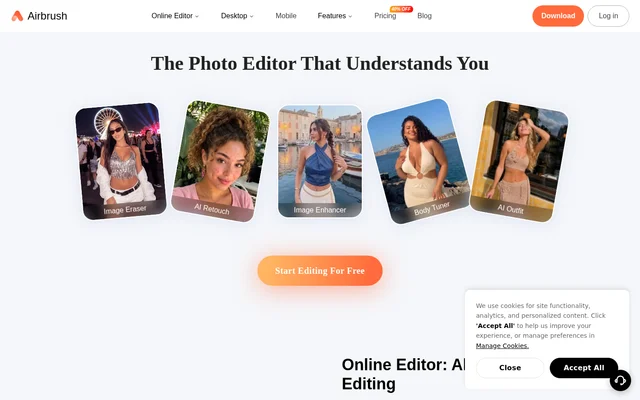
Prequel is a photo and video editor for creating stylized images, portraits, profile pictures, and videos. Prequel brings together effects, retouching tools, filters, image adjustments, and video templates. The website presents these capabilities alongside inspiration drawn from edits, presets, and templates, giving people ways to explore an aesthetic as well as tools to apply changes to their own content.
Prequel includes AI-powered effects as part of a broader editing toolset rather than describing AI as the only way to edit. Portrait transformations sit alongside familiar controls such as brightness and contrast. This combination supports both changes to a picture’s visual style and adjustments to details such as skin appearance, color, warmth, and sharpness.
What Prequel can do
Prequel covers several distinct editing tasks, from adding visual objects and captions to changing the appearance of a portrait. Prequel also provides named filter styles and video templates. The page lists specific image controls, so the editing options extend beyond choosing a preset look or applying an AI transformation.
- Prequel offers 800+ effects, including D3D, AR objects, and captions.
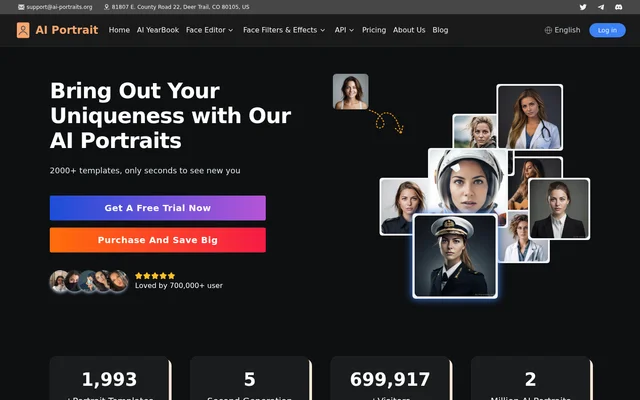
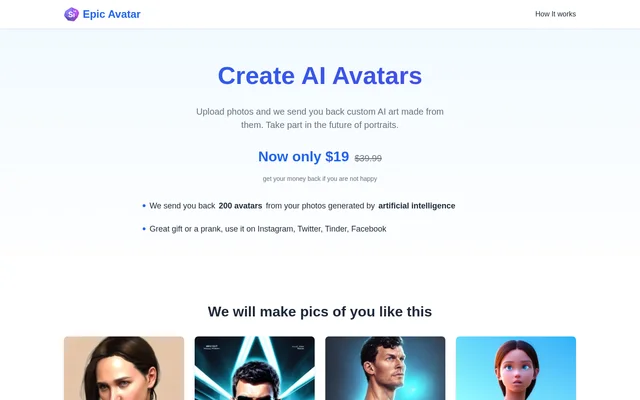
- Prequel uses AI effects to turn selfies and portraits into artwork or comic book characters.
- Prequel supports skin smoothing, teeth whitening, and face reshaping.
- Prequel includes vintage, retro, Y2K, and Indie Kid filters.
- Prequel adjusts contrast, brightness, saturation, warmth, and sharpening.
- Prequel provides video templates with intros, outros, and background music.
How Prequel works
Prequel presents an editing approach built around effects, filters, retouching, image adjustments, and templates. People can use filters to change a photo’s mood, retouching tools to alter facial details, or AI-powered effects to transform portraits. For video content, Prequel highlights templates as an alternative to starting from scratch, with intros, outros, and background music among the available elements.
Prequel provides Download and Get Prequel links on the website as the route to obtaining the editor. The page also includes an About Subscription link. The supplied text does not identify supported operating systems, explain installation or account setup, or provide subscription prices and plan details.
Who Prequel is for
Prequel is for people who want to edit photos and videos around a particular look or mood. The stated examples include profile pictures, selfies, portraits, and video content. Prequel’s mix of portrait effects, aesthetic filters, and templates supports users interested in visual transformations as well as those making more targeted image adjustments.
- Prequel can create profile pictures using AI-powered effects.
- Prequel can give photos a vintage, retro, Y2K, or Indie Kid look.
- Prequel can retouch facial details in selfies and portraits.
- Prequel can help build video content using intros, outros, and background music.
Prequel strengths and available product information
Prequel’s stated strengths are the range of editing methods and the combination of photo and video capabilities. Prequel pairs stylized effects with specific adjustment controls, while video templates offer a starting point for content creation. The website describes these creative tools but does not establish usage allowances, export conditions, or differences between subscription options, so those details cannot be assessed from the supplied page.
Prequel FAQ
What is Prequel?
Prequel is a photo and video editor with AI-powered effects, retouching, aesthetic filters, image adjustments, and video templates. Prequel supports tasks such as creating profile pictures, transforming portraits, adjusting image colors, and adding video intros or outros.
What AI effects does Prequel offer?
Prequel offers AI-powered effects for creating profile pictures and transforming selfies or portraits into artwork. Prequel also describes effects that turn a person into a comic book character.
Can Prequel retouch photos?
Prequel supports photo retouching with skin smoothing, teeth whitening, and face reshaping. Prequel also provides separate image adjustments for contrast, brightness, saturation, warmth, and sharpening, alongside aesthetic filters.
Can Prequel edit videos?
Prequel includes video editing and video templates with intros, outros, and background music. Prequel presents templates as a way to create content without having to start from scratch.
Which filters does Prequel have?
Prequel lists vintage, retro, Y2K, and Indie Kid filter styles. Prequel describes filters as a way to color-correct images and change their mood, alongside separate controls for brightness, contrast, saturation, warmth, and sharpening.
From the community
No reviews yet
Be the first to review this tool. What you write helps the next person choose.