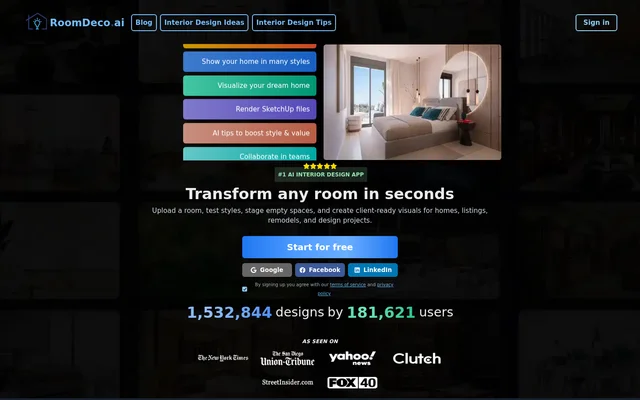
What is RoomDeco AI Interior Design Tool?
RoomDeco AI Interior Design Tool is an AI-powered tool for generating room decor and interior design ideas. The product listing identifies RoomDeco as the brand, and the page addresses realtors who want to show buyers what a dated listing room could look like with different decor. The examples center on a specific real estate task: making the potential of an existing room easier to picture.
What RoomDeco AI Interior Design Tool can do
RoomDeco AI Interior Design Tool generates design ideas that the page presents in the context of property listings. The capabilities span coming up with a different look for a room, using that look to stage a dated space, and sharing a visual with a buyer. The page distinguishes between showing buyers the room’s potential live and sending a visual as a follow-up.
- Generate room decor and interior design ideas.
- Stage dated rooms in property listings.
- Show buyers a room’s potential live.
- Send visual follow-ups to buyers.
How RoomDeco AI Interior Design Tool works in buyer conversations
RoomDeco AI Interior Design Tool is presented through a realtor’s workflow rather than a step-by-step tutorial. The examples start with a dated room in a listing. A realtor can use a staging idea to show a buyer how the room could look and can send a visual afterward. The page describes when a realtor might use the visuals, but it does not explain how a room is submitted or how a follow-up is sent.
Who RoomDeco AI Interior Design Tool is for
RoomDeco AI Interior Design Tool is presented to realtors, with buyers as the audience for the resulting visuals. The distinction matters when reading the page: the realtor stages the room, shows its potential, or sends the follow-up, while the buyer sees the design idea. The clearest example is a dated listing room whose current decor makes a different look harder to imagine.
- Stage a dated room before discussing it with buyers.
- Show a room’s potential during a live buyer conversation.
- Share a design visual as a buyer follow-up.
Strengths and limitations of RoomDeco AI Interior Design Tool
RoomDeco AI Interior Design Tool has a clearly described use in real estate: a realtor can show a buyer how a dated room might look and follow up with a visual. The product page is more specific about that buyer-facing use than about the process for producing the visuals. A realtor can identify where the tool might fit in a listing conversation, but the supplied details do not establish what the realtor needs to provide to generate a design.
RoomDeco AI Interior Design Tool FAQ
What is RoomDeco AI Interior Design Tool?
RoomDeco AI Interior Design Tool is an AI-powered tool that generates room decor and interior design ideas. Its product page highlights virtual staging for realtors who want to show buyers how dated rooms in property listings could look.
Who is RoomDeco AI Interior Design Tool for?
RoomDeco AI Interior Design Tool is presented to realtors who want to show buyers the potential of rooms in property listings. The page highlights staging dated rooms, presenting design ideas live, and sending visuals as follow-ups.
Can RoomDeco AI Interior Design Tool stage dated listing rooms?
RoomDeco AI Interior Design Tool lists staging dated listing rooms as a use case. The tool generates room decor and interior design ideas that realtors can use to show buyers how an existing room could look with different decor.
Can realtors use RoomDeco AI Interior Design Tool for buyer follow-ups?
RoomDeco AI Interior Design Tool lists sending visual follow-ups as a use case for realtors. The page also describes showing a room’s potential live, but it does not specify how the follow-up visuals are delivered.
From the community
No reviews yet
Be the first to review this tool. What you write helps the next person choose.