Best AI Coding Assistants in 2026: 5 Compared
GitHub Copilot is the best AI coding assistant for most developers in 2026 (from $10 a month); Claude Code suits power users and Cursor suits those wanting an AI-first editor.

GitHub Copilot is the best AI coding assistant for most developers in 2026, from $10 a month, with a free tier. Claude Code is best for power users and long agent tasks, Cursor suits people who want an AI-first editor, OpenAI Codex fits ChatGPT subscribers, and Devin Desktop (formerly Windsurf) suits agent-heavy workflows from $20 a month.
Some links on this page may become affiliate links; it never changes our ranking. How we pick: see below. Prices checked 29 October 2026.
At a glance
| Tool | Best for | Entry paid price | Standout | Watch out for |
|---|---|---|---|---|
| GitHub Copilot | Most developers; best value | Pro $10/month (Free plan available) | Works in the widest range of editors | Usage-based credits since 1 June 2026; no fallback when they run out |
| Claude Code | Power users and long agent tasks | Included in Claude Pro: $17/month billed annually ($20 monthly) | Terminal-first agent with IDE, web and desktop surfaces | Rolling five-hour and weekly limits; no Free-plan access |
| Cursor | An AI-first editor | Plus $8/month; Premium $30/month for third-party models | Cloud agents and model choice | Claude and GPT models billed at API list price on top; now part of SpaceX |
| OpenAI Codex | ChatGPT subscribers | Included in Plus at $20/month (Go $8 is lightweight) | Web, CLI, IDE extension and mobile in one subscription | Message allowances vary widely by model |
| Devin Desktop (Windsurf) | Agent command-centre workflows | Pro $20/month | Local-to-cloud agent handoff | Rebranded from Windsurf; quotas not stated numerically |
1. GitHub Copilot: best for most developers
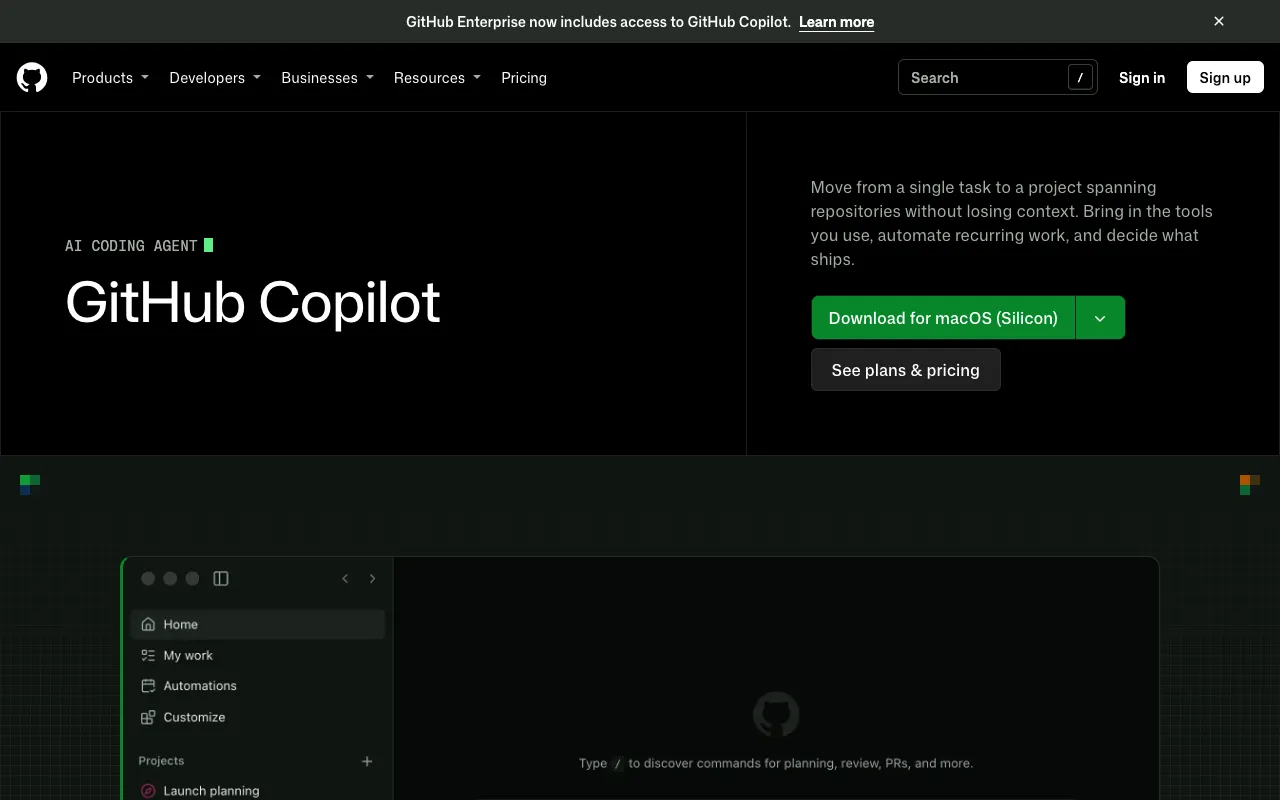
GitHub Copilot is Microsoft-owned GitHub's AI coding assistant, and it is the one that fits the widest range of setups. The product page lists support for Visual Studio Code, Visual Studio, JetBrains IDEs, Xcode, Vim, Neovim, Zed and Eclipse, plus a CLI, desktop app, web, mobile, Slack and Teams. The terminal side also has its own directory entry: GitHub Copilot CLI.
Pricing changed on 1 June 2026, when GitHub moved Copilot from premium requests to usage-based GitHub AI Credits (1 credit = $0.01), as GitHub explained when it announced the shift. On the plans page: Free is $0 with 2,000 inline suggestions a month; Pro is $10 a month with $15 of credits ($10 base plus $5 flex); Pro+ is $39 with $70 of credits; Max is $100 with $200 of credits. Inline completions stay unlimited on paid plans; chat and agent work spend credits.
The honest catch is the loss of the old fallback. Reporting on the change says that when credits run out you buy more, upgrade or wait for the reset, rather than dropping to a cheaper model. The same coverage says annual Pro and Pro+ subscribers stay on the legacy system and move to Free when the term ends. Business and Enterprise prices are not shown on the plans page.
Pros
- Cheapest paid plan here at $10 a month, with a genuine Free tier
- Works in the most editors and on github.com
- Model choice across Anthropic, OpenAI, Google and others on every plan
- Unlimited inline suggestions on paid plans
Cons
- Chat and agents run on credits, so heavy use can exhaust $15 quickly
- No automatic fallback to a cheaper model once credits are gone
- Delegating to third-party agents needs Pro+ at $39
- Business and Enterprise prices are sales-led
Pricing: Free $0; Pro $10 a month; Pro+ $39; Max $100. USD, monthly, as of 29 October 2026. Business and Enterprise: contact sales.
Best for: developers who want AI help in whatever editor they already use, at the lowest cost.
2. Claude Code: best for power users and long agent tasks
Claude Code is Anthropic's coding agent. You give it a bug, a test suite or a migration, then steer and review its work. It runs in the terminal, in VS Code (including Cursor and Devin Desktop) and JetBrains extensions, on the web and mobile, in the Claude desktop app, and from Slack and GitHub workflows, according to its product page.
There is no separate Claude Code price. It is included in Claude Pro ($17 a month billed annually or $20 monthly) and Max (from $100 a month), per the pricing page. Team is $20 per seat a month billed annually. Usage runs on a rolling five-hour window with weekly limits, and you can switch on usage credits to keep going. The model line-up on that page is Fable 5.1, Opus 5.5, Sonnet 5.5 and Haiku 5.5, with the top model credit-metered on Pro.
If you want to customise it, the directory lists community add-ons such as Claude Code Templates and Claude Code Router. Because the same subscription also covers Claude chat, it overlaps with our paid AI assistant comparison.
Pros
- No extra fee on top of a Claude Pro or Max subscription
- Works across terminal, IDE, web, mobile and desktop
- Permission prompts before it edits files or runs commands in the terminal
- Self-hosted environments in public beta
Cons
- Not available on the Free plan
- Rolling five-hour and weekly usage limits can interrupt long sessions
- Code Review is generally available only for Team and Enterprise
- Top-model access on Pro depends on usage credits
Pricing: Included with Claude Pro: $17 a month billed annually ($20 monthly), Max from $100 a month, Team $20 per seat annually. USD, as of 29 October 2026.
Best for: experienced developers running multi-file refactors or long autonomous tasks.
3. Cursor: best AI-first editor
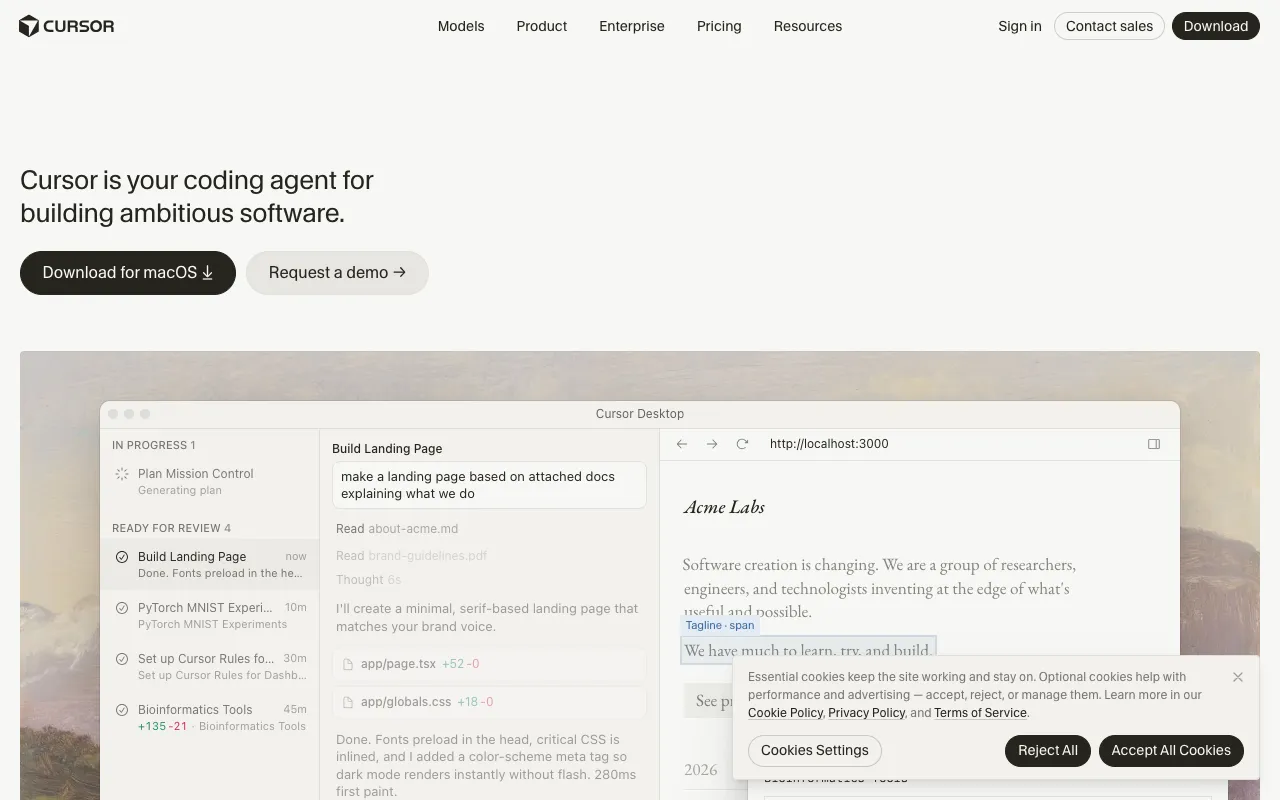
Cursor is an AI coding product built as a desktop app, a command-line tool and cloud agents. Its homepage carries a post dated 14 August 2026 headlined "Cursor is now a part of SpaceX", while the footer still names Anysphere, Inc. It offers model choice across OpenAI, Anthropic, Gemini, SpaceXAI and its own models, and Grok Bot for AI teammates.
Cursor's pricing page has been rebuilt around a shared usage pool with Grok. Free is $0; Plus is $8 a month with Grok models only; Premium is $30 with cloud agents, AI code reviews and third-party models at API list price; Super is $100 (15x Plus usage); Ultra is $200 (50x). Teams starts at $30 per user. Allowances refresh weekly.
The key point for budgeting: from Premium upwards, using Claude or GPT in Cursor is billed separately at API list price, with optional spending caps. So $30 is a floor, not a total. We could not confirm from the page how this treats earlier plan holders, though secondary reports say existing subscribers can keep their old plans for now.
Pros
- Polished agent-first editor with cloud agents and a CLI
- Choice between OpenAI, Anthropic, Gemini and in-house models
- Weekly refresh means one heavy day does not sink the month
- Free tier to try it
Cons
- Third-party model usage is billed on top of the plan
- Plus ($8) is limited to Grok models
- Pricing was restructured recently and may change again
- Ownership changed in August 2026 with SpaceX
Pricing: Free $0; Plus $8; Premium $30; Super $100; Ultra $200; Teams from $30 per user, all monthly. USD, excl. tax, as of 29 October 2026.
Best for: developers who want an editor built around agents and are comfortable with metered model costs.
4. OpenAI Codex: best if you already pay for ChatGPT
OpenAI Codex is OpenAI's coding agent, available through the Codex CLI, an IDE extension, a desktop app, Codex cloud and an SDK. It sits inside ChatGPT subscriptions rather than being sold separately, so it takes the slot we first planned for Tabnine (see "How we compared these tools").
OpenAI's Codex pricing documentation lists Free and Go ($8 a month) for lightweight tasks, Plus at $20 with Codex on the web, CLI, IDE extension and iOS, Pro tiers at $100, $200 and $500, and Business at $20 per user a month billed annually. There is also an API-key route, billed per use, which works in the CLI and IDE extension but has no cloud features.
Allowances are published as estimated messages per five hours on Plus: for example 5 to 45 on GPT-6 Astra and 350 to 3,000 on GPT-6 Luna. Faster modes cost more: Fast uses 2.5x included usage, and Ultrafast, only on the $500 plan, uses 8x. Pro currently has no five-hour limit.
Pros
- No extra purchase if you already have ChatGPT Plus
- Many surfaces: CLI, IDE, desktop, cloud and SDK
- Published message ranges per model, unusual in this category
- API-key mode for pay-as-you-go use
Cons
- Allowances swing widely by model, so planning is harder
- Faster modes consume much more allowance
- Pro 200 allowance is being reduced from 30 October according to press reports
- GPT-5.5 stopped working with ChatGPT sign-in on 14 October 2026
Pricing: Included in ChatGPT Plus at $20 a month; Go $8; Pro $100, $200 or $500; Business $20 per user a month annually. USD, as of 29 October 2026.
Best for: people already on ChatGPT Plus or Pro who want a coding agent without another subscription.
5. Devin Desktop (formerly Windsurf): best for managing many agents
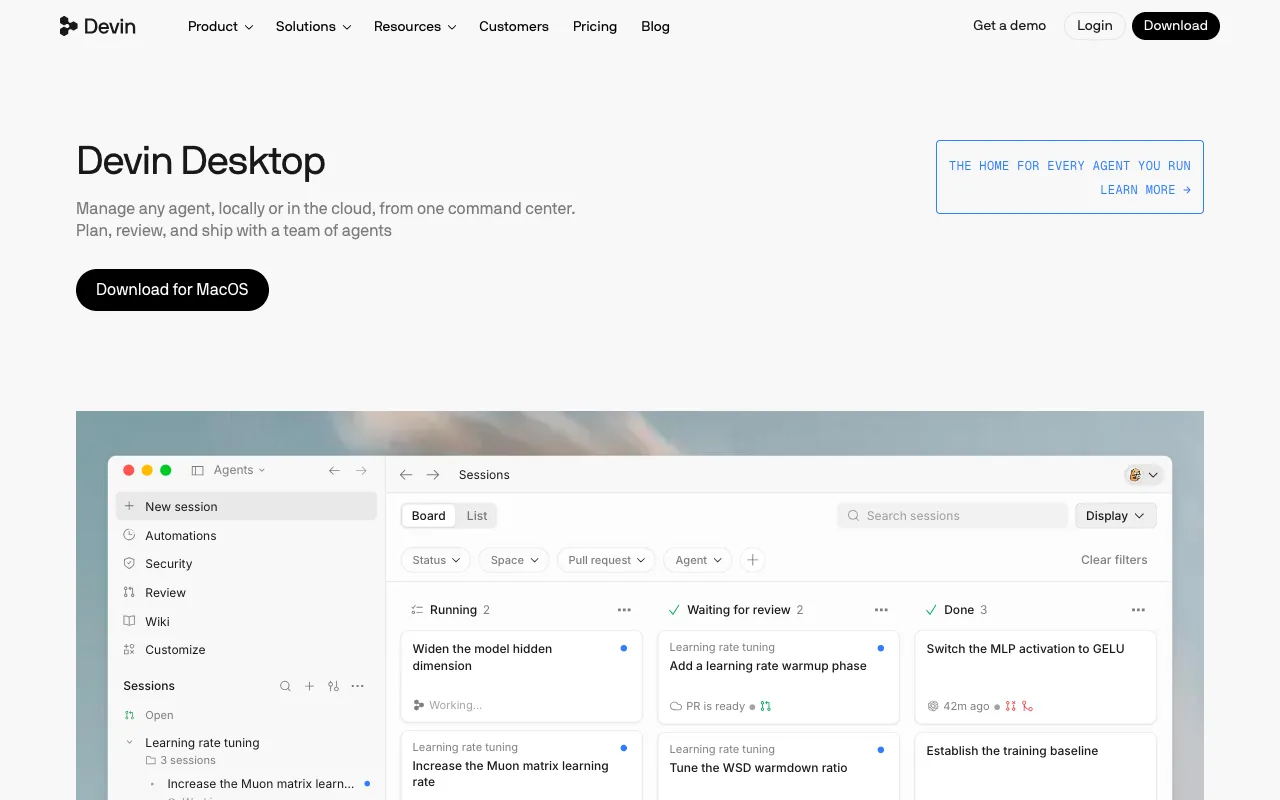
Windsurf no longer lives under that name: windsurf.com now redirects to Devin Desktop, which the page calls "the new name for Windsurf". It is an editor with an agent command centre, local and cloud agents, subagents, Devin Review and tab completion. The page points to the Cognition team, and upgrading from Windsurf is an over-the-air update that keeps settings and extensions. Windsurf for JetBrains remains available.
The Devin pricing page lists Free ($0), Pro ($20 a month), Max ($200), Teams ($80 a month team fee plus $40 per full dev seat, up to 200 users) and a custom Enterprise tier. Paid quotas refresh daily and weekly, and extra usage is bought at API pricing, but no numeric limits are given, which makes cost hard to forecast. Devin Cloud access is part of Pro.
Pro at $20 is the same entry price as Claude Pro or ChatGPT Plus, but you are buying a single product. It is worth a trial if you want to supervise several agents; for ordinary autocomplete and chat, Copilot is cheaper.
Pros
- Free tier with tab completions and inline edits
- Local-to-cloud session handoff
- Same pricing carried over for legacy Windsurf customers per the page
- JetBrains plugin still available
Cons
- No numeric usage limits published
- Renamed and re-platformed in 2026, so older guides and reviews are out of date
- Teams has a base fee plus per-seat cost
- Desktop download listed for macOS only on the page we read
Pricing: Free $0; Pro $20 a month; Max $200; Teams $80 team fee plus $40 per seat; Enterprise custom. Billed monthly, USD, as of 29 October 2026.
Best for: developers who manage several agents at once and want local and cloud work in one app.
How we compared these tools
This is research of vendor pages and public documentation on 29 October 2026, not hands-on testing or benchmarks. We weighted price transparency and cost predictability 30%, editor and platform coverage 20%, agent and model capability as described by vendors 20%, usage-limit clarity 20%, and ownership and stability 10%.
Swap note: we first planned to include Tabnine, but Tricentis announced it had acquired Tabnine on 30 July 2026 and tabnine.com now redirects to Tricentis. We could not verify current plans on a Tabnine page, so we replaced it with OpenAI Codex. Third-party aggregators list Tabnine seats at $39 and $59 per user per month billed annually, which we could not confirm from the vendor. Teams that need on-premises or air-gapped deployment should ask Tricentis directly.
How to choose
- If you want the lowest cost in any editor, pick GitHub Copilot Pro at $10.
- If you run long autonomous tasks, pick Claude Code via Claude Pro or Max.
- If you want an AI-first editor and accept metered third-party models, pick Cursor Premium.
- If you already pay for ChatGPT Plus, try Codex before buying anything else.
- If you want to run several agents side by side, trial Devin Desktop Pro.
- If you need on-premises deployment, talk to Tricentis about Tabnine; we could not confirm plans.
Frequently asked questions
What is the best AI coding assistant in 2026?
For most developers, GitHub Copilot, because Pro is $10 a month, there is a Free tier, and it works across VS Code, Visual Studio, JetBrains, Xcode and more. Claude Code is the better pick for long autonomous tasks and Cursor for an AI-first editor. Prices checked 29 October 2026; we did not run benchmarks.
How much does GitHub Copilot cost?
GitHub Copilot Free is $0 with 2,000 inline suggestions a month. Pro is $10 a month with $15 of AI Credits, Pro+ is $39 with $70, and Max is $100 with $200, per GitHub's plans page on 29 October 2026. Since 1 June 2026, chat and agent usage spends credits, while inline completions remain unlimited on paid plans.
Is Claude Code free?
No. Claude Code is included with Claude Pro, which is $17 a month billed annually or $20 monthly, and with Max, Team and Enterprise plans, according to Anthropic's pricing page on 29 October 2026. It is not on the Free plan. Usage runs on rolling five-hour and weekly limits, with usage credits available to extend them.
Is Windsurf still available?
Windsurf has been renamed Devin Desktop. windsurf.com redirects to devin.ai, which says Devin Desktop is the new name for Windsurf, with an over-the-air upgrade that keeps your settings and extensions. Plans are Free, Pro at $20 a month, Max at $200, Teams and Enterprise, as of 29 October 2026.
Who owns Cursor now?
Cursor's homepage carries a post dated 14 August 2026 headlined "Cursor is now a part of SpaceX", and its pricing page shows a usage pool shared with Grok. The footer still lists Anysphere, Inc. as the copyright holder. Check current terms if data handling or vendor ownership matters for your organisation.
What happened to Tabnine?
Tricentis announced on 30 July 2026 that it had acquired Tabnine, and tabnine.com now redirects to Tricentis. The announcement did not say what happens to the standalone product or its pricing. We could not verify current plans, so Tabnine is not ranked here. If you need on-premises deployment, contact Tricentis directly.
More from the directory: GitHub Copilot CLI, Claude Code Templates, compare tools side by side, code and development tools, and our guides to paid AI assistants and AI meeting assistants.