Best AI Meeting Assistants in 2026: 5 Note-Takers Compared
Fathom is the best AI meeting assistant for most people in 2026 thanks to its free plan; Otter, Fireflies, tl;dv and Read AI suit other needs. Prices checked 29 October 2026.

Fathom is the best AI meeting assistant for most people in 2026, because its free plan offers unlimited recordings and transcripts. Otter is the best-known all-rounder from $8.33 a month, Fireflies suits heavy integrations, tl;dv suits EU data-hosting needs, and Read AI is the cheapest unlimited paid plan at $15 a month annually.
Some links on this page may become affiliate links; it never changes our ranking. How we pick: see below. Prices checked 29 October 2026.
At a glance
| Tool | Best for | Entry paid price | Standout | Watch out for |
|---|---|---|---|---|
| Fathom | Most people; best free plan | Premium $16/month billed annually ($20 monthly); Free plan available | Unlimited free recordings and transcripts | Page does not label monthly vs annual prices; now part of Superhuman |
| Otter.ai | All-round note-taking and live transcripts | Pro $8.33/month billed annually ($16.99 monthly) | Live transcription with clear minute caps | Free plan limited to 300 minutes and 30-minute meetings |
| Fireflies.ai | Integrations and 100+ languages | Pro about $10/seat/month billed annually (tracker figure) | Wide integrations and compliance claims | We could not read prices on its own page; reports of cancellation friction |
| tl;dv | EU and UK data-residency concerns | Pro €18/seat/month billed annually (€29 monthly) | EU-hosted data and a bot-free option | Prices shown in euros; no UK price |
| Read AI | Low-cost unlimited transcripts | Pro $15/month billed annually ($19.75 monthly) | Pre-meeting context from calendar, email and CRM | No refunds; card payment only |
1. Fathom: best AI meeting assistant for most people
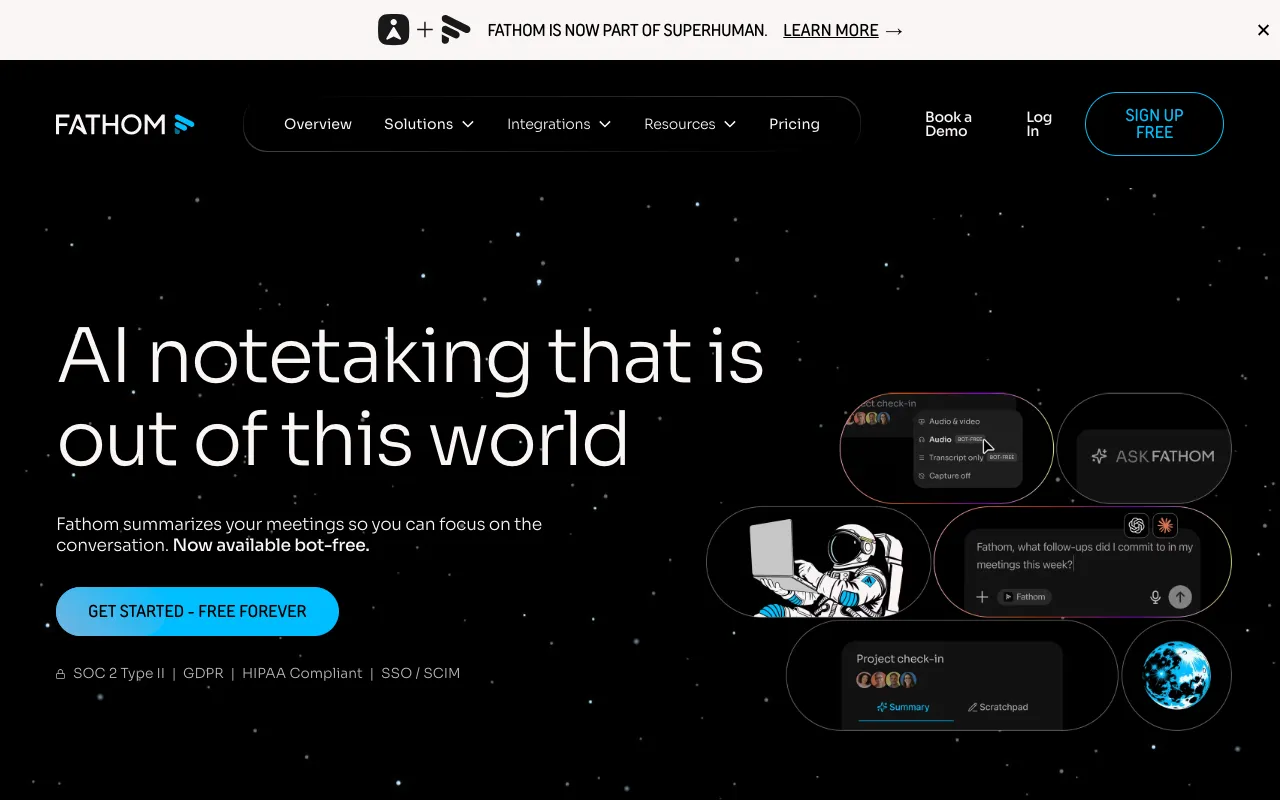
Fathom is an AI notetaker that records, transcribes and summarises calls on Zoom, Google Meet and Microsoft Teams. Its site says it is now part of Superhuman, and it supports notetaking with or without a meeting bot. It lists SOC 2 Type II, GDPR and HIPAA compliance, plus integrations with Slack, Salesforce, HubSpot, Notion, Asana, Zapier, ChatGPT and Claude.
The pricing page is generous at the bottom: Free is described as free forever, with unlimited recordings and transcripts and instant AI call summaries. Premium is $20 or $16 a month, Team $19 or $15 per user (two-user minimum) and Business $34 or $25. The page does not label which figure is monthly and which is annual; we read the lower number as annual because it matches the "from $15" headline and a stated annual saving of 25% or more. Every paid plan carries a 90-day guarantee.
Upgrades add advanced summaries, action items, a conversational meeting assistant and a custom bot (Premium), global search and team playlists (Team), and CRM sync and AI scorecards (Business). Its marketing figures, such as 38 minutes saved per meeting, are vendor claims.
Pros
- Free plan with unlimited recordings and transcripts
- 90-day money-back guarantee on paid plans
- Bot-free capture option
- SOC 2 Type II, GDPR and HIPAA claimed
Cons
- Monthly vs annual prices are unlabelled on the pricing page
- Team seat price sits close to Premium, which confuses plan choice
- Some features carry unclear "limited use" tags
- Ownership changed: now part of Superhuman
Pricing: Free $0; Premium $20 monthly or $16 annual; Team $19 or $15 per user; Business $34 or $25 per user. USD (not stated on page), as of 29 October 2026.
Best for: individuals and small teams who want to try a good notetaker at no cost.
2. Otter.ai: best for live transcription with clear limits
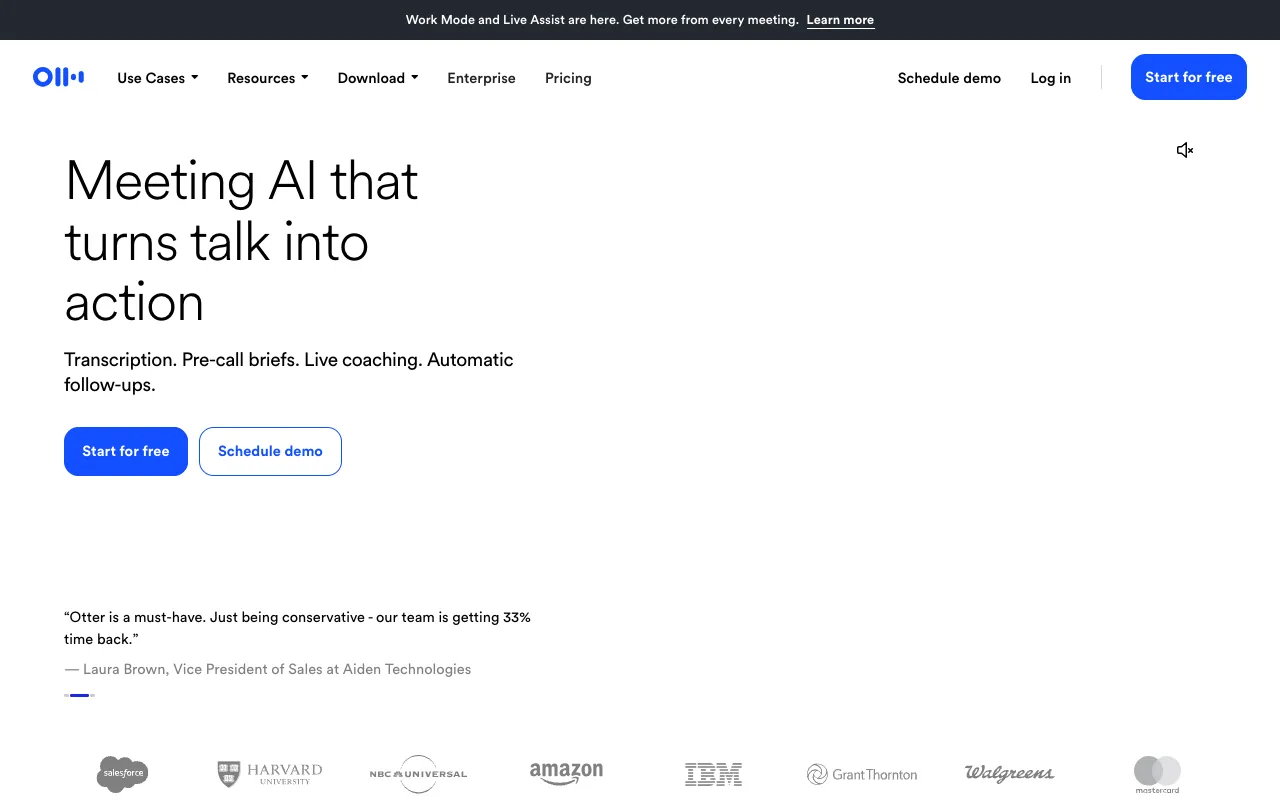
Otter.ai is an AI meeting assistant that records, transcribes live, summarises and helps with follow-ups. It records from a desktop app (no bot required), mobile or Chrome extension, or sends a notetaker to the call. Its homepage lists Zoom, Meet and Teams, plus Slack, Salesforce, HubSpot, Jira, Notion, Asana and an MCP server so assistants like Claude can read your meeting knowledge.
Its pricing page is explicit about limits. Basic is free: 300 minutes a month, a 30-minute cap per conversation and three lifetime imports. Pro is $16.99 a month, or $8.33 a month billed annually, with 1,200 minutes, a 90-minute cap and unlimited storage. Business is $30 monthly or $19.99 a month annually, with a 4-hour cap and 6,000 minutes a month according to its homepage. Enterprise is custom, and Pro has a 20% student and teacher discount.
The page also shows promotional prices ($8.49 and $24) with conditions it does not fully explain, so check the checkout total. The 30-minute cap on the free plan is the thing most trial users trip over.
Pros
- Limits are published numerically and are easy to compare
- Live transcription and a no-bot desktop option
- Annual Pro at $8.33 is the lowest paid headline here
- MCP server for other AI assistants
Cons
- Free plan has a 30-minute meeting cap
- Pro still caps meetings at 90 minutes
- Promotional prices are confusingly labelled
- Business minutes are described differently between page and homepage
Pricing: Basic free; Pro $16.99 monthly or $8.33 a month annually; Business $30 monthly or $19.99 a month annually; Enterprise custom. USD, as of 29 October 2026.
Best for: people who need live transcripts and clear usage caps.
3. Fireflies.ai: best for integrations and many languages
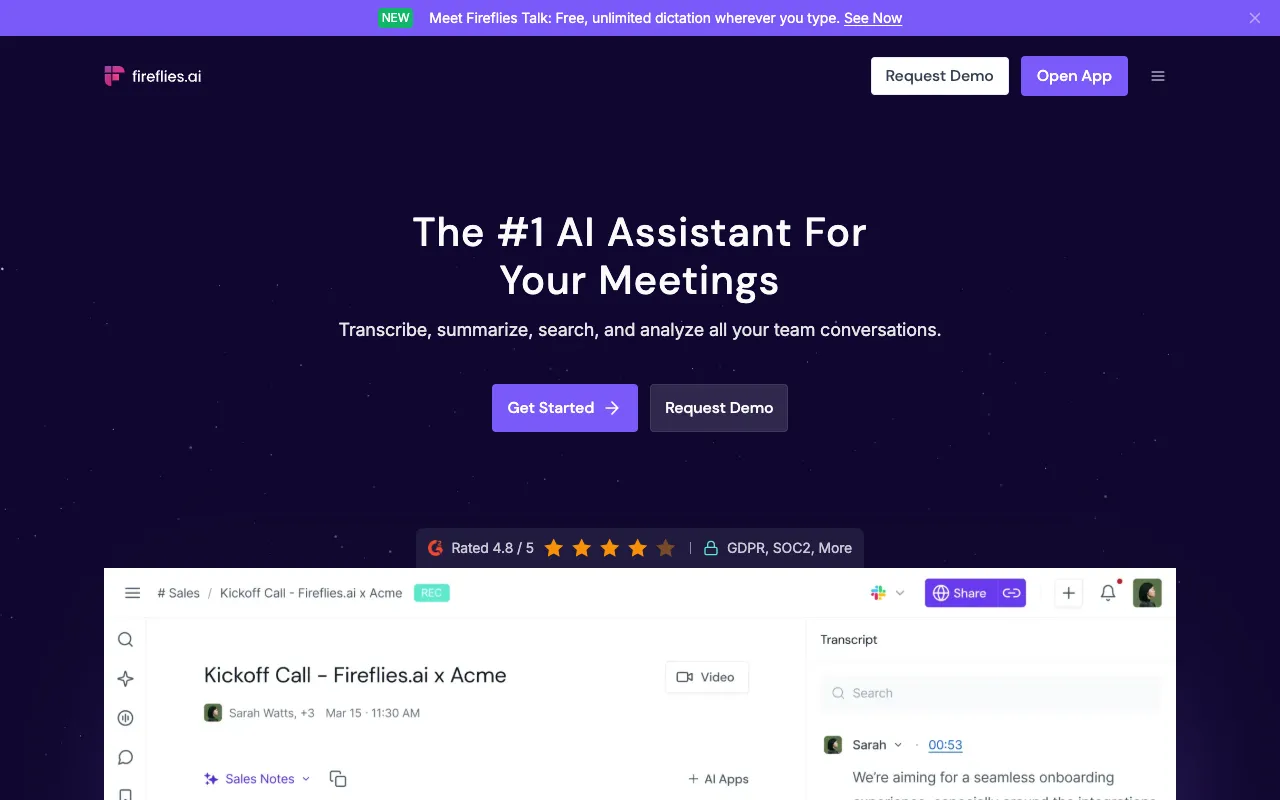
Fireflies.ai is an AI assistant that joins meetings, produces transcripts and summaries, and increasingly runs follow-up work such as CRM updates and Voice Agent calls. Its homepage claims 100-plus languages, 200-plus AI Skills, SOC 2 Type II, ISO 42001 and GDPR compliance, with HIPAA and FERPA support on Enterprise with private storage. MCP lets it connect with Claude, ChatGPT and Devin.
Pricing needs a caveat. Fireflies' own pricing page, as we could fetch it, named the plans (Free, Pro, Business, Enterprise) and described features but not prices. A tracker, CostBench, verified on 8 August 2026, lists Pro at $18 per seat a month or $10 billed annually, Business at $29 or $19, and Enterprise at $39 annually, with Free at 800 minutes of storage per seat and about 20 AI credits a month. Treat those figures as unconfirmed until you see them at checkout.
The same tracker flags reports of unexpected AI add-on charges and difficult cancellation and a Trustpilot score of 2.5 from 24 reviews. That is one source and small samples, but read the renewal and cancellation terms in writing.
Pros
- Very wide integration list including Slack, HubSpot, Salesforce and Notion
- 100-plus languages claimed
- Enterprise compliance claims including ISO 42001
- AI Skills for CRM updates and follow-up tasks
Cons
- We could not verify prices on the vendor page
- Credit limits on Free and Pro are tight (about 20 and 30 a month, per a tracker)
- Third-party reports of billing and cancellation friction
- Annual savings come with auto-renewal
Pricing: Per a tracker (not the vendor page): Pro $10 per seat a month annually or $18 monthly; Business $19 or $29; Enterprise $39 annually. USD, as of 29 October 2026.
Best for: teams that want broad integrations and multilingual meetings, once prices are confirmed.
4. tl;dv: best for EU data hosting
tl;dv is an AI meeting notetaker for Zoom, Google Meet and Microsoft Teams, aimed at sales, customer success and internal meetings. It claims data hosted and stored in the EU, SOC 2 and GDPR compliance, EU AI Act compliance and encryption at rest, and says recordings are not used for AI training. Treat these as vendor claims.
The pricing page (served to us in euros) lists Free at €0, Pro at €29 per seat a month or €18 a month billed annually (€216 a year), and Business at €39 monthly or €29 annually (€348 a year). A banner advertises "40% off" annual plans, but the listed prices work out nearer 38% on Pro and 26% on Business. We found no UK price, and the page did not list recording limits or AI credits.
The site says there is a no-bot option, over 30 transcription languages, and a free-forever plan with unlimited meetings and AI summaries. It says it uses Anthropic for generative processing. It has no native mobile app, with auto-recording working on iOS and Android.
Pros
- EU hosting and compliance positioning
- Free-forever plan with unlimited meetings per its FAQ
- No-bot option
- Multi-meeting reports for sales and customer-success teams
Cons
- Prices are in euros with no UK price shown
- Annual discount banner overstates the saving
- No limits or credits listed on the pricing page
- No native mobile app
Pricing: Free €0; Pro €29 monthly or €18 a month annually; Business €39 monthly or €29 a month annually; Enterprise custom. As of 29 October 2026.
Best for: European and UK teams who care where meeting data is stored.
5. Read AI: cheapest unlimited paid plan, with caveats
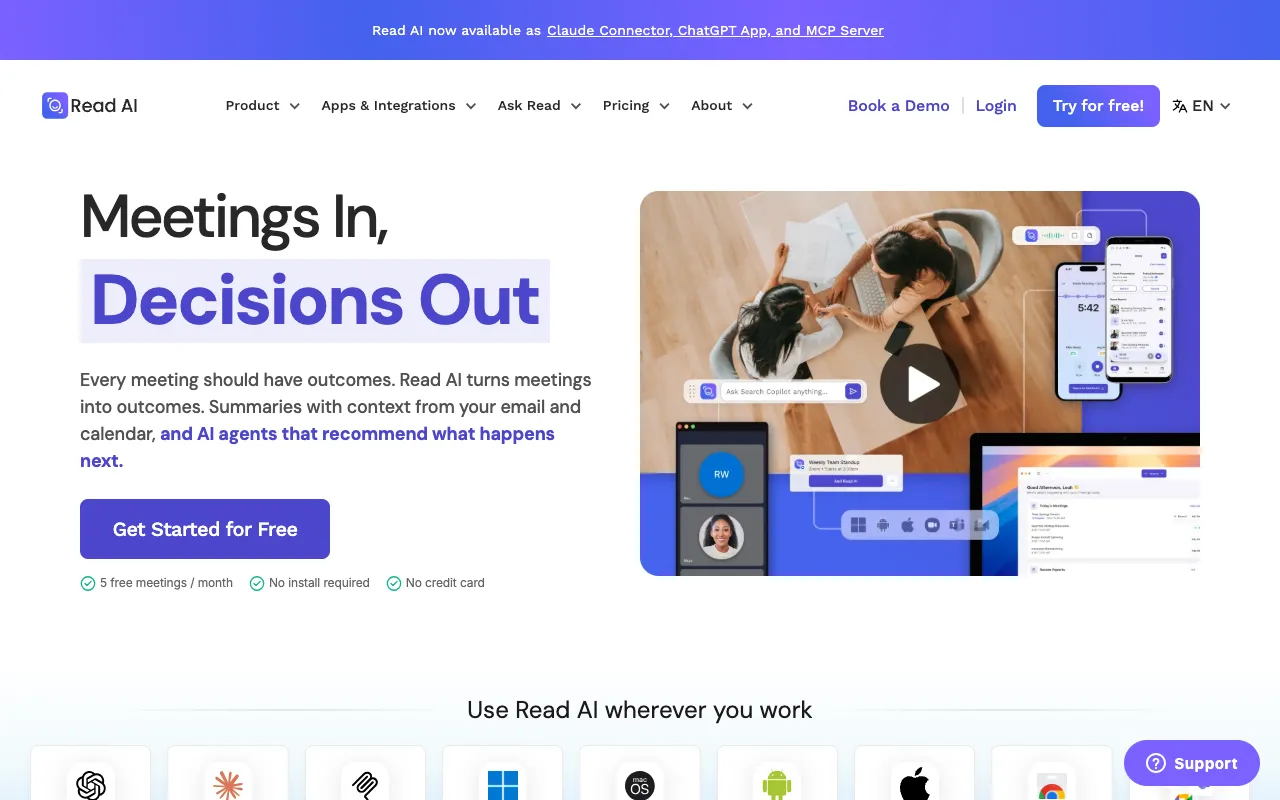
Read AI is a meeting and productivity assistant that produces recaps, action items and transcripts, and pulls in calendar, email, past meetings and CRM context before each call. It works with Meet, Zoom, Teams and Webex, supports Slack, Salesforce, HubSpot and Notion, and lists SOC 2 Type 2, GDPR and HIPAA compliance.
On its pricing page, Free gives 5 meeting transcripts a month and a 1-hour cap. Pro is $15 a month billed annually or $19.75 monthly, with unlimited transcripts and reports and a 4-hour cap. Enterprise is $22.50 or $29.75 and needs five or more licences, and Enterprise+ is $29.75 or $39.75 and sold through sales. All licences in a workspace must be on the same plan.
Two terms to read before buying: the page says payment is by credit card only, and that refunds are not offered. The page also shows "30 meetings measured per month" under every plan, which does not match the 5-transcript Free limit, and it does not explain the difference.
Pros
- Unlimited transcripts and storage on Pro at $15
- 4-hour meeting cap on Pro
- Pre-meeting context from email, calendar and CRM
- Broad integrations and an MCP server
Cons
- No refunds
- Card payment only
- Free plan is only 5 transcripts a month
- Enterprise requires five licences
Pricing: Free $0; Pro $15 a month annually or $19.75 monthly; Enterprise $22.50 or $29.75; Enterprise+ $29.75 or $39.75. USD, as of 29 October 2026.
Best for: individuals who hold many meetings and want unlimited transcripts at a low price.
How we compared these tools
This is research, not hands-on testing. We read each vendor's live pricing page and homepage on 29 October 2026, plus public trackers where a page did not show prices. We did not benchmark transcription accuracy and did not record real meetings, so accuracy claims are the vendors' own.
Weighting: free-plan usefulness and clear limits 30%, price and renewal terms 25%, integrations and meeting-platform coverage 20%, privacy and compliance claims including data location 15%, and lock-in, refund and cancellation terms 10%. Recording people raises consent and data-protection duties, so we leaned towards vendors that publish clear data-handling statements. You can browse more tools in the productivity and automation category, line plans up in our tool comparison page, or turn meeting notes into drafts with the tools in our AI writing tools guide.
How to choose
- If you want to start free with unlimited recordings, pick Fathom.
- If you need live transcripts and published minute caps, pick Otter.ai.
- If you work across many tools and languages, shortlist Fireflies.ai and confirm the price first.
- If data location matters (UK or EU clients), look at tl;dv.
- If you want unlimited transcripts at $15, pick Read AI, knowing there are no refunds.
- If you also want an assistant to turn notes into drafts, see our paid AI assistants comparison.
Frequently asked questions
What is the best AI meeting assistant in 2026?
For most people, Fathom: its Free plan offers unlimited recordings and transcripts, and paid plans carry a 90-day guarantee, per its pricing page on 29 October 2026. Otter.ai is better for live transcription with clear caps, tl;dv for EU data hosting. We compared plans and documentation, not transcription accuracy.
Is there a free AI meeting assistant?
Yes. Fathom Free is described as free forever with unlimited recordings and transcripts. Otter.ai Basic is free with 300 minutes a month and a 30-minute meeting cap. Read AI Free offers 5 transcripts a month, and tl;dv says it has a free-forever plan. Limits change, so check each pricing page.
How much does Otter.ai cost?
Otter.ai Pro is $16.99 a month, or $8.33 a month billed annually, with 1,200 transcription minutes and a 90-minute meeting cap. Business is $30 monthly or $19.99 a month annually. Basic is free with 300 minutes a month. Prices were checked on 29 October 2026 and are in US dollars.
Do AI meeting assistants need to join as a bot?
Not always. Fathom, Otter.ai (via its desktop app) and tl;dv all describe options that capture meetings without a bot joining, and Fathom lets you choose either. Whatever you use, tell participants you are recording, because consent and data-protection rules still apply.
Which meeting assistant is best for UK or EU privacy?
tl;dv claims EU data hosting and EU AI Act compliance, which makes it the one to check first for data-residency concerns. Fathom, Fireflies and Read AI all claim GDPR compliance too. These are vendor claims we did not audit, so request the data-processing agreement before rolling out.
Can I get a refund on these tools?
Policies differ. Fathom gives a 90-day guarantee on paid plans, Read AI says refunds are not offered, and we did not find refund terms on the Otter.ai or tl;dv pricing pages. Fireflies auto-renews annual plans, and one tracker reports cancellation friction. Read the refund and renewal terms before paying for a year.
More from the directory: compare tools side by side, productivity and automation tools, and our guides to AI chatbot builders, AI writing tools and paid AI assistants.