Best AI Presentation Maker in 2026: 5 Tools Compared
Gamma is the best AI presentation maker for most people in 2026. Canva is the safest all-rounder, Pitch suits teams, Beautiful.ai suits brand control and Prezi suits live audiences.

Gamma is the best AI presentation maker for most people in 2026 because it builds a full deck from a prompt quickly. Canva is the best all-rounder and budget pick, Pitch is best for team collaboration and UK or EU buyers who prefer euro pricing, Beautiful.ai suits brand control, and Prezi suits live audience sessions.
Some links on this page may become affiliate links; it never changes our ranking. How we pick: see below. Prices checked 29 October 2026.
At a glance
| Tool | Best for | Entry paid price | Standout | Watch out for |
|---|---|---|---|---|
| Gamma | Fast AI-first decks and documents | Unconfirmed; trackers show about US$8 to 10/mo (Plus) | Prompt-to-deck generation, exports to PDF and PPTX | Credits are one-time on Free; official page unreadable to us |
| Canva | All-rounders and tight budgets | US$144/year (Pro) | Free plan with AI, real-time collaboration, PPTX and PDF export | AI uses are capped; yearly price only |
| Pitch | Team decks and sales workflows | €10/mo billed yearly (Plus) | Free plan, shared AI credits, analytics on higher plans | AI credits are small on lower tiers |
| Beautiful.ai | Brand-controlled decks | US$14.50/mo billed annually (Pro) | 300+ Smart Slides, PowerPoint import and export | No free plan; trial needs a card |
| Prezi | Live interactive presenting | US$7/mo (Standard, annual, per Prezi's blog) | QR-code audience polls and import from many sources | Prices vary by source; ranked last on verification |
1. Gamma: best AI presentation maker overall
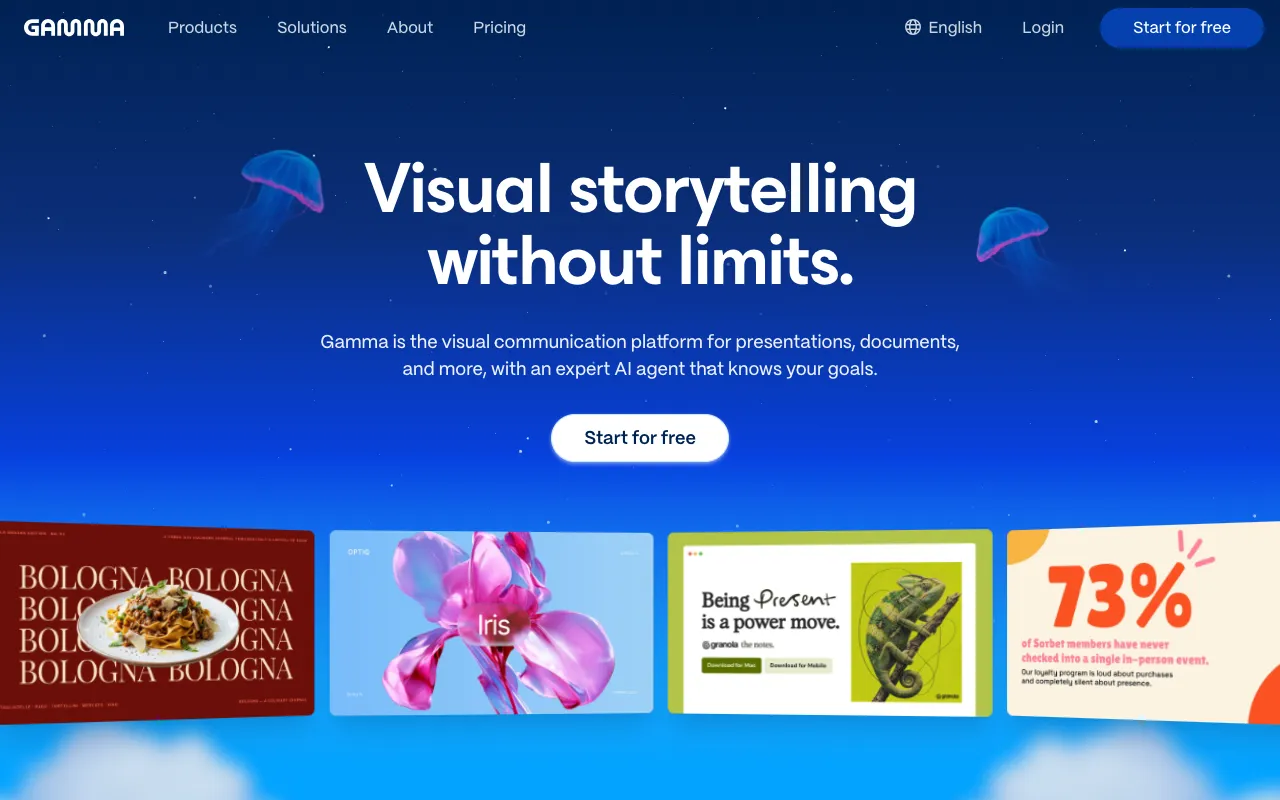
Gamma is an AI-first tool for generating presentations, documents and simple web pages from a prompt, outline or pasted notes, and it is our top pick because it gets you from nothing to an editable deck fastest. We could not read Gamma's own pages, which returned an access-denied error, so everything on pricing below comes from third-party sources and should be confirmed before you pay.
The most detailed tracker we found, last edited 5 June 2026 (eesel), lists Free with 400 one-time credits that never refresh and a Gamma badge on exports, Plus at US$9 a month (US$108 a year) with 1,000 credits, Pro at US$18 (US$216 a year) with 4,000, Ultra at US$90 with 20,000, and annual-only Team and Business plans. Prezi's own August 2026 comparison (Prezi blog) quotes Plus at US$10, so sources differ by a dollar or two.
The same tracker says all plans, including Free, export to PDF, PPTX, PNG and Google Slides, that unused credits roll over up to twice the monthly allowance, and that on paid plans only Agent edits, Ultra-tier models and API calls consume credits. Treat those as reported rather than confirmed.
Pros
- Fast prompt-to-deck generation that suits first drafts
- Reported export to PDF, PPTX, PNG and Google Slides on all plans
- Entry paid plans reported under US$10 a month
- Credits reportedly roll over up to a cap
Cons
- We could not verify pricing on Gamma's own pages
- Free credits are one-time and the badge stays on free exports
- Heavy users may need the higher tiers
- Plan details differ between trackers
Pricing: Unconfirmed: trackers report Plus around US$8 to 10/month, Pro around US$15 to 20, as of 29 October 2026. Check gamma.app/pricing before buying.
Best for: Individuals and small teams that want a quick, good-looking first draft from a prompt.
2. Canva: best all-rounder and budget pick
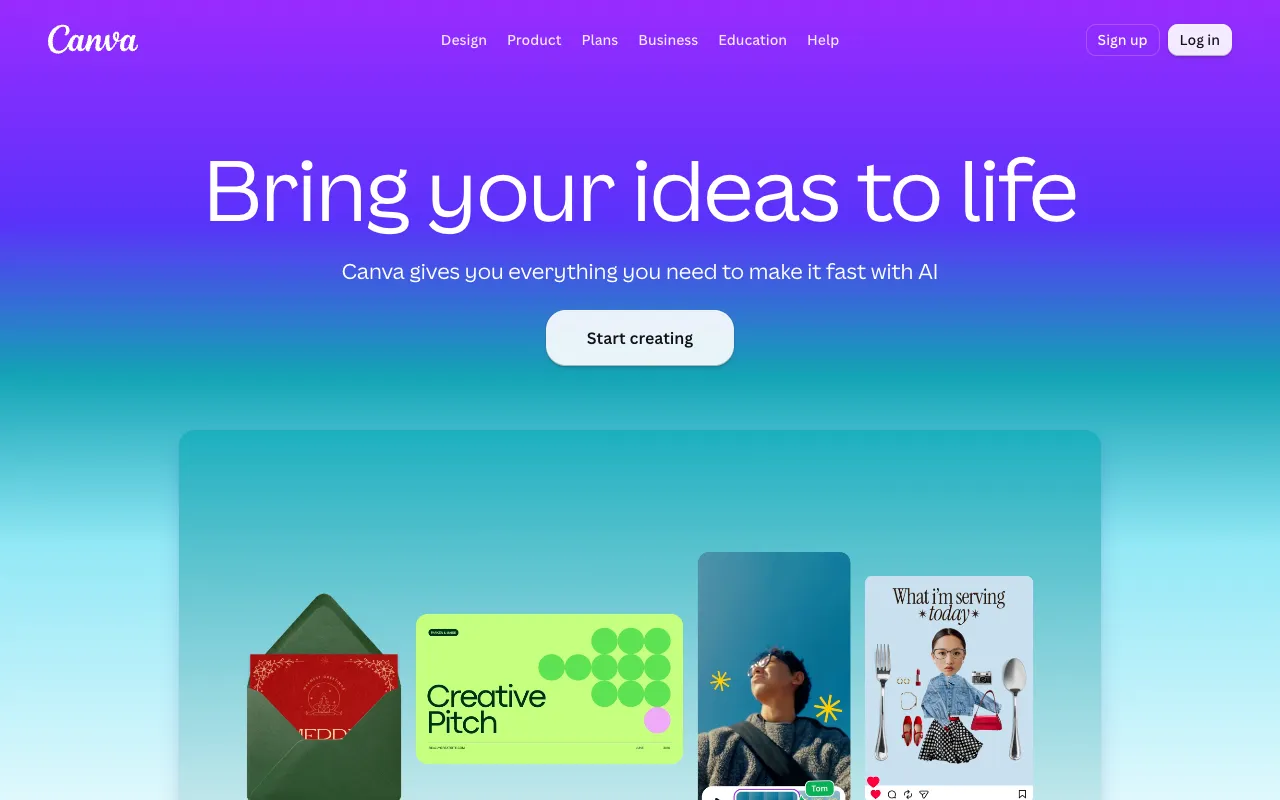
Canva is a general design platform whose presentation tools now include AI deck generation, so it covers slides, handouts and social posts in one account. The presentations page says Canva AI can build a deck from a short prompt after you choose audience, style and length and review an outline. It also lists presenter view with notes and a timer, mobile remote control, offline presenting, Canva Live audience Q&A, and export to PowerPoint, PDF, video or a website.
Pricing on the pricing page is Free (US$0), Pro at US$144 a year and Business at US$250 a year per person. Free includes up to 20 AI uses; Pro raises that to up to 200 Premium or 20 Ultra uses according to the FAQ, and the presentations page says real-time collaboration is included on Free. Only yearly USD prices were visible. For design work beyond slides, see our graphic design tools comparison.
Canva is a strong default when you want one affordable tool for slides and everything else. It is not as AI-first as Gamma, and the AI use caps mean a heavy deck-builder may hit limits.
Pros
- Free plan includes AI and real-time collaboration
- Export to PowerPoint, PDF, video or website
- Live audience Q&A and presenter tools
- Pro at US$144 a year covers design beyond slides
Cons
- AI use caps apply on every plan
- Only yearly USD prices shown on the pricing page
- Free plan has one Brand Kit limited to three colours
- Business jumps to US$250 a year per person
Pricing: Free US$0; Pro US$144/year; Business US$250/year per person, as of 29 October 2026.
Best for: Beginners, educators and small businesses that want slides plus general design in one tool.
3. Pitch: best for team collaboration
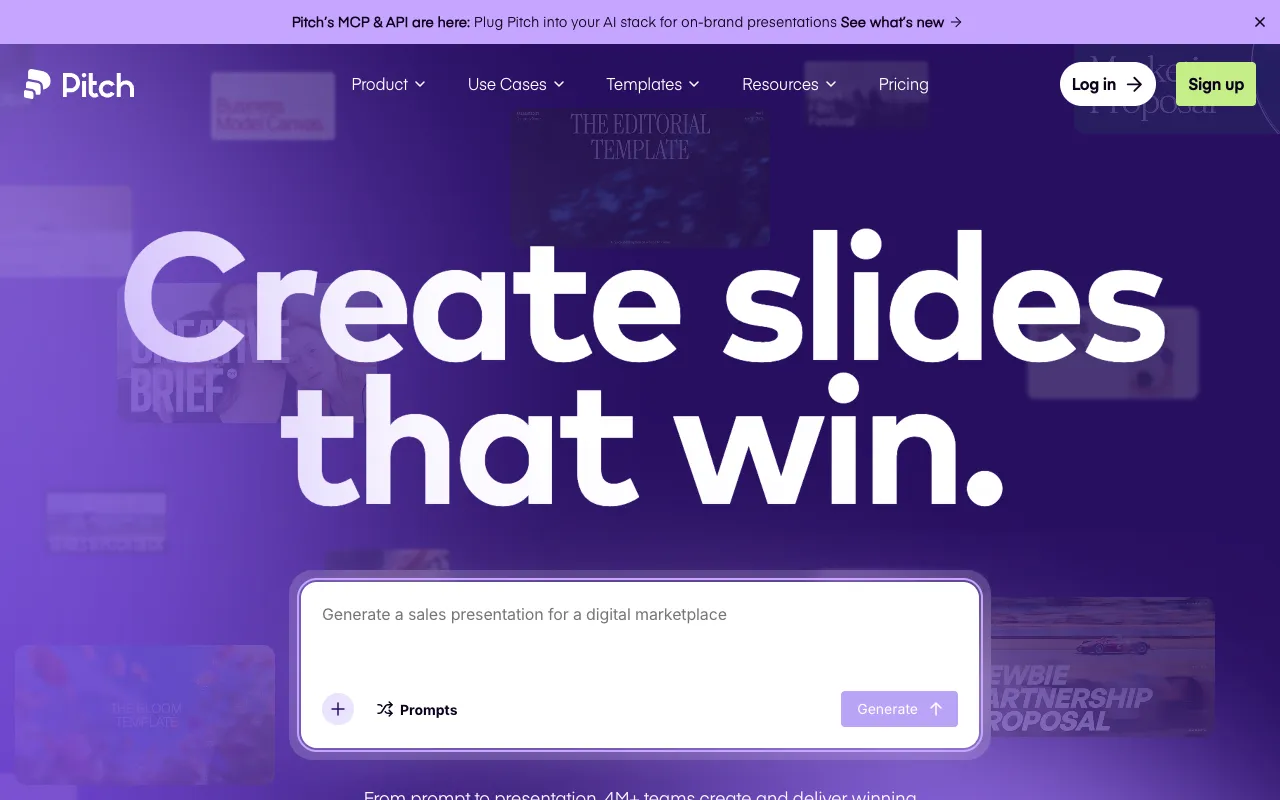
Pitch is a collaborative presentation workspace with AI generation, brand controls and viewer analytics. Its homepage describes "AI presentations with multiplayer mode", a Pitch Agent that generates on-brand slides, and an MCP and API for pushing data from other tools. It claims over 4 million users, which is vendor marketing.
The pricing page shows euro prices billed yearly: Free (1 to 5 seats, 100 one-time AI credits), Plus at €10 a month (500 AI credits a month, custom fonts, unbranded PowerPoint export), Team at €15 (up to 25 members, 30 days of version history) and Business at €20 (750 credits a month, unlimited version history and advanced analytics). Extra credits are listed at US$0.004 each, and Enterprise adds SAML SSO and SCIM.
Pitch is more about workflow than raw AI speed. It is a good fit for sales and start-up teams that share decks with prospects and want to see engagement. Euro pricing will be more predictable for many UK and EU buyers than dollar-only tools, though VAT still applies.
Pros
- Free plan and low-cost Plus tier
- Pricing is shown in euros
- Analytics and shared pitch rooms on higher plans
- Unbranded PowerPoint export on paid plans
Cons
- AI credits are shared and limited (500 a month on Plus)
- Free credits are one-time and the Free plan has no PowerPoint export
- Fewer AI-first features than Gamma
- Brand kit is not listed; custom fonts and templates are
Pricing: Free; Plus €10/month, Team €15, Business €20 per seat, billed yearly, as of 29 October 2026.
Best for: Sales, start-up and agency teams that collaborate on decks and track viewers.
4. Beautiful.ai: best for brand control
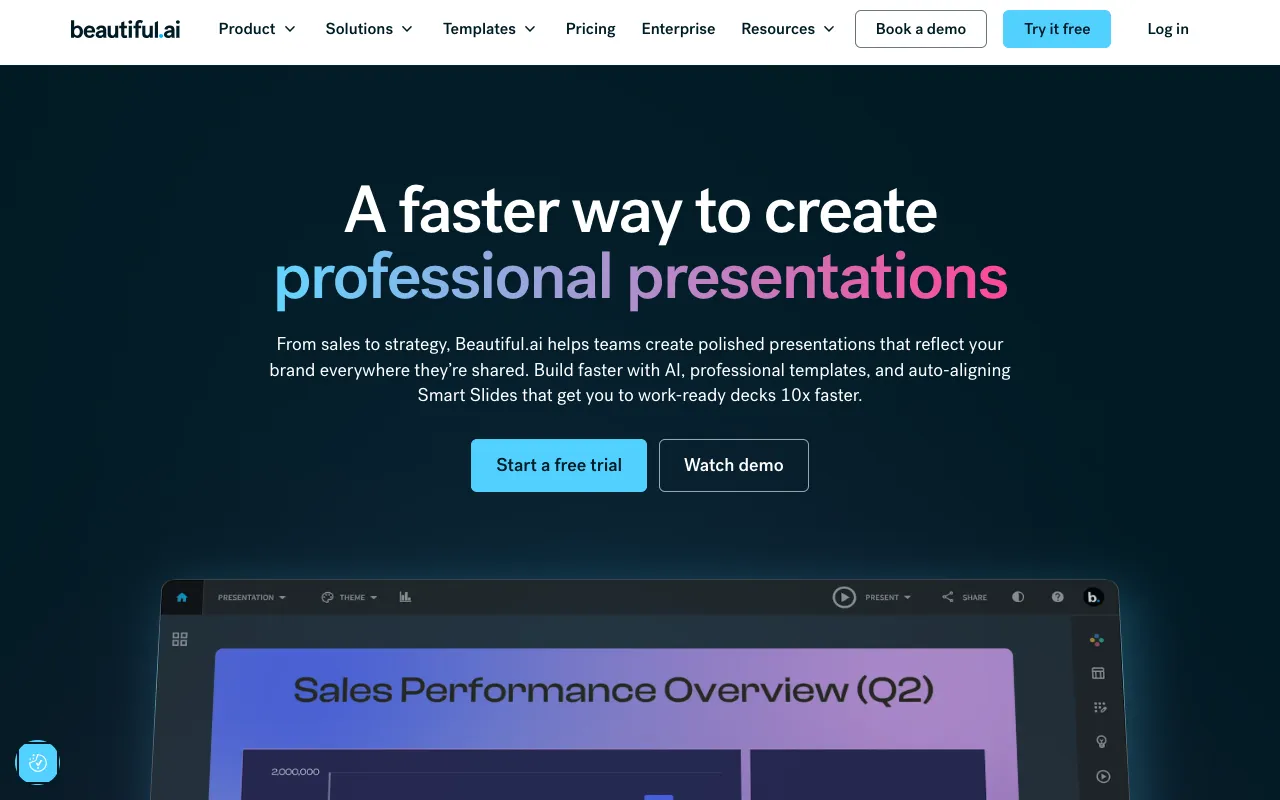
Beautiful.ai is presentation software built around Smart Slides, layouts that realign automatically as you edit. Its homepage lists 300+ layouts, locked themes, animated charts linked to spreadsheets, shared slide libraries and viewer analytics, and says teams can define colours, fonts, logos and footers once.
On the pricing page, Pro is US$14.50 a month billed annually, a Pro single-project option is US$45 billed monthly, and Team is US$40 per user a month billed annually or US$50 monthly for 2 to 20 seats. Pro includes unlimited AI content generation, PowerPoint import and export, and viewer analytics. There is no free plan: Pro and Team start with a 14-day trial that requires a card.
Cancellation rules are strict. Monthly subscriptions are non-refundable, and annual plans may get a partial refund only if requested within 24 hours of purchase or renewal, with a processing fee.
Pros
- Smart Slides keep layouts tidy automatically
- Unlimited AI content generation on Pro and Team
- Locked themes and shared libraries for teams
- PowerPoint import and export on every seat
Cons
- No free plan; card needed for the 14-day trial
- Strict refund rules
- Team plan is US$40 per user a month
- Pricing page does not name the currency
Pricing: Pro US$14.50/month billed annually; Pro single project US$45; Team US$40/user/month billed annually (US$50 monthly), as of 29 October 2026.
Best for: Teams that want strict, repeatable visual consistency across decks.
5. Prezi: best for live, interactive presenting
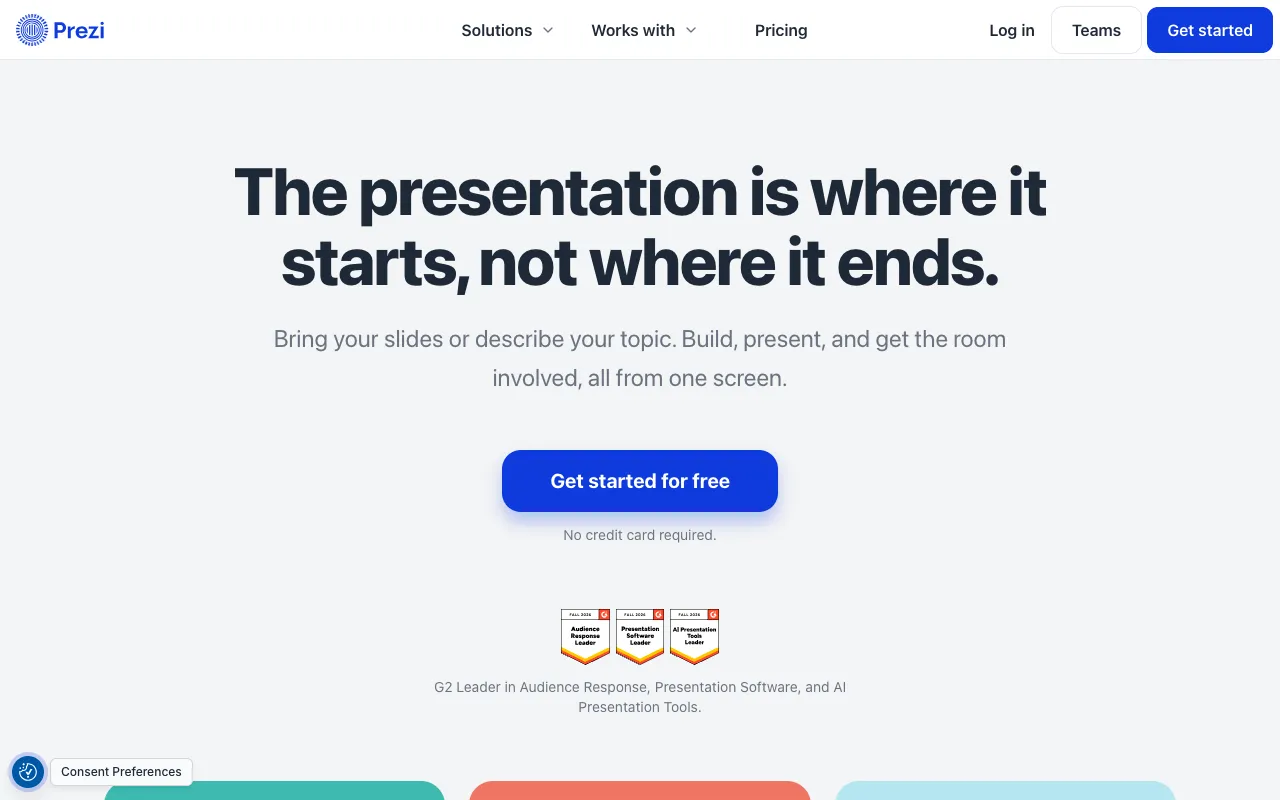
Prezi is a presentation platform that now pitches itself around what happens after you present. Its homepage says you can describe a topic and have Prezi draft a presentation, import slides from PowerPoint, Google Slides, Canva, PDF, Word or ChatGPT, run live audience polls, quizzes, Q&A and word clouds via QR code, and export to PowerPoint or PDF. It claims 170 million users, which we treat as vendor marketing.
We could not read prezi.com/pricing. Prezi's own August 2026 comparison (Prezi blog) lists annual-billing prices of Basic free (watermarked exports, public sharing), Standard US$7 a month with credit-capped AI, Plus US$19 and Teams US$39 per user, plus EDU Plus at US$4. Other trackers give different Plus and Premium prices, so we do not rely on them.
Prezi is the right pick when you present live to an audience and want it interactive. For static decks you send around, Gamma, Canva and Pitch are easier.
Pros
- Live audience tools such as polls, quizzes and Q&A
- Imports from many formats including Canva and ChatGPT
- SCORM export for training teams (per the homepage)
- Free Basic plan to test
Cons
- Pricing is only confirmed through Prezi's own blog
- Basic exports are watermarked and sharing is public
- Plus price differs across sources
- Less suited to static decks sent as PDFs
Pricing: Per Prezi's blog, Standard US$7/month, Plus US$19, Teams US$39 per user (annual billing), as of 29 October 2026; unconfirmed on prezi.com/pricing.
Best for: Trainers, educators and speakers who run interactive live sessions.
How we compared these tools
We compared these tools by reading vendor pages on 29 October 2026 where they loaded, and independent or competitor sources where they did not. Gamma's and Prezi's official pricing pages were not readable to us, and the Prezi-published comparison was written by a competitor, so we treat it with caution. We did not generate test decks or measure speed or design quality.
Weighting: price transparency and value after the free tier (25%), AI generation features and caps (25%), export and PowerPoint compatibility (20%), collaboration and brand controls (20%) and lock-in or refund terms (10%). Gamma ranks first on its AI-first focus despite weaker price evidence; Canva wins on verifiable value.
How to choose
- If you want the fastest prompt-to-deck workflow, pick Gamma and confirm its current price.
- If you want one cheap tool for slides and design, pick Canva.
- If you work in a team and want analytics, pick Pitch.
- If strict brand consistency matters, pick Beautiful.ai.
- If you present live and want audience interaction, pick Prezi.
- For other AI-assisted decks, see Decktopus AI or our guide to the best graphic design tools.
Frequently asked questions
What is the best AI presentation maker in 2026?
Gamma is the best AI presentation maker for most people in 2026 because it turns a prompt into a full deck quickly. Canva is the best verifiable value, with a free plan and Pro at US$144 a year. We could not verify Gamma pricing on its own site, so check it first.
Is Canva or Gamma better for presentations?
Gamma is more AI-first and faster for a first draft; Canva is a broader design tool with a free plan, real-time collaboration and PowerPoint, PDF, video or website export. Choose Gamma for speed and Canva if you also need social graphics, documents or printed material in the same account.
Can AI presentation makers export to PowerPoint?
Yes, several can. Canva exports to PowerPoint, PDF, video or a website. Beautiful.ai includes PowerPoint import and export on every seat. Pitch offers unbranded PowerPoint export on paid plans. Prezi exports to PowerPoint or PDF, and trackers say Gamma exports to PPTX on all plans. Check fidelity before presenting.
Is there a free AI presentation maker?
Yes. Canva Free includes limited AI uses and real-time collaboration. Pitch Free offers 100 one-time AI credits. Gamma Free reportedly gives 400 one-time credits, and Prezi has a Basic plan with watermarked exports. Beautiful.ai has no free plan, only a 14-day trial that requires a card.
Which AI presentation maker is best for teams?
Pitch is built for team collaboration, with shared AI credits, analytics and pitch rooms. Beautiful.ai suits strict brand control with locked themes and shared libraries, but it costs US$40 per user a month on Team. Canva Business, at US$250 a year per person, is the budget team option.
How do AI credits work in presentation tools?
Most tools meter AI with credits or uses. Pitch gives 500 shared credits a month on Plus. Canva Pro lists up to 200 Premium or 20 Ultra AI uses. Gamma reportedly meters credits for Agent edits and premium models only. Beautiful.ai advertises unlimited AI content generation on Pro and Team.
More from the directory: browse the productivity and automation category, the tool comparison page, Decktopus AI, Designs.ai, and our guides to the best graphic design tools and best AI video generators.