Best Graphic Design Tools in 2026: 5 Compared
Canva is the best graphic design tool for most people in 2026. Adobe Express is the safer AI option, Figma suits professionals, Visme handles data visuals and VistaCreate is a budget pick.

Canva is the best graphic design tool for most people in 2026, with a useful free plan and Pro at US$144 a year. Adobe Express is the best alternative for commercially safe AI features, Figma suits professional product and team design, Visme is best for data-heavy documents, and VistaCreate is the budget option.
Some links on this page may become affiliate links; it never changes our ranking. How we pick: see below. Prices checked 29 October 2026.
At a glance
| Tool | Best for | Entry paid price | Standout | Watch out for |
|---|---|---|---|---|
| Canva | Most people, small businesses, social media | US$144/year (Pro) | Huge template range, Brand Kits, AI uses | Prices shown in USD, yearly; AI uses are capped |
| Adobe Express | Beginners wanting safe AI and Adobe assets | US$9.99/mo (Premium) | 30-day free trial, 250 generative credits a month | Monthly only; Stock counts conflict on the page |
| Figma | Professional UI, product and collaborative design | US$16/mo per Full seat (Professional) | Design, FigJam, Slides and Make in one plan | Seat types make pricing complex |
| Visme | Infographics, reports and data-led visuals | US$12.25/mo (Starter, billed yearly at US$147) | Full download formats and analytics on higher plans | Free plan limited to JPG, PNG and PDF |
| VistaCreate | Budget social and print graphics | Not verified; trackers show about US$10 to 13/mo | Brand Kit, print and AI tools | We could not read its pricing page |
1. Canva: best graphic design tool overall
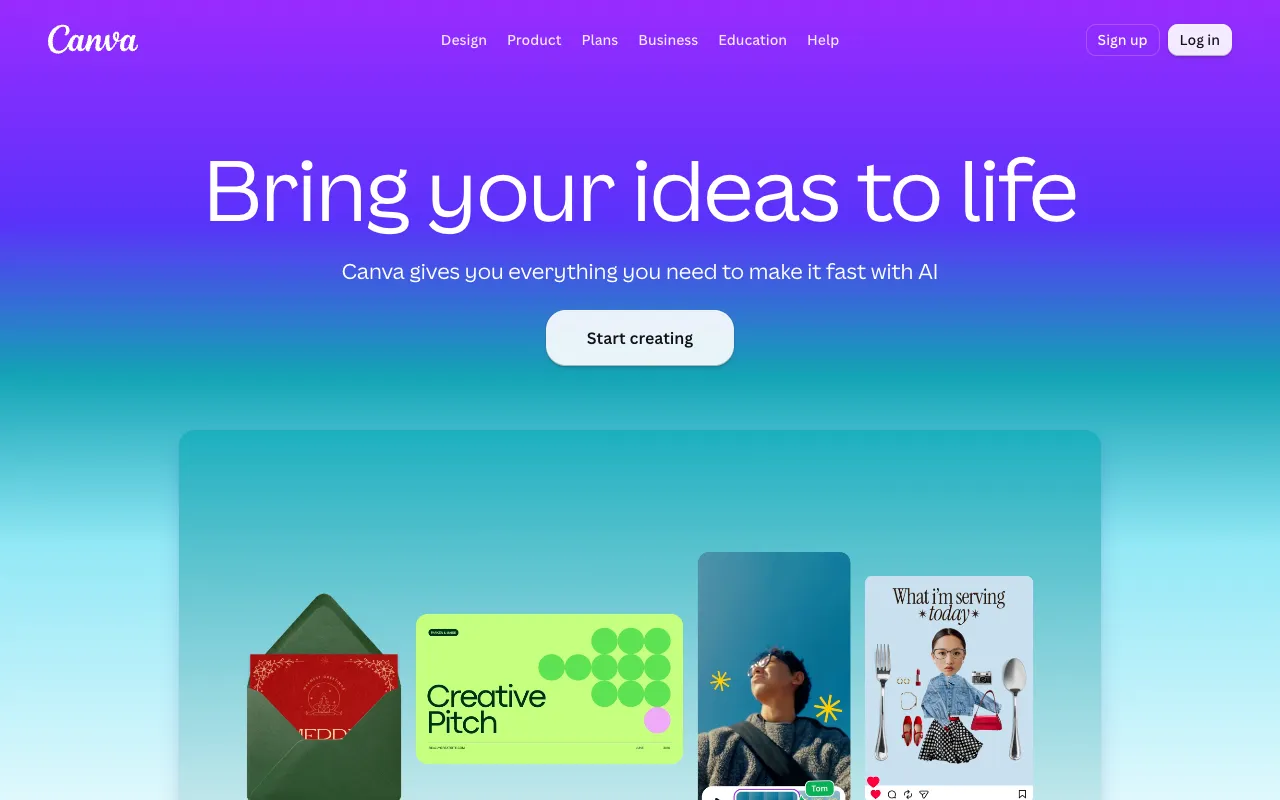
Canva is a browser-based design platform for social posts, presentations, documents, video and print, and it is the best default for people who are not trained designers. The plans on its pricing page are Free (US$0), Pro at US$144 a year and Business at US$250 a year per person, plus Enterprise by quote. Only USD yearly prices were visible, and the page says yearly billing saves "from 16%" against monthly, without listing monthly prices.
What you get for the money: Free has 5GB of storage, one Brand Kit and up to 20 AI uses. Pro raises that to 100GB, five Brand Kits and, according to the FAQ, up to 200 Premium or 20 Ultra AI uses. Business adds 500GB, 100 Brand Kits and up to 400 Premium AI uses. AI Pass and top-up add-ons exist but their prices are not listed. The page also says qualifying nonprofits can get a free subscription with Pro features for one team of up to 50 users, and Canva Education is free for eligible K-12 educators and students.
Canva acquired Leonardo.Ai in 2024, as covered in our AI image generator guide. The pricing page does not discuss commercial licensing, so read its content licence terms before reselling designs or templates.
Pros
- Free plan is genuinely usable, with 5GB and a Brand Kit
- Pro at US$144 a year is cheap for a full toolkit
- Education and nonprofit routes lower the cost
- AI allowances stated plainly in uses per plan
Cons
- No GBP or monthly price visible on the pricing page we fetched
- AI uses are capped, so heavy users may need add-ons
- Pricing page does not set out commercial licence terms
- Less control than Figma or Adobe tools for professional layouts
Pricing: Free US$0; Pro US$144/year; Business US$250/year per person, all USD before tax, as of 29 October 2026.
Best for: Small businesses, marketers, teachers and anyone who needs good-enough design fast.
2. Adobe Express: best for commercially safe AI features
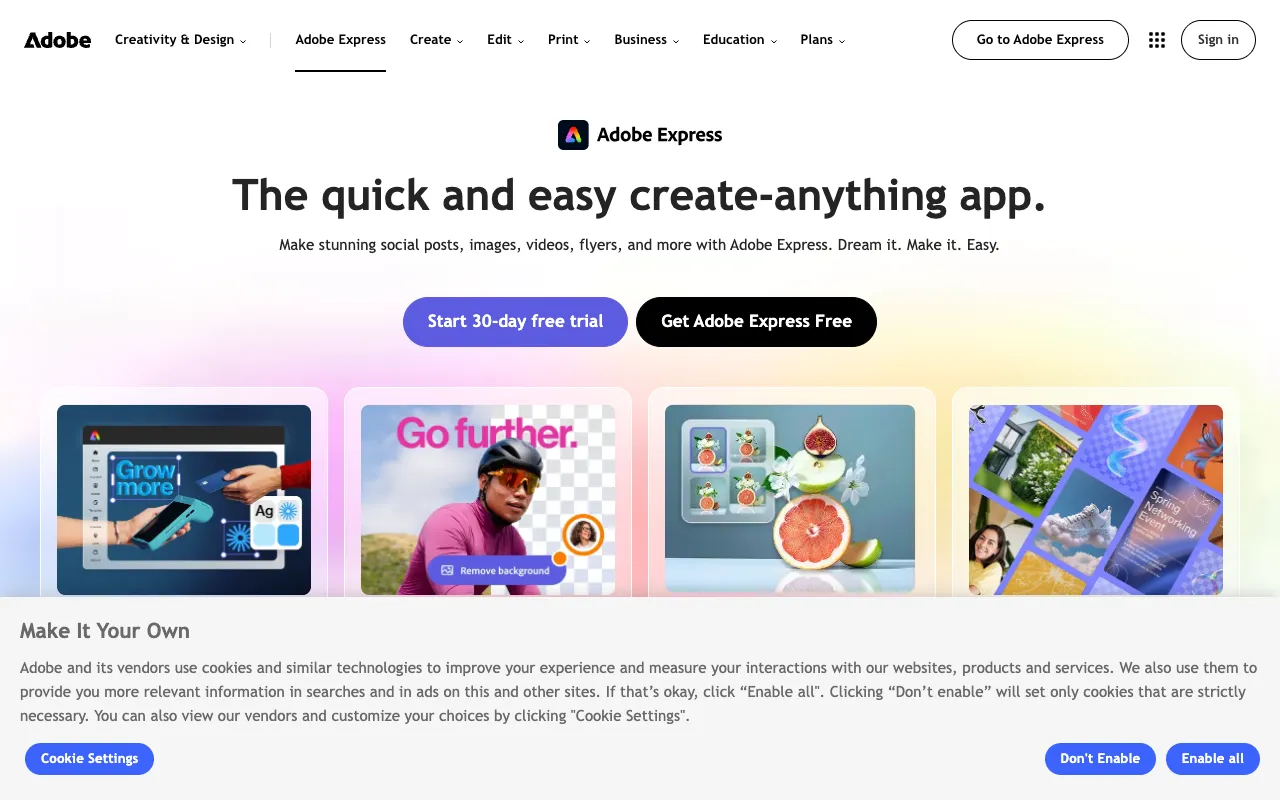
Adobe Express is Adobe's simplified design app for social posts, flyers, short videos and quick edits, and it is the best alternative to Canva if you want Adobe's asset and AI ecosystem. The pricing page lists Express Free (US$0), Express Premium at US$9.99 a month with a 30-day free trial and no annual commitment, and Express Teams at US$7.99 per licence with a first-year price of US$4.99, billed annually but paid monthly, with a two-seat minimum.
Premium and Teams both include 250 generative credits a month per user, a brand kit, and Firefly generative features that Adobe says are designed to be commercially safe. The page also lists Firefly Pro at US$19.99 a month with 4,000 credits if you need more generation. For a deeper look at that product, see our Adobe Firefly page. Free has no monthly credits, only a few lifetime generations and daily free allowances.
Adobe Stock counts on the page contradict each other (500,000+ and 350M+ photos in different sections), so we do not quote a library size. Students and educators have separate pricing.
Pros
- Month-to-month Premium at US$9.99 with a 30-day trial
- Commercially safe positioning for generative features
- Brand kit and template locking on Teams
- Easy bridge into Adobe Firefly and Creative Cloud
Cons
- 250 credits a month is modest for heavy AI use
- Free plan has no monthly generative credits
- Stock library figures on the page are inconsistent
- Fewer collaboration features than Figma
Pricing: Premium US$9.99/month; Teams US$7.99 per licence (US$4.99 first-year offer), two-seat minimum, as of 29 October 2026.
Best for: Beginners and marketers who want Adobe's brand, templates and a commercial-safety story.
3. Figma: best for professional and collaborative design
Figma is a collaborative design platform used for interface, product and brand design, and it is the tool to choose if you work in teams or hand work to developers. Its pricing page sells seats rather than one flat plan: Starter is free; Professional Full seats are US$16 a month, Dev seats US$12 and Collab seats US$3; Organization is US$55 per Full seat billed annually; Enterprise is US$90.
A Full seat includes Figma Design, Figma Make, Dev Mode, FigJam and Figma Slides. Dev and Collab seats can view and comment but not edit Design files. AI credits depend on the seat: Starter gets 150 a day up to 500 a month, Professional Full gets 3,000, Organization Full 3,500 and Enterprise Full 4,250. The page shows a monthly or annual toggle, but the figures we could extract did not make clear which billing term the US$16 shown reflects, so confirm at checkout.
Figma is a poor choice if you only need quick social graphics. For that, Canva or Adobe Express will be faster and cheaper.
Pros
- Free Starter plan with unlimited drafts and UI kits
- Real-time collaboration and developer handoff
- Design, whiteboard, slides and AI prototyping in one Full seat
- Cheap Collab and Dev seats for stakeholders
Cons
- Seat types make it hard to price a team accurately
- Learning curve is steeper than Canva
- Organization plan jumps to US$55 per seat
- Aimed at product design more than print layouts
Pricing: Professional Full seat US$16/month, Dev US$12, Collab US$3; Organization Full US$55 (annual); Enterprise Full US$90 (annual), as of 29 October 2026.
Best for: Product designers, agencies and teams that collaborate with developers.
4. Visme: best for infographics and data-heavy documents
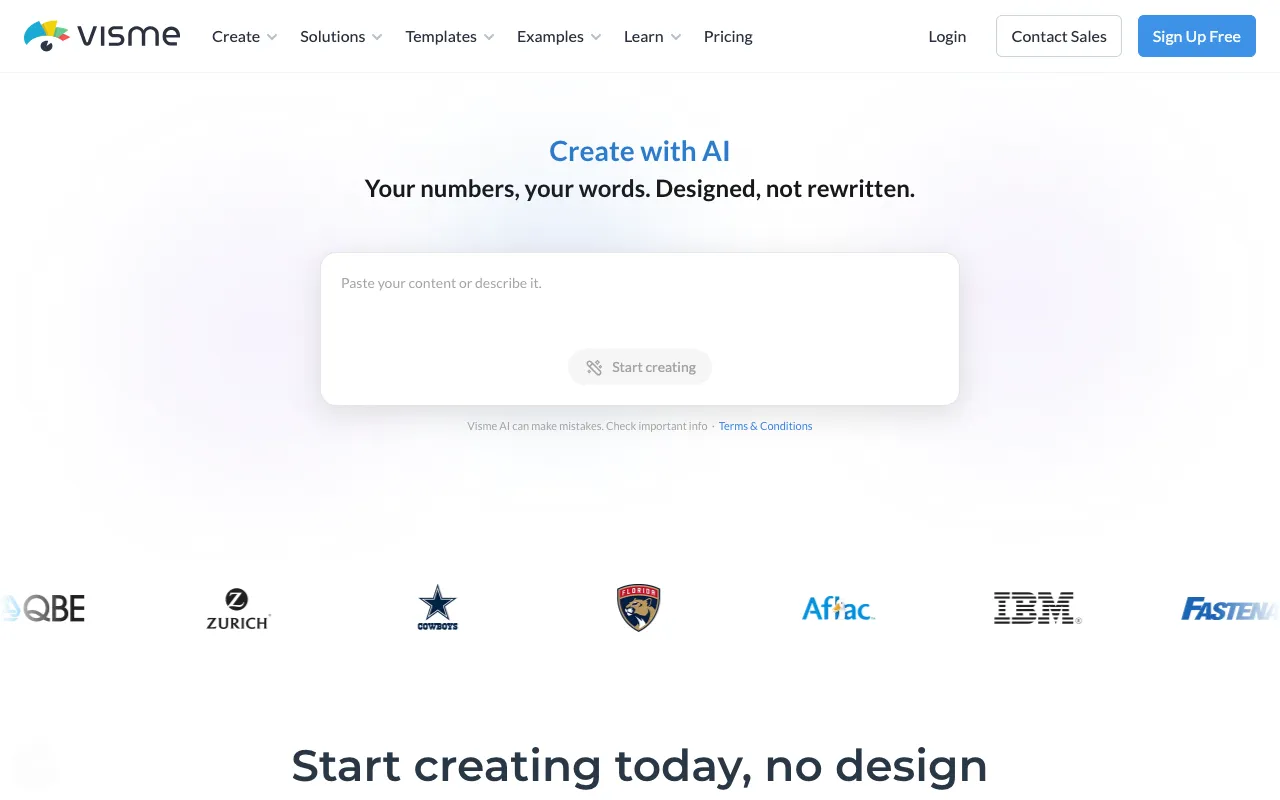
Visme is a visual content tool for presentations, infographics, reports and documents, with analytics, data and brand tools on its higher plans. The pricing page lists Basic (free), Starter at US$12.25 a month per person (US$147 billed yearly), Business at US$24.75 a month (US$297 yearly) and Enterprise for 10 or more users.
Basic gives 500MB storage, 10 AI credits and downloads as JPG, PNG and PDF, with a 50-slide cap per project. Starter adds 1GB, 200 AI credits, unlimited slides and downloads including PPTX, MP4, GIF and HTML5. Business adds 10GB, 500 AI credits, Brand Kit, analytics and more integrations. The monthly figures are the annual prices divided by 12, and the page does not list a separate month-to-month price.
Student plans are US$48 a year and Educator plans US$96, and nonprofits can request 25% off Business. If your work is reports, dashboards or branded decks, see also our AI presentation maker comparison.
Pros
- Strong download formats including PPTX, HTML5 and video
- Brand Kit, analytics and privacy controls on Business
- Cheap student and educator plans
- Clear published prices
Cons
- Free plan limits downloads to JPG, PNG and PDF
- Annual billing only shown
- AI credits are small on lower tiers
- Pricing is per person, so teams add up quickly
Pricing: Starter US$12.25/month equivalent (US$147/year), Business US$24.75/month equivalent (US$297/year), as of 29 October 2026.
Best for: Consultants, educators and marketers building reports, infographics and interactive documents.
5. VistaCreate: best budget alternative
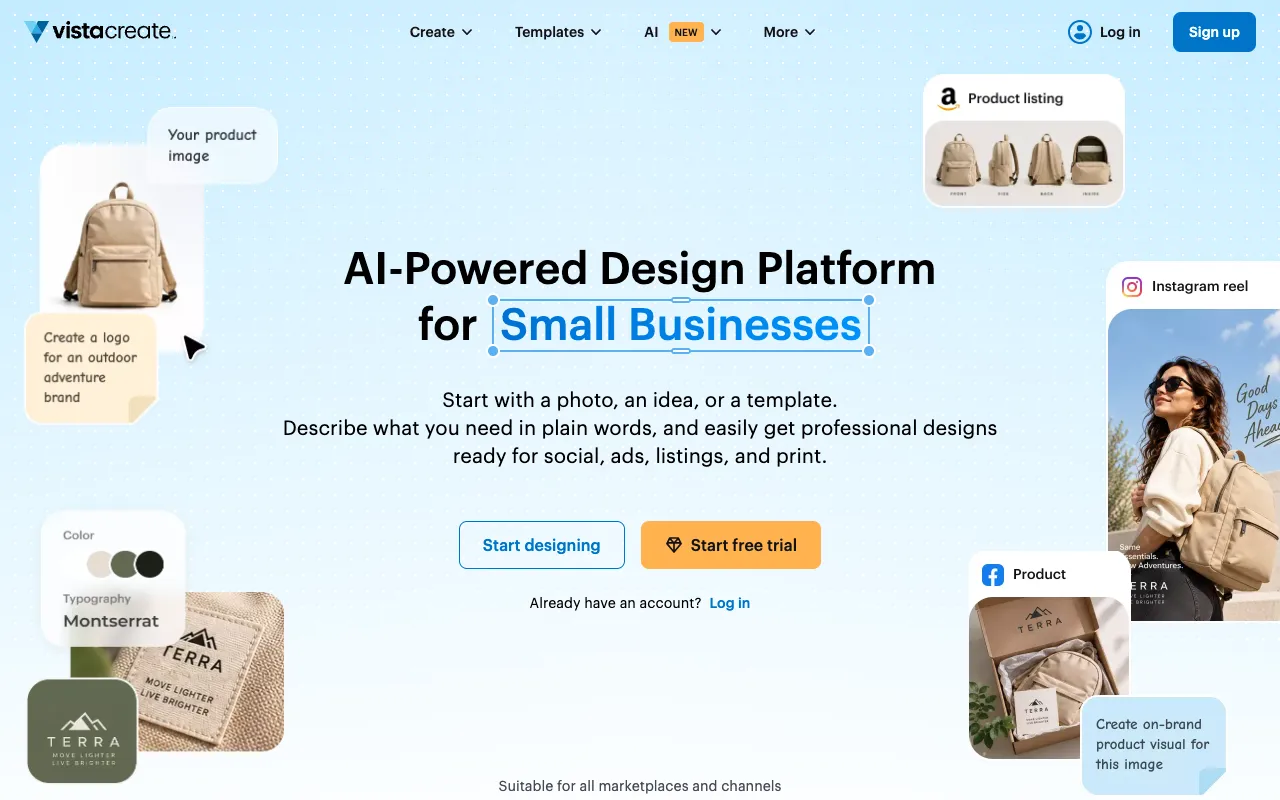
VistaCreate is a template-based design platform for social media, ads, product listings and print, and its homepage credits it as "Backed by VistaPrint". It lists an AI image generator, AI writer, object remover, background remover, video editor and Brand Kit, and claims 21M+ users and 200K+ templates, which are vendor figures we have not verified.
We could not read the pricing page, which returned a not-found error to our fetch, so we cannot quote official plan prices. Third-party listings describe a free Starter plan and a paid Pro plan at roughly US$10 to 13 a month, with a 14-day trial, but they differ on asset-library size, so treat those as unconfirmed ({ext("https://capterra.com/p/175859/Crello/pricing/","Capterra listing")}).
VistaCreate ranks last because we could not verify the price. If the current Pro price matches those listings, it is a sensible low-cost alternative for small shops that need print-ready output.
Pros
- Print-oriented design and Brand Kit
- AI tools and video editor on the homepage
- Free Starter plan reported by listings
- Backed by VistaPrint, per its homepage
Cons
- We could not verify plan prices or limits
- Its pricing page link returned an error
- Vendor claims about users and templates are unverified
- No team or collaboration detail verified
Pricing: Not verified. Third-party listings suggest about US$10 to 13 a month for Pro; confirm at create.vista.com, as of 29 October 2026.
Best for: Small businesses wanting low-cost social and print graphics.
How we compared these tools
We compared these tools using vendor pricing and product pages read on 29 October 2026. We did not run hands-on design tests, so we say nothing about speed, template quality or output polish beyond what the vendors state. VistaCreate is the weakest on verification because its pricing page was unavailable.
Weighting: price transparency and cost per user (25%), free-plan usefulness (20%), AI allowance and licensing clarity (20%), collaboration and brand controls (20%) and lock-in or export options (15%). Canva, Adobe Express and Visme publish plan limits clearly; Figma's seat model is flexible but harder to cost. No page we read showed GBP, so UK buyers should expect VAT and currency conversion at checkout.
How to choose
- If you want one tool for everyday design, pick Canva.
- If you want a clear commercial-safety story for AI, pick Adobe Express.
- If you work with developers or on product interfaces, pick Figma.
- If you build reports, infographics or branded documents, pick Visme.
- If you are on a tight budget and print matters, check VistaCreate's current Pro price.
- If you also need AI images, read the best AI image generators; for slides, see the best AI presentation makers.
Frequently asked questions
What is the best graphic design tool in 2026?
Canva is the best graphic design tool for most people in 2026 because its free plan is useful and Pro costs US$144 a year. Adobe Express is better if you want Adobe's commercially safe AI features, and Figma is better for professional product and team design.
Is Canva or Adobe Express better?
Canva has a more capable free plan and a broader toolkit. Adobe Express has a simple US$9.99 monthly Premium plan with a 30-day trial and 250 generative credits a month, plus Adobe's commercially safe positioning for generative features. Choose Express if you already use Adobe tools or want month-to-month billing.
Is Figma good for graphic design?
Figma is excellent for interface, product and collaborative design and has a free Starter plan, but it is less convenient for quick social graphics or print layouts. Professional Full seats are US$16 a month and include Design, Make, FigJam, Dev Mode and Slides. Canva or Adobe Express are easier for non-designers.
Which graphic design tool is cheapest?
Canva Free and Figma Starter are free, and Adobe Express Premium is US$9.99 a month. Canva Pro is US$144 a year, Visme Starter is US$147 a year and Figma Professional is US$16 per Full seat. VistaCreate is reported near US$10 to 13 a month, but we could not verify it.
Can I use these tools for commercial work?
Generally yes, but check each licence. Adobe says Express generative features are designed to be commercially safe. Canva and Figma pricing pages do not set out licence terms, so read their content and AI terms before reselling templates or client work. Free plans and stock assets can carry separate restrictions.
Do these tools offer discounts for students or nonprofits?
Yes. Canva offers free Pro features to qualifying nonprofits for up to 50 users and Canva Education for eligible educators and students. Visme sells Student at US$48 a year, Educator at US$96 and 25% off Business for nonprofits. Adobe lists separate student and educator pricing.
More from the directory: browse the design and creativity category, the tool comparison page, Designs.ai, Kittl, Pixlr, and our guides to the best AI image generators and best AI presentation makers.