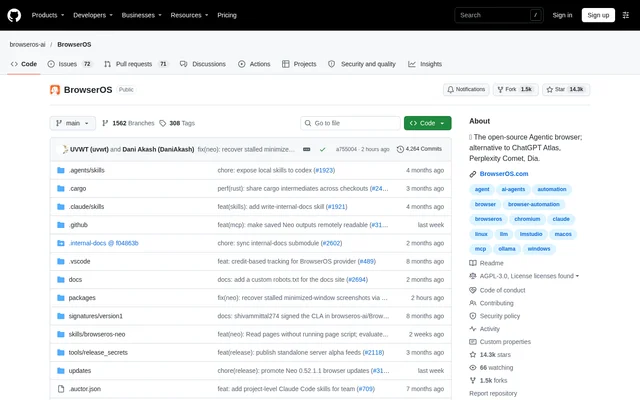
What is BrowserOS neo?
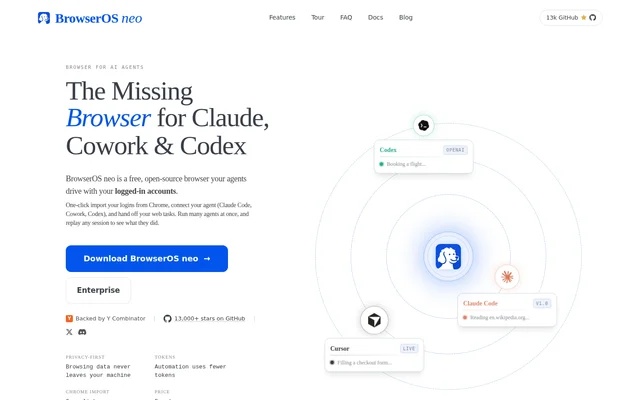
BrowserOS neo is a local, open-source browser that gives AI agents their own place to work with signed-in websites. It is intended for people who want agents to use accounts they already have without having the agents work in their everyday browser. The distinction is that the agent uses a separate browser on the user's machine rather than a remote browser or a headless driver.
What BrowserOS neo can do
BrowserOS neo supports both running agent tasks and observing what happens in the browser. Agents can use existing login sessions, and multiple agents can work in parallel. Users can follow a session while it is underway or replay it later. The page presents live viewing and replay as distinct ways to see what an agent did.
- Agents can use existing signed-in browser sessions.
- Multiple agents can run in parallel.
- Users can watch agent activity live.
- Users can replay agent sessions.
- Users can keep browsing separately while agents work.
How BrowserOS neo works
BrowserOS neo runs on macOS, Windows, and Linux. An AI agent that supports MCP can drive BrowserOS neo on the user's machine and work with the signed-in sessions available there. The page lists Claude Code, Claude Cowork, Cursor, VS Code, Zed, Codex, and GitHub Copilot as compatible options and describes a one-click install. The MCP requirement applies even though the listed options span several different tools.
Who BrowserOS neo is for
BrowserOS neo is for users of MCP-compatible agents who have tasks that take place in a browser, including tasks involving accounts where they are already signed in. The page names Gmail, GitHub, X, and banking accounts as examples. It also depicts Claude working with email and Codex working on a flight-related task, illustrating the range from account-based work to general browsing.
- Use Claude for email tasks.
- Use Codex to look up flights.
- Run multiple agent tasks in parallel.
BrowserOS neo strengths and limitations
BrowserOS neo keeps agent browsing separate from the user's everyday browser while letting agents use signed-in accounts. Live viewing and replay give users ways to review browser activity during or after a run, and parallel execution allows more than one agent to work at a time. The main compatibility constraint is MCP support: the page describes BrowserOS neo as working with agents that support MCP.
- Agent compatibility requires MCP support.
- The listed operating systems are macOS, Windows, and Linux.
- The browser runs locally rather than as a cloud browser.
BrowserOS neo FAQ
What is BrowserOS neo?
BrowserOS neo is a local, open-source browser that AI agents can drive using existing signed-in sessions. It gives agents a separate browser so users can continue working in their everyday browser.
Which AI agents work with BrowserOS neo?
BrowserOS neo works with AI agents that support MCP. The page lists Claude Code, Claude Cowork, Cursor, VS Code, Zed, Codex, and GitHub Copilot as compatible options.
Can BrowserOS neo use accounts that are already signed in?
BrowserOS neo lets agents work with existing signed-in sessions in a separate browser on the user's machine. The page names Gmail, GitHub, X, and banking accounts as examples.
Can users watch or replay BrowserOS neo sessions?
BrowserOS neo lets users watch agent activity live and replay any session. It also supports running several agents in parallel in a browser separate from the user's everyday browser.
From the community
No reviews yet
Be the first to review this tool. What you write helps the next person choose.