What is CodeConvert AI?
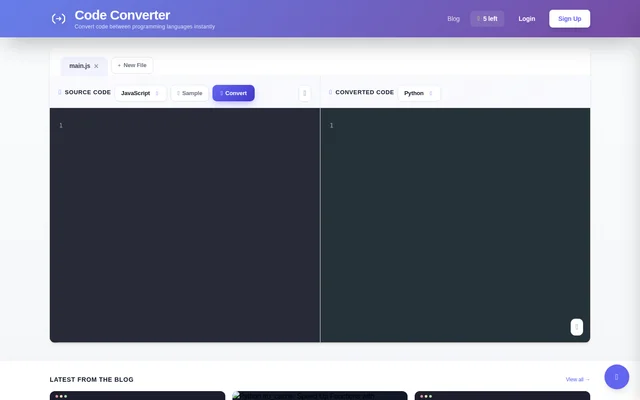
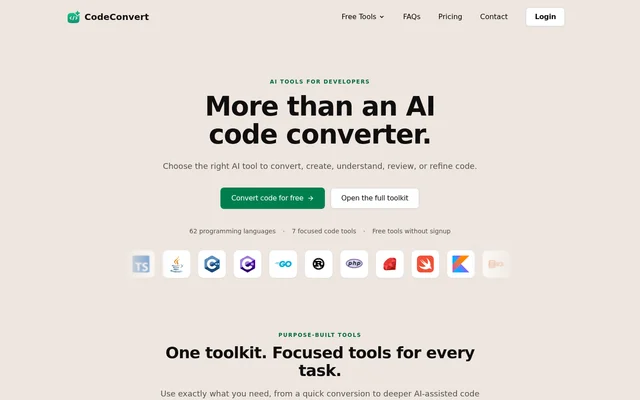
CodeConvert AI is an AI coding toolkit for developers who need to convert, create, understand, review, or refine code. CodeConvert AI supports 62 programming languages and runs in a browser without installation. The toolkit combines focused code tools with a workspace for continuing work across tasks rather than stopping at a single conversion.
CodeConvert AI serves developers handling unfamiliar snippets, language changes, and ongoing project work. Free tools provide an entry point without signup, while the full workspace supports history, reference files, and AI-assisted refinement. Access ranges from limited free use to paid plans designed for regular development and larger projects.
What CodeConvert AI can do
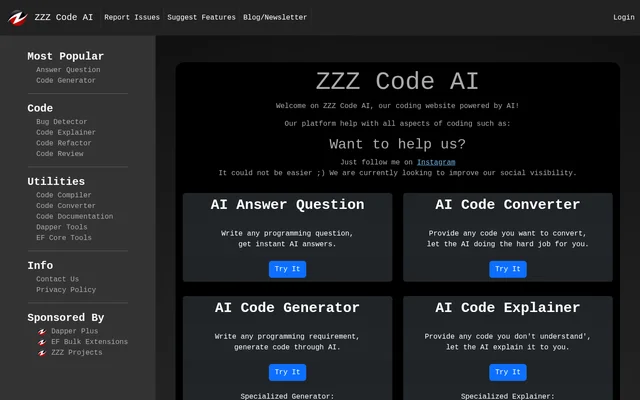
CodeConvert AI separates common development tasks into focused tools. Developers can select conversion, generation, explanation, comment removal, checking, or fixing according to the work at hand. CodeConvert AI also provides an assistant for modifying, optimizing, or debugging results, with paid project context available through uploaded files.
- CodeConvert AI converts code between programming languages while preserving logic and structure.
- CodeConvert AI generates code from a description and a chosen language.
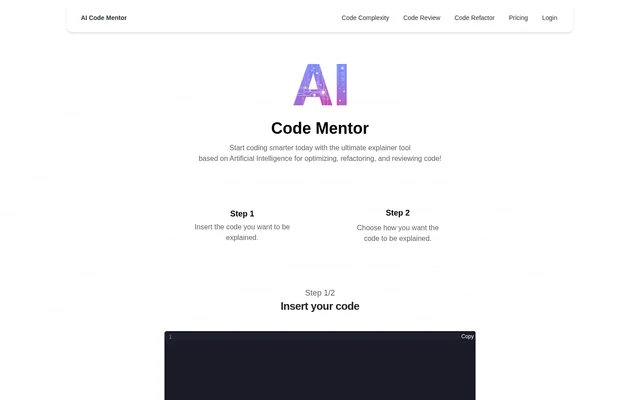
- CodeConvert AI explains what an unfamiliar snippet does and how the snippet works.
- CodeConvert AI includes tools for removing comments, checking code, and fixing code.
- CodeConvert AI supports project-aware conversions, explanations, and generations using uploaded context.
How CodeConvert AI works
CodeConvert AI starts with a browser workflow: developers paste code or describe what they need, then choose the relevant tool. The full workspace lets developers move between tools, revisit history, reference files, and refine results with AI. Paid users can upload individual files or ZIP archives for project context.
CodeConvert AI supports more than 70 upload file types, including programming languages, JSON, YAML, TOML, Markdown, and plain text. ZIP processing automatically excludes folders such as node_modules, .git, dist, and build. Logged-in users can choose local-only storage or cloud history and can delete uploaded context files.
Who CodeConvert AI is for
CodeConvert AI is for developers working across languages and projects, from quick snippet conversions to project-aware coding tasks. CodeConvert AI identifies Pro with developers and regular projects, and Premium with larger projects and higher context limits. The tools cover both understanding existing code and producing or refining new code.
- CodeConvert AI helps developers move existing code between programming languages.
- CodeConvert AI helps developers understand unfamiliar snippets through explanations.
- CodeConvert AI helps developers turn an idea into code in a selected language.
- CodeConvert AI helps paid users supply project context for conversions, explanations, and generations.
CodeConvert AI pricing and plans
CodeConvert AI offers up to 2 free conversions per day without login, with a 4,000-character limit per conversion. A free account provides 5 additional credits and supports 25,000 characters per request. Credits are deducted only after successful requests. Paid plans include unlimited Standard runs and separate monthly Advanced run allowances.
CodeConvert AI lists Pro at $10 per month, billed yearly at $120, with 50 Advanced runs per month and 100 project context files. Premium costs $20 per month, billed yearly at $240, with 200 Advanced runs, 250 context files, and 100,000 characters per request. Prices exclude applicable sales tax; paid plans include a 14-day money-back guarantee.
CodeConvert AI strengths and limitations
CodeConvert AI combines browser access, focused coding tools, and a shared workspace without requiring software installation. Storage choices give logged-in users control over local or cloud history. AI requests use Vercel AI Gateway with prompt training disallowed and Zero Data Retention by default, although the source describes exceptions for some Advanced models.
- CodeConvert AI outputs need review and testing before production use because language concepts may not map directly.
- CodeConvert AI Advanced runs reset each calendar month and do not roll over.
- CodeConvert AI stores unsigned free-tool inputs and results for shareable links, with deletion available from the results page.
- CodeConvert AI may use marked Advanced models with prompt retention of up to 30 days when a ZDR host is unavailable; Auto does not select those models.
CodeConvert AI FAQ
What is CodeConvert AI?
CodeConvert AI is a browser-based AI coding toolkit for converting, generating, explaining, checking, and fixing code. CodeConvert AI supports 62 programming languages and includes a workspace for history, project context, and AI-assisted refinement.
Is CodeConvert AI free?
CodeConvert AI offers up to 2 free conversions per day without logging in. A free account provides 5 additional credits and higher character limits. Paid Pro and Premium plans provide unlimited Standard runs and monthly Advanced run allowances.
How much does CodeConvert AI cost?
CodeConvert AI lists Pro at $10 per month, billed yearly at $120, and Premium at $20 per month, billed yearly at $240. Prices exclude applicable sales tax. Paid plans include a 14-day money-back guarantee, and subscriptions can be canceled from the Account page.
Can CodeConvert AI use uploaded project files?
CodeConvert AI lets paid users upload individual files or ZIP archives for project-aware conversions, explanations, and generations. Pro supports up to 100 project context files, while Premium supports up to 250. Supported uploads include programming languages, JSON, YAML, TOML, Markdown, and plain text.
Does CodeConvert AI save code or use code for training?
CodeConvert AI routes AI requests through Vercel AI Gateway with prompt training disallowed and Zero Data Retention by default. Some marked Advanced models may retain prompts for up to 30 days. Unsigned free-tool inputs and results are stored for shareable links; logged-in users can choose local-only storage or cloud history.
Are CodeConvert AI conversions always accurate?
CodeConvert AI does not guarantee that conversions are always accurate. Programming languages can implement concepts differently, and some features have no direct equivalent. CodeConvert AI advises reviewing and testing generated code before using the output in production.
From the community
No reviews yet
Be the first to review this tool. What you write helps the next person choose.