What is Pho.to?
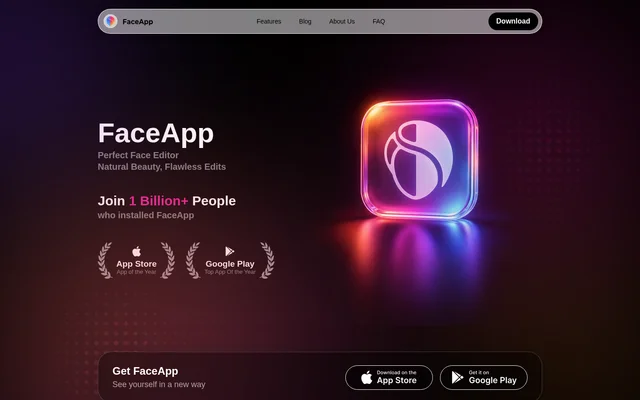
Pho.to is a collection of photo editing apps for people who want to enhance selfies, stylize portraits, or create new pictures for social profiles. The site presents apps with distinct purposes rather than one editor with every feature. Photo Lab focuses on effects and montages, Fabe on beauty editing, and ToonMe on transforming photos into illustrated portraits.
What Pho.to can do
Pho.to covers both portrait touch-ups and more stylized transformations. Fabe is intended for natural-looking portrait enhancement, while ToonMe creates cartoon and vector portraits from photos. Photo Lab offers over 1000 effects, filters, and face montages for people who want to change the look of a photo.
- Photo Lab applies effects, filters, and face montages.
- Fabe enhances portraits and previews hairstyles and makeup.
- ToonMe turns photos into cartoon and vector portraits.
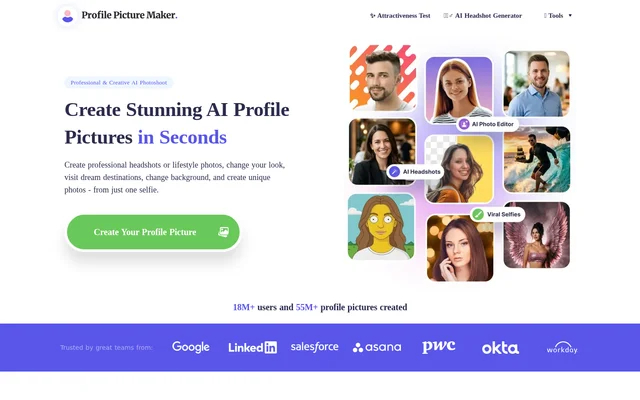
- #NewProfilePic offers profile picture designs with weekly additions.
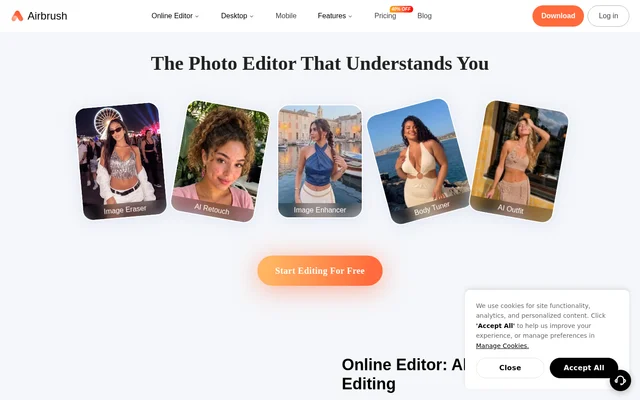
- Visage Lab applies essential face touch-ups automatically.
- Emolfi detects emotions in selfies and emphasizes them visually.
- Ask AI predicts which Instagram filter to use for a photo.
How Pho.to works
Pho.to directs visitors to separate apps for different editing tasks. Photo Lab and ToonMe list App Store and Google Play downloads as well as web versions. Fabe lists an App Store download. The editing workflow depends on the app: Visage Lab applies face touch-ups automatically, while Fabe offers specific tools such as hairstyle and makeup try-on, body editing, and close-up templates.
Who Pho.to is for
Pho.to is aimed at people editing photos on mobile devices, including those who want to refresh a social profile or change the look of a selfie. #NewProfilePic is specifically designed for profile photo updates, while Emolfi is aimed at people who want the mood of a selfie to come through more clearly.
- Try a hairstyle or makeup look in Fabe.
- Turn a portrait into a cartoon in ToonMe.
- Make a new social profile picture with #NewProfilePic.
- Retouch a selfie automatically with Visage Lab.
Pho.to pricing, plans, and access
Pho.to lists download links and selected web versions but does not state prices or describe free and paid plans. Visitors looking for browser access can find web links for Photo Lab, ToonMe, and #NewProfilePic. The presence of a download or web link does not establish whether all features are available at no charge.
Pho.to strengths and limitations
Pho.to offers different approaches to portrait editing, from a single automatic retouch in Visage Lab to illustrated styles in ToonMe. Web access is listed for some apps, but the access options are not identical across the collection. For example, Fabe has an App Store link on the page, with no Google Play or web option shown for that editor.
Getting started with Pho.to
Pho.to provides links alongside its app descriptions, so the first choice is the kind of edit to make. Photo Lab is the option for filters and montages, ToonMe for cartoon portraits, and #NewProfilePic for social profile images. Each of those apps has a web version listed on the site, alongside download links for mobile users.
Pho.to FAQ
What is Pho.to?
Pho.to is a collection of photo editing apps for portrait retouching, creative effects, and profile pictures. Its apps include Photo Lab for filters and face montages, Fabe for portrait enhancement, and ToonMe for cartoon and vector portraits.
Can you use Pho.to in a web browser?
Pho.to lists web versions of Photo Lab, ToonMe, and #NewProfilePic. Those apps cover different tasks: Photo Lab offers photo effects and face montages, ToonMe makes cartoon and vector portraits, and #NewProfilePic provides designs for social profile pictures.
Which Pho.to app turns a photo into a cartoon?
Pho.to offers ToonMe for turning photos into cartoon and vector portraits. ToonMe uses AI technology for its illustrated looks and is listed with an App Store download, a Google Play download, and a web version.
Can Pho.to preview hairstyles and makeup?
Pho.to offers hairstyle and makeup try-on in Fabe, its AI beauty editor. Fabe also offers portrait enhancement, body editing tools, filters, glow effects, and close-up templates for portrait photos.
Does Pho.to offer automatic face retouching?
Pho.to offers automatic face retouching through Visage Lab. The app combines essential face touch-ups in one pass and provides extra filters for selfies, rather than requiring each touch-up to be applied separately.
From the community
No reviews yet
Be the first to review this tool. What you write helps the next person choose.