What is Translate.Video?
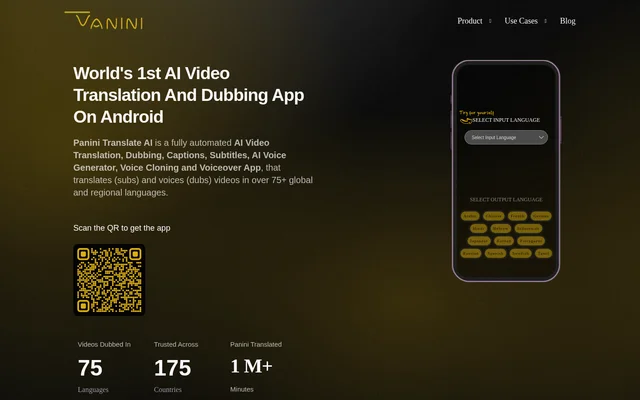
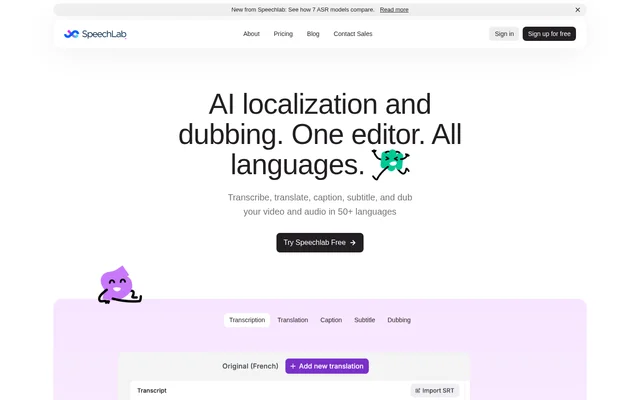
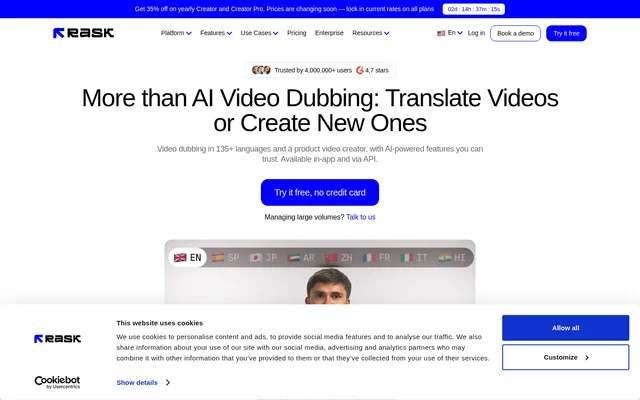
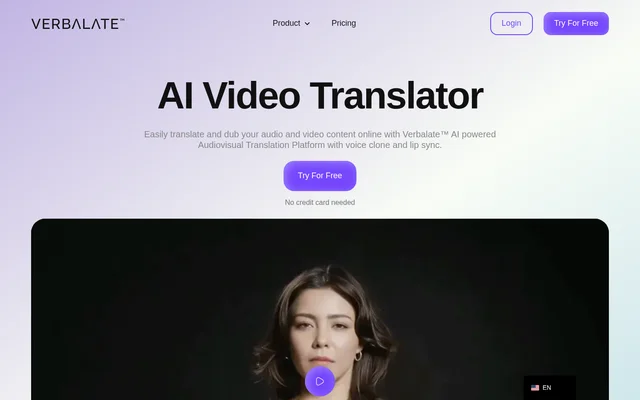
Translate.Video is a web-based AI tool for translating and dubbing videos into 75+ languages. Translate.Video brings subtitles, captions, voice cloning and voiceovers into a single application for content creators, course producers and teams distributing video across languages. The website also describes recording and uploading voice audio as alternatives within the dubbing workflow.
Translate.Video is now part of Vitra.ai Universe, the broader content platform from the team behind the video tool. Translate.Video remains available to existing users, whose logins, plans, projects, voices and subtitles continue working. The website recommends Vitra.ai Universe for new teams that also need other content formats and shared workflows.
What Translate.Video can do
Translate.Video covers the main language tasks involved in adapting a video: transcribing speech, generating captions, translating subtitles and creating dubbed audio. Translate.Video also supports cloned voices and lip sync. The product description lists animated subtitles and 1080p export, while the main page names subtitle and video output formats.
- Translate.Video translates and dubs videos into 75+ languages.
- Translate.Video creates voice clones from 50 seconds of audio.
- Translate.Video generates automated transcripts and closed captions.
- Translate.Video generates and translates subtitles.
- Translate.Video supports automatic lip sync and animated subtitles.
- Translate.Video provides SRT, VTT and MP4 output options.
How Translate.Video works
Translate.Video presents caption generation, subtitle translation, video dubbing, AI voiceover, voice recording and transcription as parts of one video application. Translate.Video lets users generate a voiceover or record or upload audio. For voice cloning, the page describes using a short recording to create a voice that can speak across supported languages.
Translate.Video users with existing accounts can sign in as usual and manage their current plans inside the app. Translate.Video account migration to Vitra.ai Universe is available through a booked call, with the team moving the account and existing work. The page directs new sign-ups and plans toward Vitra.ai Universe.
Who Translate.Video is for
Translate.Video serves creators and organizations that need to make video content available in different languages. The page identifies content creators, small teams, large teams and enterprises, and includes a course-translation testimonial. Translate.Video also supports accessibility-related work through automated closed captions and transcripts, alongside language localization through subtitles and dubbing.
- Translate.Video helps creators localize videos for multilingual audiences.
- Translate.Video supports course producers translating educational content.
- Translate.Video helps teams prepare dubbed audio and translated subtitles.
- Translate.Video generates closed captions to make video content more accessible.
Translate.Video pricing and plans
Translate.Video offers a free plan and paid Basic, Pro and Premium plans. The structured product data lists monthly prices of $0, $29, $99 and $299 respectively, and describes the free offer as including 5 dubbing minutes per month without a credit card. Existing subscribers retain their current plans and manage subscriptions after signing in.
Translate.Video publishes conflicting details across the supplied page. The visible pricing table displays Basic at $9 per month alongside $29, and some dubbing allowances differ from the structured data. The page also says the displayed subscription buttons are for new Vitra.ai Universe sign-ups, so those offers should not be treated as unchanged legacy account terms.
Translate.Video strengths and limitations
Translate.Video combines several video localization tasks that would otherwise require separate captioning, subtitle and voiceover steps. Translate.Video also provides continuity for existing customers during the move to Vitra.ai Universe. The broader platform adds shared translation memory, an asset manager and workflow automation, which the page explicitly distinguishes from the original video tool.
- Translate.Video lists English-only multi-speaker diarization in the visible pricing table.
- Translate.Video has plan-specific limits on dubbing, exports, storage and uploads.
- Translate.Video pricing details are inconsistent across the supplied page.
- Translate.Video lacks the shared workflow capabilities described as additions in Vitra.ai Universe.
Translate.Video FAQ
What is Translate.Video?
Translate.Video is a web-based AI video translation and dubbing tool for creators and teams. Translate.Video supports 75+ languages and combines voice cloning, captions, subtitle translation, lip sync and voiceovers in one video application.
Is Translate.Video free?
Translate.Video offers free access alongside paid plans. The structured product data describes a free plan with 5 dubbing minutes per month and no credit card requirement, but the visible pricing table lists different allowances. New sign-ups and plans are directed toward Vitra.ai Universe.
Can Translate.Video clone a voice?
Translate.Video can create a voice clone from 50 seconds of audio. Translate.Video describes using the cloned voice to generate speech in 75+ languages, allowing a recorded voice to be used for multilingual content.
What subtitle and video formats does Translate.Video support?
Translate.Video lists SRT, VTT and MP4 output options. Translate.Video also offers automated transcripts, closed captions, translated subtitles and animated subtitles, while the structured product description lists 1080p video export.
What happens to existing Translate.Video accounts?
Translate.Video keeps existing logins and plans working, with projects, voices and subtitles remaining available. Translate.Video users can continue signing in as usual or book a call to have their account and work migrated to Vitra.ai Universe.
How is Translate.Video different from Vitra.ai Universe?
Translate.Video is now a video module within Vitra.ai Universe. Translate.Video handles video language tasks, while Vitra.ai Universe adds shared translation memory, asset management and workflow automation, alongside capabilities for images, documents and other content formats.
From the community
No reviews yet
Be the first to review this tool. What you write helps the next person choose.