What is VideoMind?
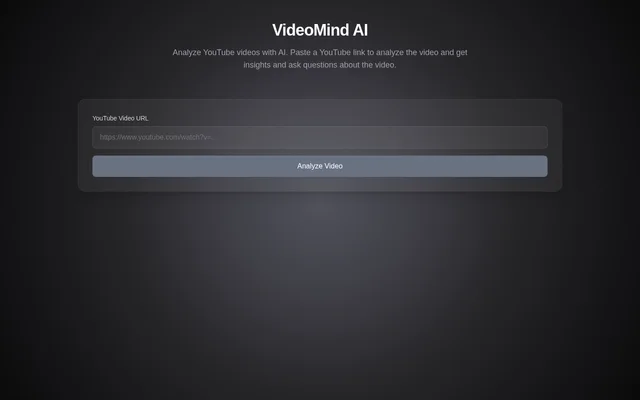
VideoMind is an AI tool for analyzing YouTube videos and asking questions about their content. VideoMind uses a YouTube link as the starting point for analysis. The website describes a focused purpose: helping people get insights about a video and ask questions about that same video.
What VideoMind can do
VideoMind brings together YouTube video analysis, insights, and questions about video content. The capabilities described on the page center on a video supplied through its URL. VideoMind presents these functions as parts of the same task rather than describing separate tools for each activity.
- VideoMind accepts a YouTube video URL.
- VideoMind analyzes YouTube videos with AI.
- VideoMind provides insights about a video.
- VideoMind lets users ask questions about a video.
How VideoMind works
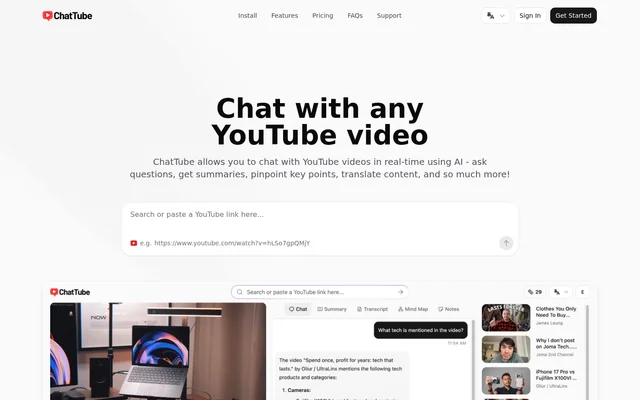
VideoMind starts with a user pasting a YouTube link into the YouTube Video URL field. The page provides an Analyze Video action to initiate analysis. VideoMind describes the resulting activities as getting insights and asking questions about the video, without detailing the underlying analysis process.
Who VideoMind is for
VideoMind is for people who want to use AI to explore a YouTube video. The stated uses concern understanding a particular video through analysis, insights, and questions. VideoMind does not identify a specific profession or industry as its audience; the use cases are centered on YouTube content.
- VideoMind supports analyzing a linked YouTube video.
- VideoMind supports seeking insights about a video's content.
- VideoMind supports asking questions about the submitted video.
Getting started with VideoMind
VideoMind provides a website with a YouTube Video URL field and an Analyze Video action. A user begins by pasting a YouTube link into the field and selecting the analysis action. The page then describes insights and questions about the video as the purposes of that workflow.
Pros and cons
What works
- VideoMind accepts a YouTube link as the analysis input.
- VideoMind combines video insights with questions about the video.
VideoMind FAQ
What is VideoMind?
VideoMind is an AI tool for analyzing YouTube videos. VideoMind accepts a YouTube link and lets users get insights and ask questions about the video's content.
How do you use VideoMind?
VideoMind starts with a YouTube link pasted into the YouTube Video URL field. Users select Analyze Video to analyze the video, get insights, and ask questions about the content.
Can you ask questions about a YouTube video with VideoMind?
VideoMind lets users ask questions about a YouTube video as part of its AI analysis workflow. The page directs users to begin by pasting a YouTube link.
Who is VideoMind for?
VideoMind is for people who want AI analysis, insights, and answers about YouTube videos. The described workflow centers on a video link rather than a named profession or industry.
From the community
No reviews yet
Be the first to review this tool. What you write helps the next person choose.