Best Project Management Software in 2026: 5 Compared
ClickUp is the best project management software for most teams in 2026, with Asana best for polish, Trello for simplicity and Notion for docs. Five tools compared on verified prices.

ClickUp is the best project management software for most teams in 2026: a generous free plan and a $9 per user paid tier (billed yearly) cover tasks, docs and time tracking. Asana is best for polish and portfolios, monday.com for visual dashboards, Trello for simple boards, and Notion for teams that also need a wiki.
Some links on this page may become affiliate links; it never changes our ranking. How we pick: see below. Prices checked 29 October 2026.
At a glance
| Tool | Best for | Entry paid price | Standout | Watch out for |
|---|---|---|---|---|
| ClickUp | Most teams, power users | $9/user/month billed yearly (Core) | Most features per dollar | Busy interface, 60 MB on free |
| Asana | Polish and portfolios | $10.99/user/month billed annually (Starter) | Timeline, automations, reporting | Advanced is $24.99 per user |
| monday.com | Visual, cross-team work | £8/seat/month billed annually (Basic) | Dashboards and automations | Seat-bundle pricing, free limited to 2 seats |
| Trello | Simple boards, beginners | $5/user/month billed annually (Standard) | Easiest to learn | Lightweight for complex projects |
| Notion | Docs plus light projects | £8.50/seat/month billed yearly (Plus) | Wiki and database in one | Projects need building yourself |
1. ClickUp: best for most teams and power users
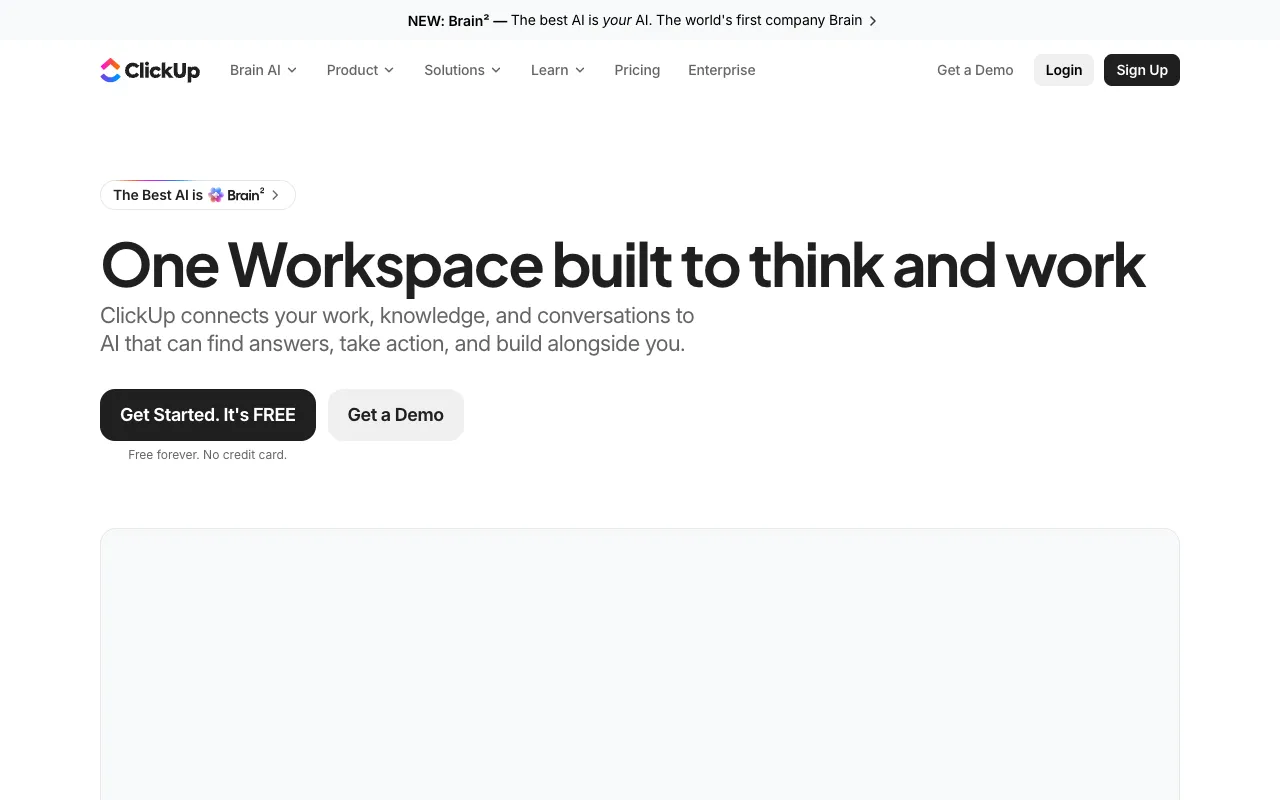
ClickUp is a work management platform that packs tasks, docs, time tracking and AI into one app, and it is our top pick for feature depth per dollar. Its pricing page lists a Free Forever plan (unlimited tasks, unlimited free members, 60 MB storage, Kanban, calendar, sprint management and time tracking), Core at $9 per user a month billed yearly, Business at $17 and Enterprise on request. The page shows regular prices of $12 and $25 struck through, so $9 and $17 are discounted figures whose end date we could not see.
Core adds unlimited storage, Gantt charts, custom fields, forms and 1,000 automations a month. Business adds advanced dashboards, 10,000 automations, resource management, timesheets and private views. Every plan includes ClickUp Brain AI with a monthly credit allowance, and extra AI credits cost $10 per 10,000. The page promises a 100% money-back guarantee.
The price of such breadth is complexity: new users face lots of options, and the free storage cap of 60 MB fills quickly with files.
Pros
- Strong free plan with unlimited tasks and free members
- Core at $9 per user is the cheapest rich paid plan here
- Gantt, time tracking and docs in one tool
- Money-back guarantee stated
Cons
- Only 60 MB storage on the free plan
- Interface can overwhelm beginners
- Discounted prices may revert to $12 and $25
- AI credits are pooled and sold separately when you run out
Pricing: Free Forever; Core $9/user/month billed yearly (regular $12); Business $17 (regular $25); Enterprise custom. USD, as of 29 October 2026.
Best for: Teams that want one app for tasks, docs and reporting at a low price. Visit ClickUp.
2. Asana: best for polish, portfolios and reporting
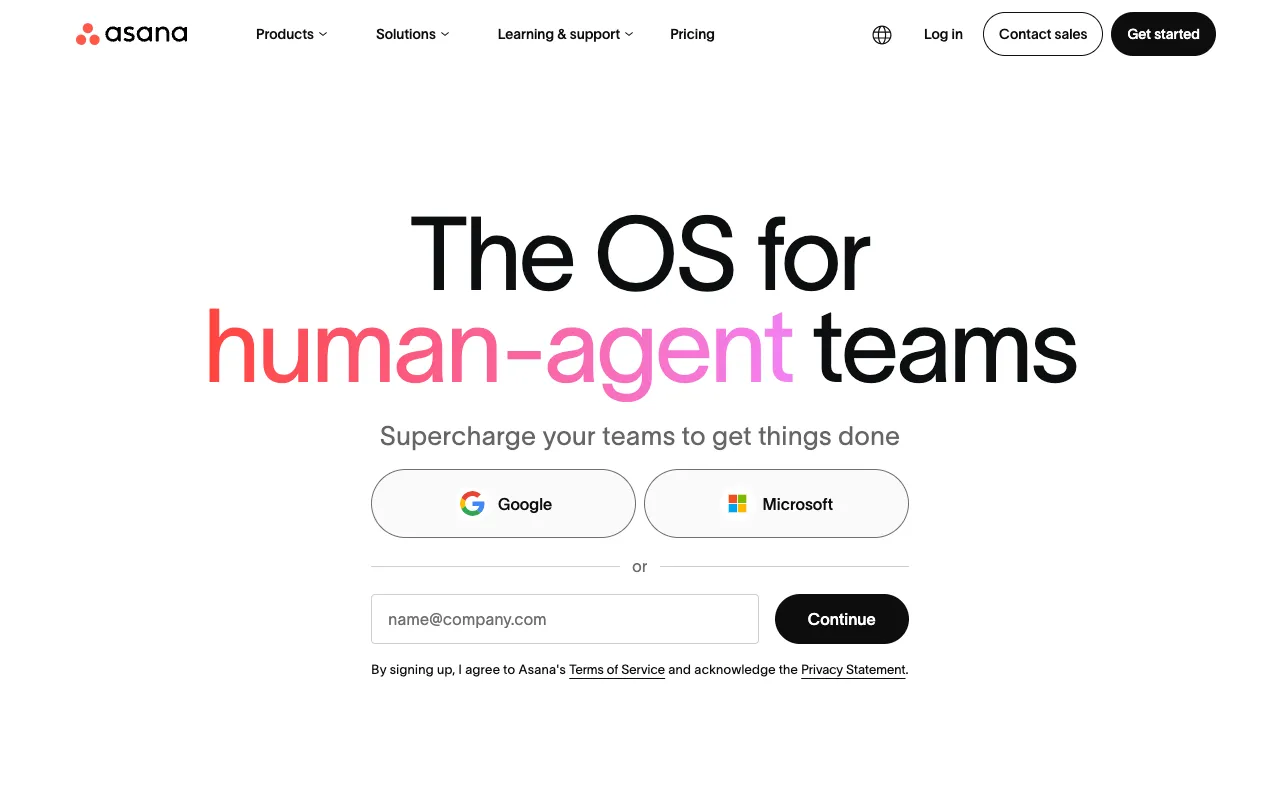
Asana is a work management platform for teams that track projects, goals and approvals, and it is listed in our directory as Asana. Its pricing page lists Personal as free forever, Starter at $10.99 per user a month billed annually ($13.49 monthly) and Advanced at $24.99 ($30.49 monthly).
Starter has no seat limit and adds timeline and Gantt views, reporting dashboards, unlimited automations, forms, custom templates, custom fields and unlimited free guests. Advanced adds unlimited portfolios, goals, resource management and approvals with proofing. Personal is limited to 2 users, so it suits individuals, and paid plans include a small allowance of AI requests through AI Teammates and Asana Dash.
Asana is the tidiest of the group for cross-team visibility, but you pay for it: Advanced is more than double Starter, and Advanced is where the portfolio and resource tools sit.
Pros
- Clean interface and strong reporting
- Free guests do not raise your licence count
- Starter includes timeline and unlimited automations
- Free Personal plan for individuals
Cons
- Advanced at $24.99 is expensive
- Free plan limited to 2 users
- Portfolios and goals need Advanced
- AI requests per user are small
Pricing: Personal free; Starter $10.99/user/month billed annually ($13.49 monthly); Advanced $24.99 ($30.49); Enterprise on request. USD, as of 29 October 2026.
Best for: Marketing and operations teams that value structure and reporting. Visit Asana.
3. monday.com: best for visual, cross-team work
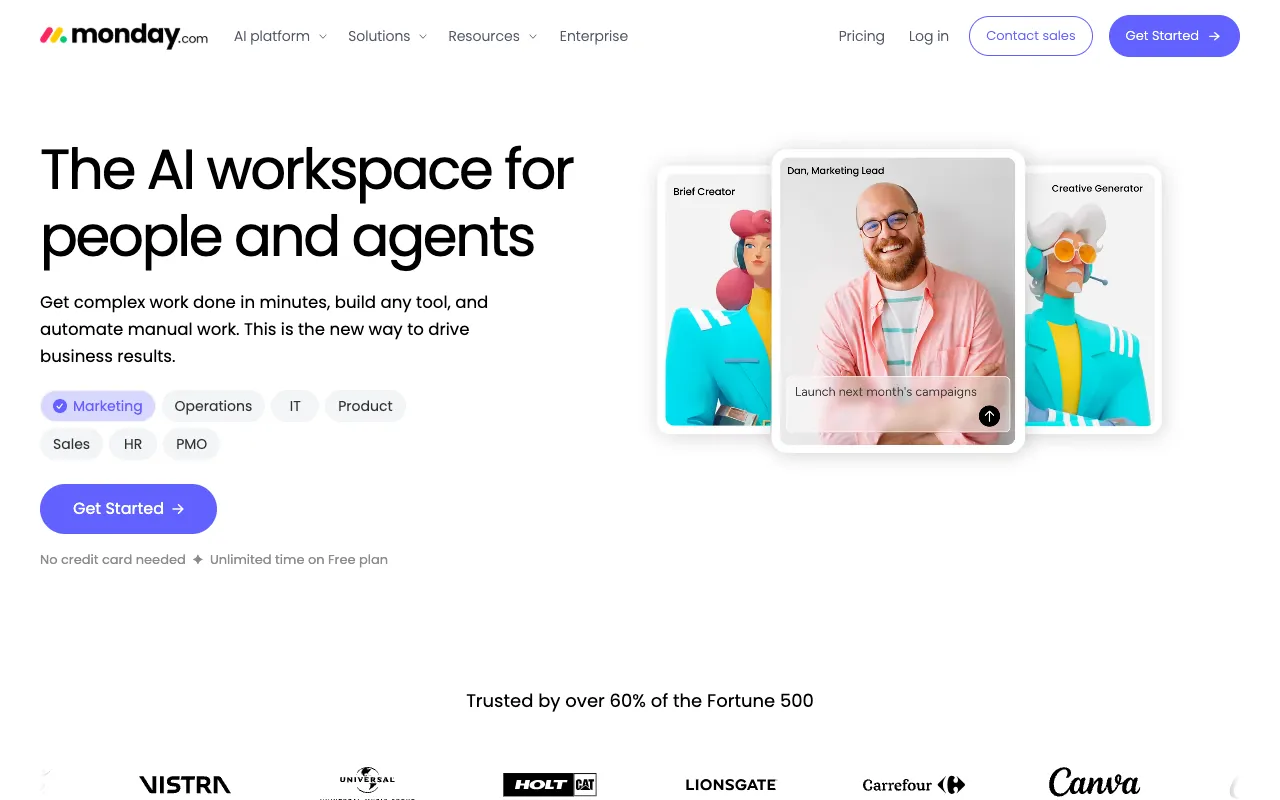
monday.com is a visual work platform built on customisable boards, and it suits teams that like dashboards and colour-coded status columns. Its pricing page, quoted in pounds for a 10-seat team billed annually, lists Free (up to 2 seats, 3 boards, 3 docs), Basic at £8 per seat a month, Standard at £11 and Pro at £17, with Enterprise on request. The page says the price depends on your billing country.
Basic gives unlimited items and free viewers. Standard adds timeline and Gantt views, calendar view, guest access and 250 automation and integration actions a month. Pro raises that to 25,000 actions and adds private boards, time tracking and advanced columns. AI credits are bundled (1,000 on Basic, 2,000 on Standard, 3,000 on Pro).
The page prices by seat bundles and shows promotional "special offer" discounts, so confirm the final price at checkout. The page also sells separate CRM and service products.
Pros
- Highly visual boards and dashboards
- Standard adds Gantt, guests and automations at £11
- Bundled AI credits on every paid plan
- Viewers are free on Basic and above
Cons
- Free plan is limited to 2 seats and 3 boards
- Price depends on seat bundle and country
- Automation caps on Standard
- Promotional offers obscure the base price
Pricing: Free (2 seats); Basic £8, Standard £11, Pro £17 per seat/month billed annually (10-seat view); Enterprise custom. GBP as shown to us, as of 29 October 2026.
Best for: Cross-functional teams that want visual boards and dashboards. Visit monday.com.
4. Trello: best for simple boards and beginners
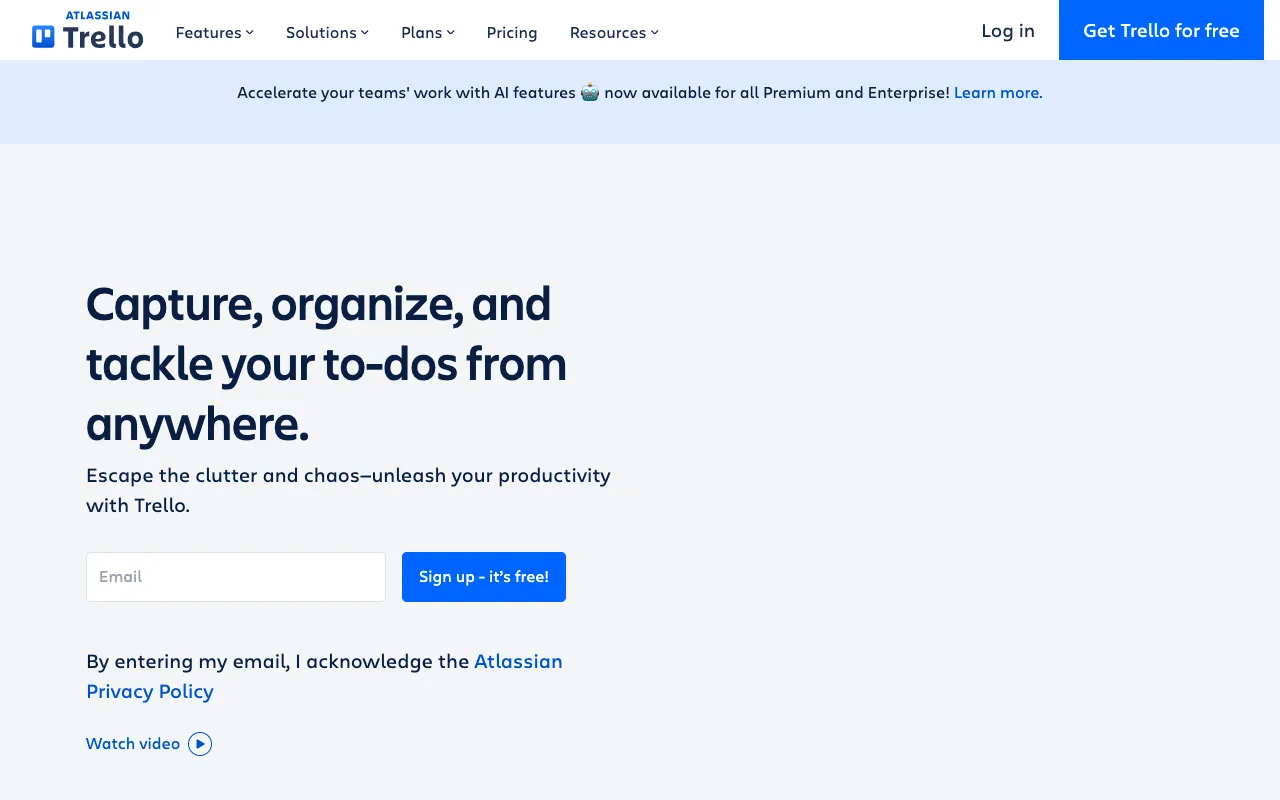
Trello is a Kanban board tool from Atlassian, and the easiest one here to learn. Its pricing page lists a free plan for up to 10 collaborators per workspace, Standard at $5 per user a month billed annually ($6 monthly), Premium at $10 ($12.50 monthly) and Enterprise at $17.50 billed annually.
Standard adds unlimited boards, card mirroring, AI features, saved searches, 1,000 Workspace command runs a month and 250 MB file uploads. Premium adds AI for your boards, admin controls, workspace-level templates and simple data export. A Premium free trial is available. Atlassian Guard, for enterprise security, is a separate subscription from $4 per user a month.
Trello keeps things light: timelines, dependencies and portfolios are thinner than ClickUp, Asana or monday.com, so teams outgrow it when projects get complicated.
Pros
- Simple Kanban boards anyone can use
- Free plan for up to 10 collaborators
- Standard at $5 per user billed annually
- Atlassian ecosystem and integrations
Cons
- Limited for dependencies and portfolios
- Monthly billing costs 20% to 25% more
- Advanced security is a separate Atlassian Guard cost
- Fewer reporting features than Asana
Pricing: Free (10 collaborators); Standard $5/user/month billed annually ($6 monthly); Premium $10 ($12.50); Enterprise $17.50 billed annually. USD, as of 29 October 2026.
Best for: Small teams, freelancers and first-time project managers. Visit Trello.
5. Notion: best for teams that need docs and light projects
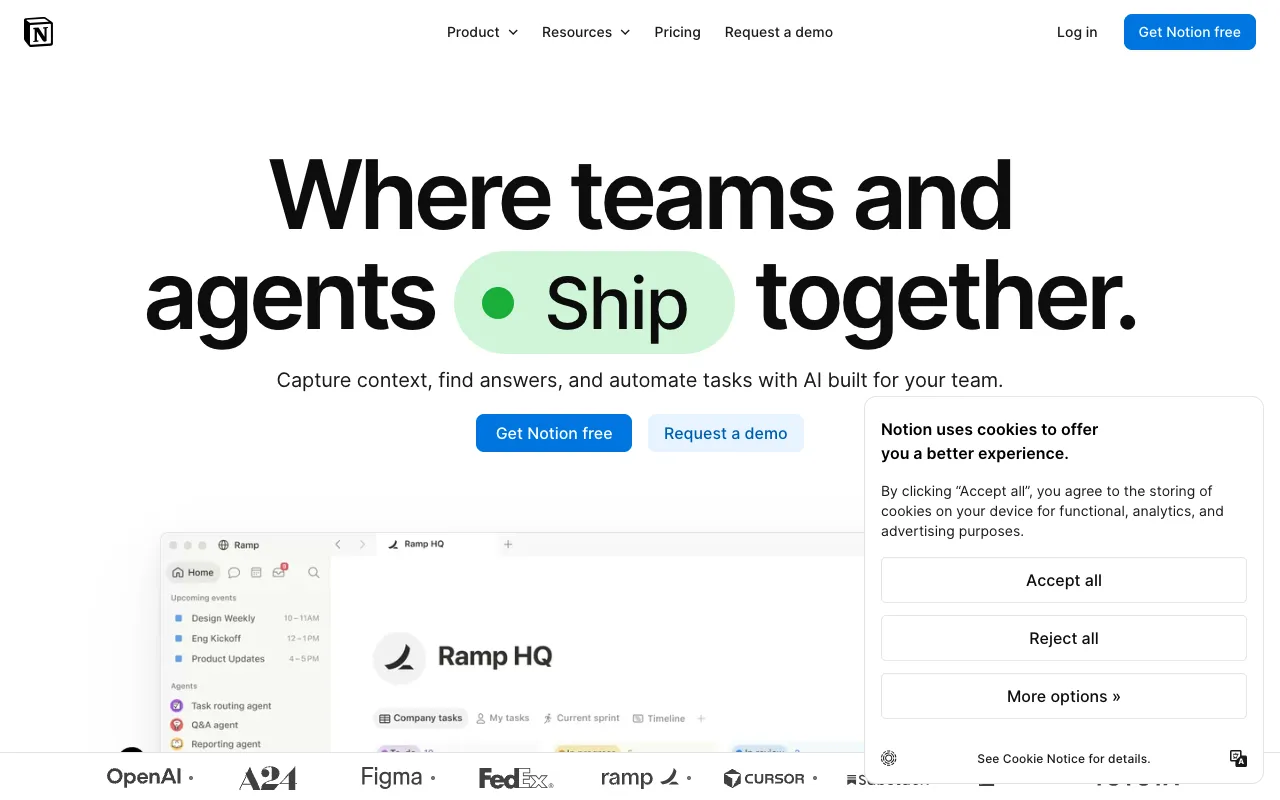
Notion is a connected workspace that blends documents, wikis and databases, so it works as a project tool when you build the views yourself. Its pricing page shows Free at £0, Plus at £8.50 per seat a month billed yearly (£10 paid monthly), Business at £16.50 (£19.50 monthly) and Enterprise on request, with up to 20% saved by paying yearly. Prices were shown in GBP to us.
Plus adds custom forms, sites and charts plus file uploads, and databases include subtasks and dependencies on every plan. Business adds Notion Agent, AI meeting notes, enterprise search, SAML SSO and private teamspaces, with 1,500 standard credits a month. Custom Agents are free to try, then $10 per 1,000 monthly Notion credits.
Notion rewards setup effort. It is flexible, but it will not give you Gantt-first planning, resource management or portfolio dashboards without work.
Pros
- Docs, wiki and databases in one workspace
- Plus is £8.50 per seat on yearly billing
- Dependencies and subtasks on every plan
- Strong templates and community
Cons
- Projects need building yourself
- AI agents are credit-metered
- Business at £16.50 is not cheap
- Less structured reporting than Asana
Pricing: Free; Plus £8.50/seat/month billed yearly (£10 monthly); Business £16.50 (£19.50); Enterprise custom. GBP as shown to us, as of 29 October 2026.
Best for: Startups and small teams that want docs and tasks together. Visit Notion.
How we compared these tools
This is desk research, not hands-on testing. We read each vendor's live pricing page on 29 October 2026, used a browser to read ClickUp, monday.com and Notion, and toggled billing views where needed. We did not test speed, reliability or support response times.
We weighed price transparency and total cost for a five to ten person team most heavily (about 35%), then free-plan limits (20%), planning features such as Gantt, dependencies and automation (20%), ease of use (15%) and lock-in (10%). Several vendors price by currency, so compare totals in your own currency. More in our productivity category and on the compare page.
How to choose
- If you want the most features for the least money, pick ClickUp.
- If your team needs clean reporting and approvals, pick Asana.
- If you prefer visual dashboards and boards, pick monday.com.
- If you just need Kanban boards, pick Trello.
- If you also need a wiki and docs, pick Notion.
- If you also manage sales leads, read our CRM software guide.
Frequently asked questions
What is the best project management software in 2026?
ClickUp is our top pick for most teams: a generous free plan and a $9 per user Core plan billed yearly. Asana is better for polish and portfolios, monday.com for visual dashboards, Trello for simple boards and Notion for combined docs and tasks. Pick based on team size, how complex your projects are and whether you need reporting.
Is there a free project management tool?
Yes. ClickUp Free Forever has unlimited tasks and free members but 60 MB storage, Trello is free for up to 10 collaborators, Asana Personal is free for 2 users, monday.com Free covers 2 seats and 3 boards, and Notion Free is £0. Free plans suit small teams, but automation and reporting usually need a paid tier.
Which project management tool is cheapest for a small team?
Trello Standard at $5 per user a month billed annually is the cheapest paid plan we verified. ClickUp Core is $9 and includes far more features, while Notion Plus is £8.50 and monday.com Basic is £8 per seat. Asana Starter is $10.99. All of these prices assume annual billing, so monthly billing costs more.
Is Asana better than ClickUp?
Neither wins outright. Asana is cleaner and stronger for reporting, goals and approvals, but Advanced costs $24.99 per user. ClickUp packs more features, including Gantt, docs and time tracking, from $9 per user, at the cost of a busier interface. Trial both with a real project and see which your team actually keeps using.
Can Notion replace a project management tool?
For small teams, yes, if you are willing to build views. Notion databases support subtasks and dependencies on every plan, and Plus adds forms and charts. It does not ship Gantt-first planning, resource management or portfolio dashboards out of the box, so larger or more complex teams often choose ClickUp, Asana or monday.com.
Do these tools suit UK and EU teams?
All five work from the UK. monday.com and Notion displayed pounds to us, and monday.com says its price depends on your billing country, while ClickUp, Asana and Trello showed US dollars. Check VAT at checkout, exchange rates and each vendor's data processing terms, especially if you store personal data in tasks or docs.
More from the directory: Asana, Productivity and automation tools, compare tools side by side, best CRM software and best AI meeting assistants.