What is Animatable?
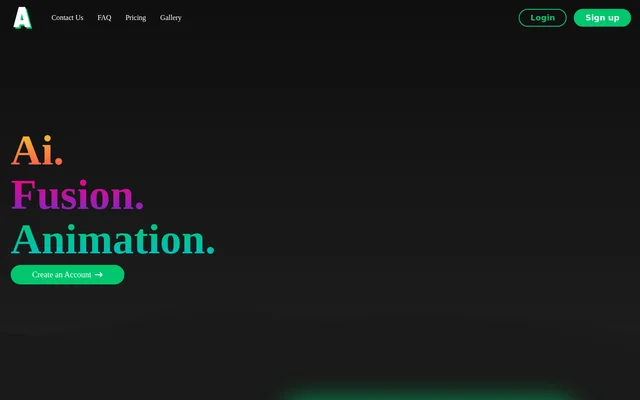
Animatable is an AI animation tool that converts existing videos into styled animations. Animatable is intended for people who want to change a video’s visual treatment while guiding the appearance of its subject and background. The website presents a workflow built around choosing a video, selecting a style and generating an animation, alongside a gallery of before-and-after examples.
What Animatable can do
Animatable combines video-to-video generation with style selection and descriptive prompts. Animatable allows users to specify visible details such as hair, eyes and clothing colors, as well as the setting behind the subject. The website names Comic as a style and recommends generating an image preview to check whether the requested appearance matches the intended result.
- Animatable transforms source videos into animations.
- Animatable offers selectable visual styles, including Comic.
- Animatable accepts prompts describing facial features and clothing.
- Animatable uses background descriptions to help maintain consistency.
- Animatable generates image previews for checking results.
How Animatable works
Animatable provides account creation, login and a workflow that begins with choosing a video. Users select a style and write a prompt describing the subject’s important characteristics. Animatable recommends including clothing, facial features and a brief background description, then generating a preview image. This preview step helps users check the requested appearance before proceeding with the video animation.
Animatable ties processing time to the length of the input video. The FAQ estimates 1 min of generation for every 1s of content, giving a 10s clip as an example that takes 10 mins. Animatable therefore describes generation time as dependent on clip length rather than a fixed turnaround for every animation.
Who Animatable is for
Animatable serves users who already have video footage and want to turn that footage into a different visual style. Animatable also supports commercial use by granting users ownership of their generated animations and full commercial usage rights. The prompt controls are relevant to projects where a subject’s appearance and the surrounding setting need explicit visual direction.
- Animatable supports restyling existing footage as animation.
- Animatable supports creating comic-style video treatments.
- Animatable supports producing animations for commercial use.
Animatable strengths and limitations
Animatable pairs appearance controls and image previews with explicit ownership and commercial usage rights. Credit rollover allows unused balances to carry into the following month, while plan upgrades and credit packs provide ways to obtain more credits. Animatable also explains account deletion: deleting user data requires deleting the account, which removes all associated animations.
- Animatable charges credits according to the duration of generated video.
- Animatable requires more generation time for longer input clips.
- Animatable deletes all animations when the account is deleted.
Animatable FAQ
What is Animatable?
Animatable is an AI video-to-video animation tool that converts existing videos into styled animations. Animatable offers style selection, descriptive prompts and image previews, with controls for details such as hair, eyes, clothing colors and backgrounds.
How long does Animatable take to generate an animation?
Animatable estimates 1 min of processing for every 1s of input video. Animatable gives a 10s clip as an example that takes 10 mins to generate, so the expected generation time depends on the source video’s length.
How do you get good results with Animatable?
Animatable recommends describing the video subject’s most important characteristics, including clothing and facial features, and adding a brief description of the background to help maintain consistency. Animatable also recommends generating an image preview to check the result.
Who owns animations generated with Animatable?
Animatable grants users ownership and full commercial use of their generated animations. Animatable also lists full commercial use among the features of both the Basic and Pro subscription plans.
Can you delete your Animatable data?
Animatable allows users to delete their data by deleting their account. Animatable states that account deletion also deletes all of the user’s animations, so removing account data includes removing the generated animation collection.
From the community
No reviews yet
Be the first to review this tool. What you write helps the next person choose.