What is CodexBar?
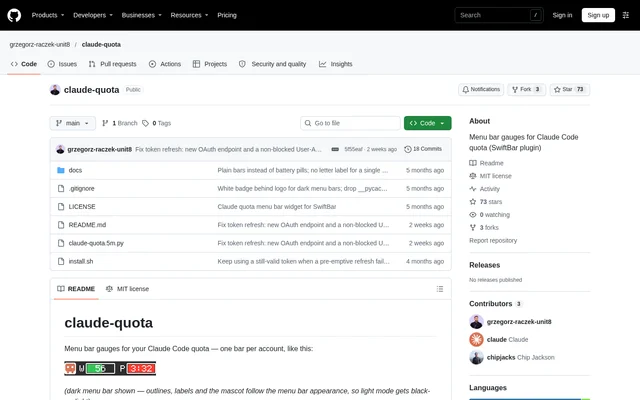
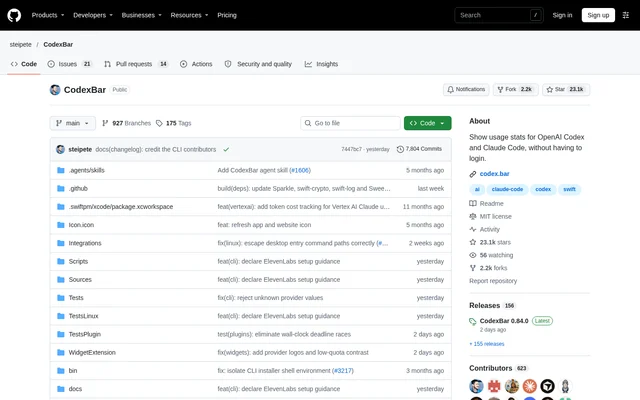
CodexBar is an open-source desktop app and CLI for monitoring AI provider usage, quotas, and billing information. CodexBar serves people using AI coding assistants and related services who need to see remaining allowances and upcoming resets. The project provides a macOS menu bar app and a Linux desktop app, with provider-specific data sources determining which metrics are available.
CodexBar keeps the macOS interface in the menu bar without a Dock icon. Users can display a separate status item for each provider or select Merge Icons mode with a provider switcher. The Linux version instead provides usage and spending windows, separate settings, desktop notifications, and an optional tray icon.
What CodexBar can do
CodexBar brings usage information from supported providers into a desktop interface. Available information includes session, weekly, and monthly usage windows, along with countdowns to the next reset. Depending on the provider, CodexBar also reads credit balances, billing summaries, administrative spending data, or local usage records rather than offering an identical metric set for every service.
- CodexBar displays provider usage limits and reset countdowns.
- CodexBar shows credit balances and spending summaries where supported.
- CodexBar performs local cost scans when source data contains sufficient detail.
- CodexBar polls provider status and displays incident badges.
- CodexBar supports providers including Codex, Claude, Cursor, Gemini, and Copilot.
- CodexBar manages provider toggles and API keys through CLI commands.
How CodexBar works
CodexBar uses authentication sources appropriate to each provider, including OAuth, device flows, API keys, browser cookies, existing CLI credentials, and local application files. Users enable providers in Settings and authenticate through the relevant source. Optional OpenAI cookies add Codex dashboard information, while CLI configuration commands can list, enable, or disable providers and store API keys.
CodexBar is available through GitHub Releases and package managers. The macOS app can be installed with Homebrew. Linux desktop archives require a separately installed CodexBar CLI alongside compatible glibc and Qt runtimes. The Linux app supports Wayland and X11, and an optional Omarchy widget shares the desktop app’s data and follows the system theme.
Who CodexBar is for
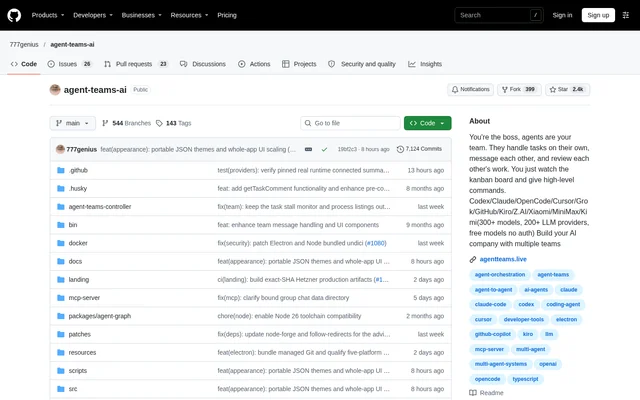
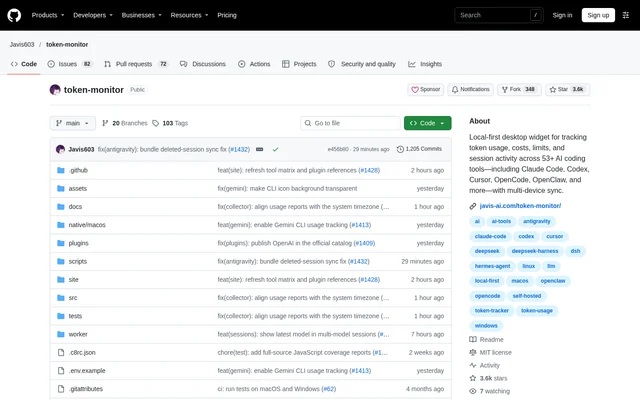
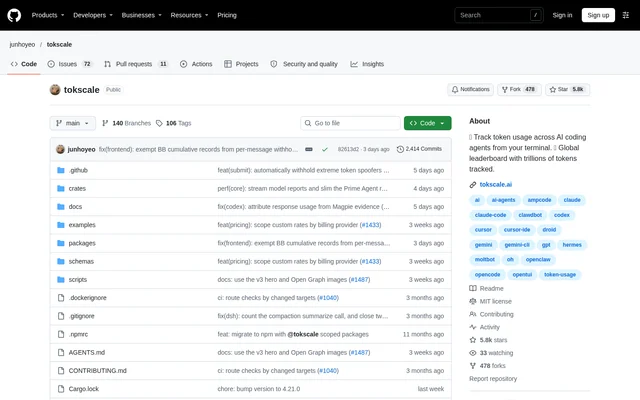
CodexBar is relevant to users who work with AI coding assistants or other supported AI services and need to monitor allowances across accounts. CodexBar supports workflows centered on subscription limits, prepaid credits, API spending, and local token history. The available provider sources also include gateways and routers with budget, quota, or routed-usage information.
- AI coding users can check remaining allowances before starting longer tasks.
- Users with multiple providers can compare reset times and credit balances.
- API users can inspect supported spending and budget information.
- Linux users can view usage in desktop windows or an optional Omarchy widget.
CodexBar licensing and distribution
CodexBar is an MIT-licensed open-source project with downloads available from GitHub Releases. CodexBar also provides Homebrew installation options and an Arch Linux AUR package for the CLI. Release tarballs cover macOS and Linux, including Linux glibc and static musl variants. The source does not describe commercial subscription plans for CodexBar.
CodexBar strengths and limitations
CodexBar combines provider usage monitoring with multiple authentication methods and desktop or command-line access. Reusing existing sessions can reduce separate setup for supported sources, while reset countdowns and status indicators keep operational information visible. Coverage remains provider-dependent: billing details and local cost scans appear only where the underlying source supplies the necessary information.
- CodexBar requires macOS 14 or later for the macOS app.
- CodexBar requires separate CLI installation and runtime dependencies for the Linux desktop app.
- CodexBar may need a GNOME tray extension, although application windows work without a tray.
- CodexBar identifies the Antigravity authentication fallback as experimental.
CodexBar FAQ
What is CodexBar?
CodexBar is an open-source desktop app and CLI for tracking AI provider usage limits, reset times, credits, and spending. CodexBar provides a macOS menu bar app and a Linux desktop app, with available metrics depending on the provider.
Which AI providers does CodexBar support?
CodexBar supports providers including OpenAI Codex, Claude, Cursor, Gemini, Copilot, OpenRouter, and many others listed in the repository. CodexBar uses provider-specific sources, so usage windows, billing details, credit balances, and authentication requirements vary.
Does CodexBar work on Linux?
CodexBar provides a Linux desktop app supporting Wayland and X11, with usage and spending windows, desktop notifications, and an optional tray icon. CodexBar requires a separately installed CLI and compatible runtime dependencies; an optional Omarchy widget shares the desktop app’s data.
How does CodexBar authenticate with AI providers?
CodexBar authenticates through provider-specific sources such as existing CLI credentials, OAuth, device flows, browser cookies, API keys, and local files. CodexBar users enable providers in Settings and configure the relevant authentication source, or manage provider toggles and API keys through the CLI.
How can you download CodexBar?
CodexBar is available from GitHub Releases and through package managers, including Homebrew for the macOS app and an Arch Linux AUR package for the CLI. CodexBar is an MIT-licensed open-source project with CLI release tarballs for macOS and Linux.
From the community
No reviews yet
Be the first to review this tool. What you write helps the next person choose.