Who Dubbah is for
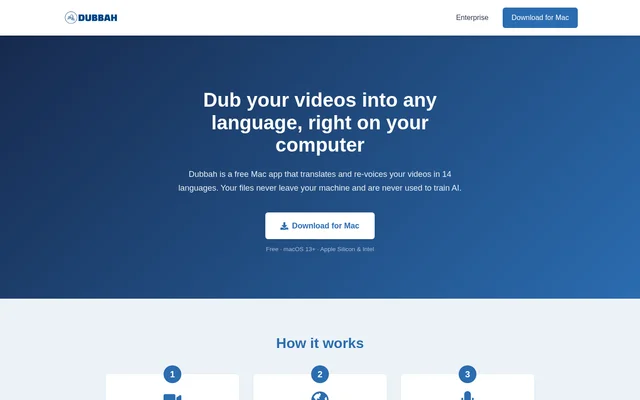
Dubbah is for Mac users who need to translate and re-voice videos in the supported languages. Dubbah's stated capabilities are relevant to users who want to retain a speaker's voice, revise particular translated lines or keep video files on their own machine while working.
- Dubbah can create translated, re-voiced versions of videos.
- Dubbah can preserve the original speaker's voice through voice cloning.
- Dubbah can revise selected translated lines through editing and re-generation.
What you can do
- AI video dubbing in 14 languages
- Voice cloning that preserves the original speaker's voice
- Fully on-device processing
- Offline operation after initial setup
- Editing and re-generation of individual translated lines
- No account or sign-up required
Pros and cons
What works
- Dubbah is available at no charge.
- Dubbah keeps files on the user's machine and does not use them to train AI.
- Dubbah supports corrections to individual translated lines.
- Dubbah works offline after initial setup.
What to watch
- Dubbah requires macOS 13+.
- Dubbah requires initial setup before offline use.
Dubbah FAQ
Does Dubbah work offline?
Dubbah works offline after initial setup and runs fully on-device. Dubbah states that files never leave the user's machine and are never used to train AI.
Can you edit translated dialogue in Dubbah?
Dubbah lets users edit and re-generate individual translated lines. Dubbah combines this line-level editing capability with video translation, re-voicing and voice cloning that preserves the original speaker's voice.
From the community
No reviews yet
Be the first to review this tool. What you write helps the next person choose.