What is Hot Pot AI?
Hot Pot AI is a collection of tools for generating images and videos, creating graphics, and editing photos. It serves artists starting with a sketch, people preparing store or social media graphics, and users working with personal photos. The tools support both creating new visuals from a written idea and changing existing visuals, such as animating a photo or restoring an old print.
What Hot Pot AI can do
Hot Pot AI covers several kinds of visual work, from illustration and video generation to repairs on existing photos. The image generator can create character art, logos, and anime. For existing photos, the AI Editor handles changes described in words, while dedicated tools handle tasks such as background removal, restoration, colorization, and upscaling.
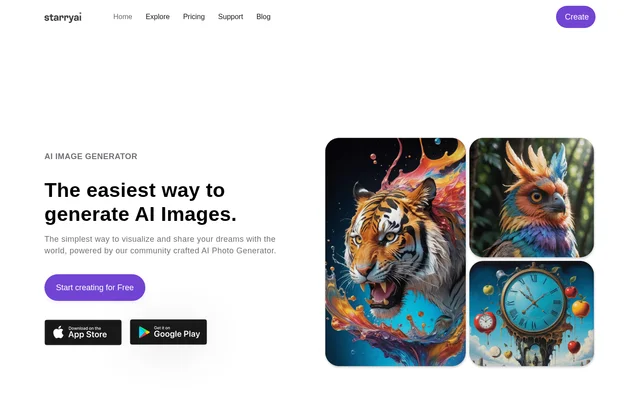
- Generate images, including character art and anime, from written prompts.
- Turn an image or a written idea into a video.
- Customize graphics for store listings and social media.
- Turn a rough sketch into a painting or combine images in AI Canvas.
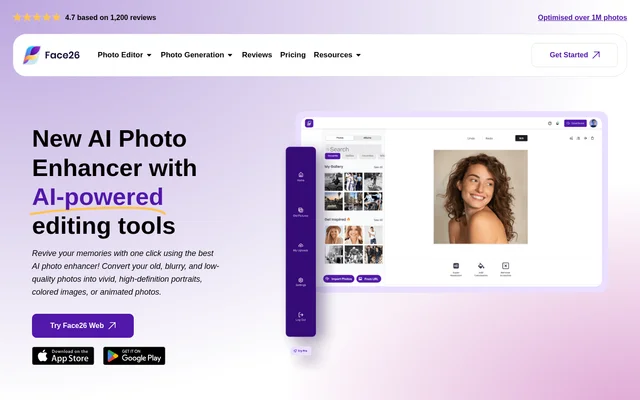
- Remove backgrounds or restore, colorize, and enlarge photos.
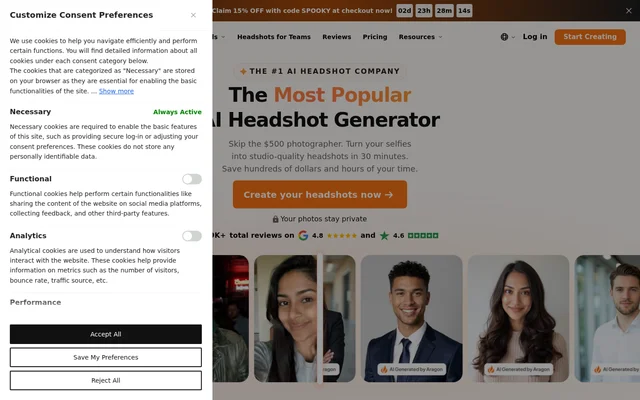
- Create headshots and themed portraits from a single photo.
How Hot Pot AI works
Hot Pot AI uses different starting inputs for different tools. The image generator takes a short written prompt, while the video generator can begin with either an image or a few words, followed by a description of what should happen next. AI Canvas starts with a drawing or existing images. The AI Editor takes a written description of a change to a photo, and the headshot tool starts with one photo of the person.
Who Hot Pot AI is for
Hot Pot AI is for artists who want to try different styles, app publishers preparing store listing graphics, and people making images for social media or professional profiles. It also supports people restoring older photos. The design tools offer starting points for specific formats, while the portrait tools cover both professional headshots and themed images.
- Prepare App Store screenshots or Google Play feature graphics.
- Customize LinkedIn banners, Facebook posts, or YouTube thumbnails.
- Create a corporate headshot or lifestyle portrait.
- Repair scratches and fading in an old photo.
Hot Pot AI pricing and plans
Hot Pot AI offers free design customization for formats such as App Store screenshots, Google Play feature graphics, and LinkedIn banners. The free claim refers to the design tools rather than the entire collection. The page links to the image generator, video generator, headshot tool, and photo editor, but does not list prices or explain whether those tools have separate plans.
Hot Pot AI strengths and limitations
Hot Pot AI supports several starting points: text for an image, text or an existing image for a video, and a sketch for a painting. It also separates tasks such as background removal and colorization into dedicated tools, alongside an editor for changes described in words. The page does not specify usage limits or output specifications, so those details cannot be determined from the feature descriptions.
Getting started with Hot Pot AI
Hot Pot AI provides links from its product page to individual tools. A new image starts with a few words, while a video made from an existing photo starts with the photo and a description of the motion or action. For an old print, the starting tool depends on the issue: Photo Restorer for scratches and fading, Photo Colorizer to add color, or Photo Upscaler to sharpen a small image.
Hot Pot AI FAQ
What is Hot Pot AI?
Hot Pot AI is a tool for generating images and videos, designing graphics, and editing photos. It can turn written prompts into images, animate an existing photo, restore old pictures, and create headshots from a single photo.
Is Hot Pot AI free?
Hot Pot AI offers free design customization for assets such as App Store screenshots, Google Play feature graphics, and LinkedIn banners. The product page does not list prices for its image generator, video generator, headshot tool, or photo editing tools.
Can Hot Pot AI turn a photo into a video?
Hot Pot AI can turn a photo or other image into a video based on a description of what happens next. Its video generator can also start with a written idea instead of an existing image.
Can Hot Pot AI restore and colorize old photos?
Hot Pot AI can repair scratches and fading with Photo Restorer and add color with Photo Colorizer. Its Photo Upscaler is a separate tool for enlarging images or sharpening a small print.
Can Hot Pot AI make a headshot from one photo?
Hot Pot AI can create headshots from one photo of the person. Its headshot tool includes Corporate Studio and Lifestyle Portraits options for professional profiles and more casual looks.
From the community
No reviews yet
Be the first to review this tool. What you write helps the next person choose.