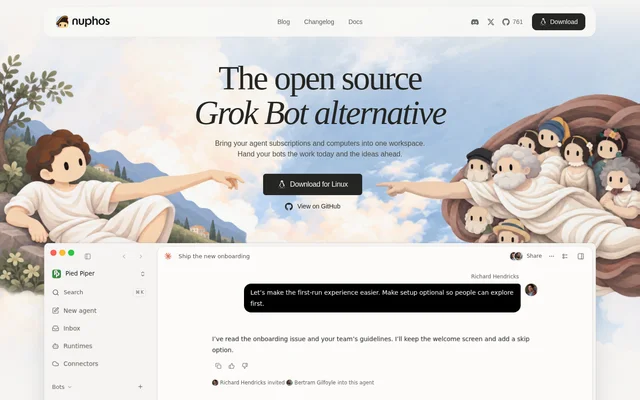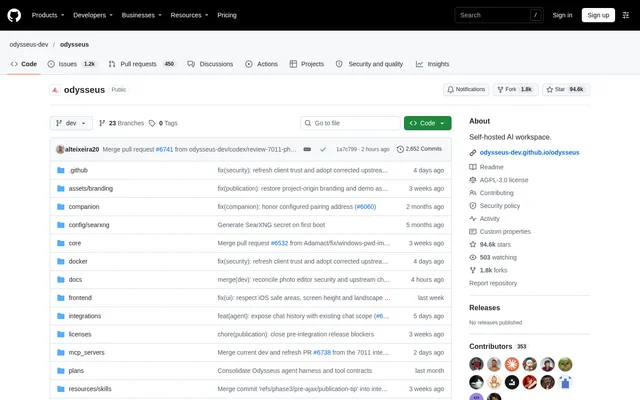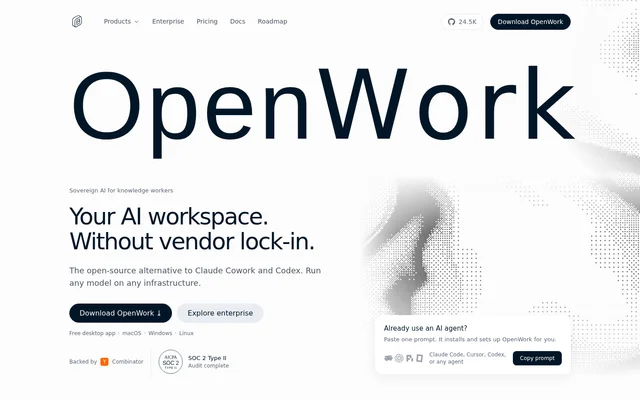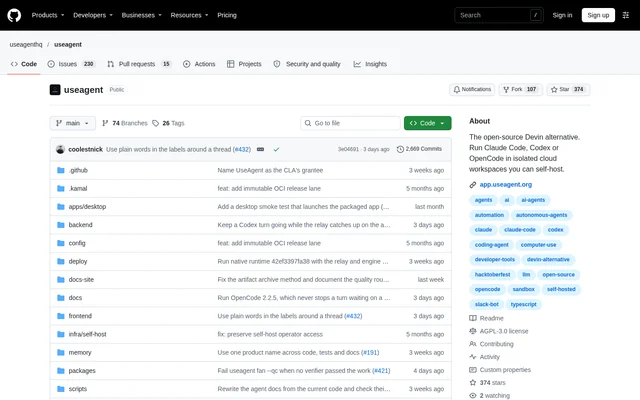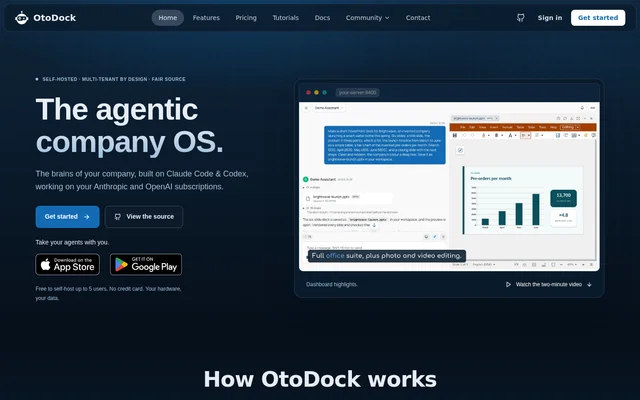
What is OtoDock?
OtoDock is a self-hosted platform for building and running AI agents across a team. The OtoDock server stores agents, user accounts, files, and keys, while connected machines run the work. Each agent can have its own instructions, editable memory, workspace, reference documents, skills, and tools. Teams can keep an agent private or share its workspace and chat history, depending on how they configure it.
What OtoDock can do
OtoDock lets teams start work from the dashboard, by phone, on a schedule, or through an API. Agents can keep working after the user closes the browser tab, leave reports and files in a workspace, and send notifications when something needs attention. Teams can also organize agents into departments and decide which agents can delegate work to one another.
- OtoDock runs recurring and one-time tasks.
- OtoDock starts agent tasks from webhook triggers.
- OtoDock lets agents edit Excel, Word, and PowerPoint files in chat.
- OtoDock lets agents build internal apps and customer-facing pages.
- OtoDock connects agents to incoming and outgoing calls through Twilio, Asterisk, or FreePBX.
How OtoDock works
OtoDock lets users choose an AI engine per agent and switch engines per chat. Claude Code uses an Anthropic subscription, Codex uses a ChatGPT subscription, and local models can run through Ollama, llama.cpp, LM Studio, or vLLM. A chat can move between connected machines and continue working. Agents can run without an open terminal or work in a live terminal.
Who OtoDock is for
OtoDock is designed for teams that want to run shared AI agents on their own infrastructure. Workspace modes let a team choose whether an agent starts in a private or shared workspace, or operates entirely in one of those modes. Platform roles distinguish administrators, creators, and members, while agent-level roles determine who can manage the agent, edit shared files, contribute files, or chat with the agent.
- Teams can schedule recurring reports for a shared workspace.
- Teams can build an internal board with buttons that start agent tasks.
- Teams can publish a customer booking page that does not require an account.
OtoDock pricing and plans
OtoDock is free to self-host for up to 5 users on the Community plan. The listed monthly prices are €25 for Pro, €69 for Team, and €199 for Business, excluding VAT. Enterprise uses custom terms. The pricing page states that every tier includes every feature, while the paid plans list different support arrangements: email support for Pro, priority support for Team, and an SLA for Business.
OtoDock strengths and limitations
OtoDock isolates server-side agents from the local network using a kernel sandbox and grants access to individual services as needed. Saved credentials are encrypted, and supported tools use a placeholder rather than exposing the key to the agent. Teams can also set weekly or monthly usage limits. The source is public under a Fair Source licence, and each release converts to Apache 2.0 after two years.
- Self-hosting requires Docker and a machine to run the stack.
- Claude Code and Codex use the team's own subscriptions.
- The free Community plan covers up to 5 users.
Getting started with OtoDock
OtoDock provides an install script that checks Docker, writes the environment file, and starts the server, compute machine, dashboard, PostgreSQL, and live document preview. After installation, setup continues in the local dashboard, where the first administrator account is created. Teams can then create an agent, select an AI engine, decide which tools the agent can use, and choose how to share its workspace.
OtoDock FAQ
What is OtoDock?
OtoDock is a self-hosted platform for building and sharing AI agents that run with Claude Code, Codex, or local models. Agents can have their own instructions, persistent memory, workspaces, reference documents, skills, and tools.
Is OtoDock free?
OtoDock is free to self-host for up to 5 users on the Community plan. The listed monthly prices are €25 for Pro, €69 for Team, and €199 for Business, excluding VAT. Enterprise has custom terms.
Who is OtoDock for?
OtoDock is for teams that want to build and share AI agents on their own infrastructure. Teams can give users private workspaces, share a workspace across a team, and control who can manage agents, edit files, contribute files, or chat.
Does OtoDock support local AI models?
OtoDock supports local models on the team's own hardware through Ollama, llama.cpp, LM Studio, or vLLM. Teams can choose an AI engine for each agent and switch engines for a particular chat.
Can OtoDock agents run tasks automatically?
OtoDock agents can run recurring tasks, start one-time tasks at a scheduled time, and respond to webhook triggers. Agents can keep working after the browser tab closes, save reports and files to a workspace, and send notifications when something needs attention.
Can OtoDock build apps for customers?
OtoDock lets agents build apps that customers can open from a shared link without creating an account. The product page gives a haircut booking page as an example and also describes internal apps such as a shared team board with buttons that start agent tasks.
From the community
No reviews yet
Be the first to review this tool. What you write helps the next person choose.