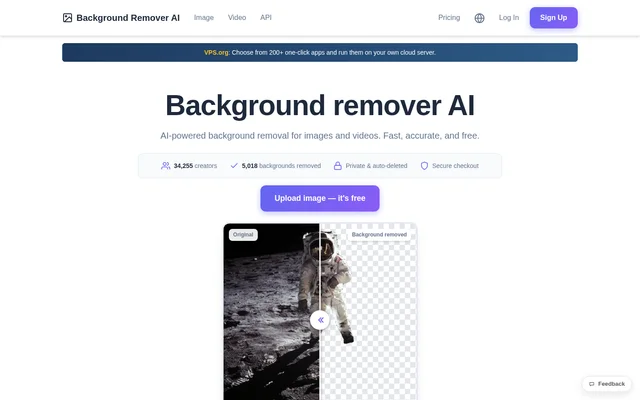
What is Background Remover AI?
Background Remover AI is an online image and video editing tool that uses artificial intelligence to remove backgrounds automatically. Background Remover AI is intended for creators preparing portraits, product photos, and e-commerce visuals. The browser-based service detects the subject, removes the surrounding background, and provides an image result that can be downloaded with transparency.
Background Remover AI does not require software installation or design skills. The website presents a workflow for uploading an image and downloading a cutout suitable for placement on a new background. Access includes a limited free image allowance and a Pro subscription for additional processing capabilities.
What Background Remover AI can do
Background Remover AI handles image cutouts and video background removal, with different capabilities available through free access and Pro. The website describes precise edge detection for complex subjects, including hair, fur, and transparent objects. Background Remover AI also supports transparent image output and several common image and video input formats.
- Background Remover AI automatically detects image subjects and removes their backgrounds.
- Background Remover AI exports transparent PNG images.
- Background Remover AI supports PNG, JPG, JPEG, WebP, and BMP images.
- Background Remover AI supports MP4, MOV, AVI, and WebM videos.
- Background Remover AI includes bulk uploads and higher resolution support with Pro.
- Background Remover AI provides API access with Pro.
How Background Remover AI works
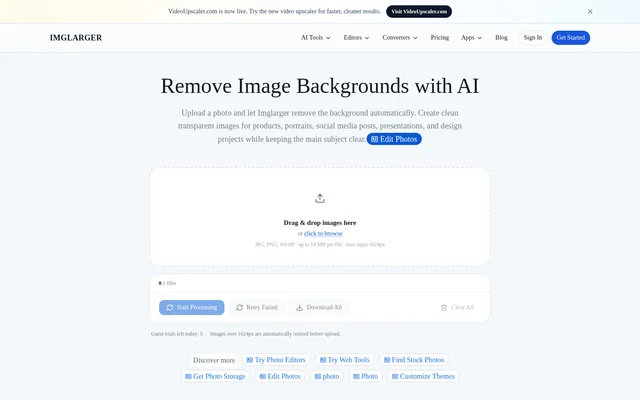
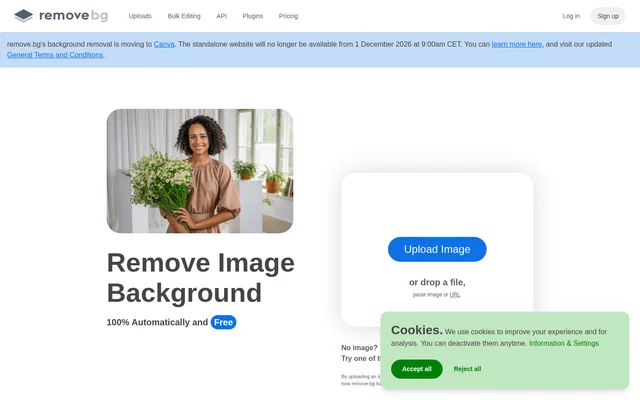
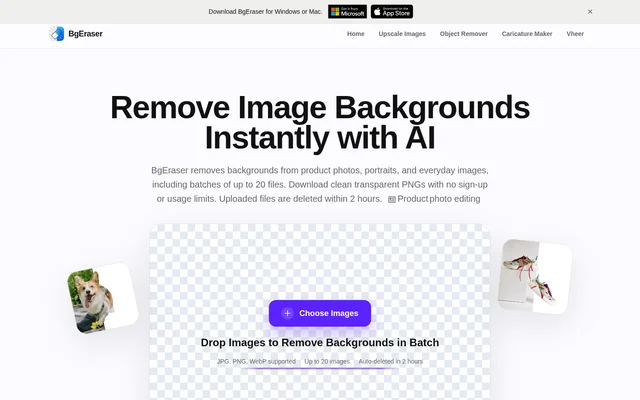
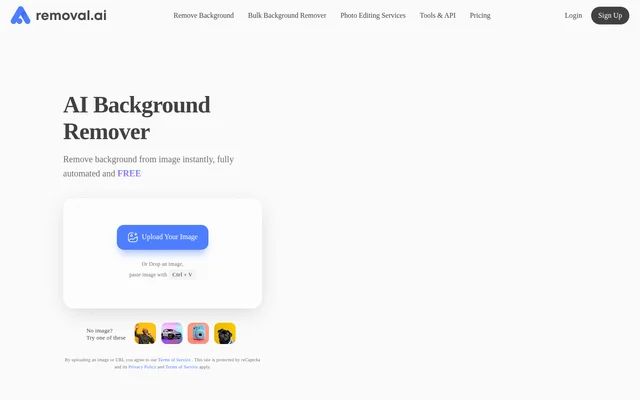
Background Remover AI starts with an image upload in a web browser. Users can drag and drop a JPG or PNG or choose a file from their device. The AI model then detects the subject and automatically erases the background. Users download the result as a transparent PNG, ready for use against a different background.
Background Remover AI states that uploaded files are processed securely and automatically deleted from its servers after processing. The service also states that images are not stored, shared, or used for purposes other than providing background removal. These policies apply to the uploaded files handled by the service.
Who Background Remover AI is for
Background Remover AI addresses creators who need subject cutouts without installing editing software. The website specifically highlights people and portraits, product photos, and e-commerce as applications. Background Remover AI also offers Pro features for users who need bulk uploads or full-length video processing rather than occasional individual image edits.
- Background Remover AI creates cutouts of people for portrait projects.
- Background Remover AI removes product photo backgrounds for e-commerce use.
- Background Remover AI prepares transparent images for placement on new backgrounds.
Background Remover AI pricing and plans
Background Remover AI offers free background removal for 1 image per day. Pro includes unlimited image processing, full-length video processing, bulk uploads, higher resolution support, priority processing, API access, and dedicated customer support. Monthly and annual billing are available, and the pricing page advertises an annual saving of 25%.
Background Remover AI allows subscribers to cancel through account settings, with access continuing until the current billing period ends. New subscribers have a 7-day money-back guarantee. The website lists major credit cards and PayPal among accepted payment methods and says credits remain valid while an account is active.
Background Remover AI strengths and limitations
Background Remover AI combines a no-install upload workflow, transparent PNG output, and automatic file deletion. The range of supported formats covers both image and video workflows, while Pro adds bulk processing and API access. The main access constraints concern the daily free image allowance and the features reserved for subscribers.
- Background Remover AI limits free users to 1 image per day.
- Background Remover AI requires Pro for video support and bulk processing.
- Background Remover AI reserves API access and priority processing for Pro.
Background Remover AI FAQ
What is Background Remover AI?
Background Remover AI is a browser-based tool that automatically removes backgrounds from images and videos using artificial intelligence. Background Remover AI detects subjects and creates transparent image cutouts for uses including portraits, product photos, and e-commerce visuals.
Is Background Remover AI free?
Background Remover AI offers free background removal for 1 image per day. Background Remover AI also offers Pro subscriptions with unlimited image processing, full-length video processing, bulk uploads, higher resolution support, priority processing, API access, and dedicated customer support.
What file formats does Background Remover AI support?
Background Remover AI supports PNG, JPG, JPEG, WebP, and BMP images, along with MP4, MOV, AVI, and WebM videos. Background Remover AI provides transparent PNG downloads, and the website also states that output can be downloaded in a preferred format.
Does Background Remover AI store uploaded files?
Background Remover AI states that uploaded files are securely processed and automatically deleted from its servers after processing. Background Remover AI also states that images are never stored, shared, or used for any purpose other than providing the service.
Does Background Remover AI have an API?
Background Remover AI includes API access in Pro plans, and the pricing page links to separate developer pricing. Background Remover AI also includes unlimited image processing, bulk uploads, priority processing, and full-length video processing in Pro.
Can Background Remover AI subscriptions be cancelled?
Background Remover AI subscriptions can be cancelled at any time through account settings, with access continuing until the current billing period ends. Background Remover AI also offers new subscribers a 7-day money-back guarantee when support is contacted within that period.
From the community
No reviews yet
Be the first to review this tool. What you write helps the next person choose.